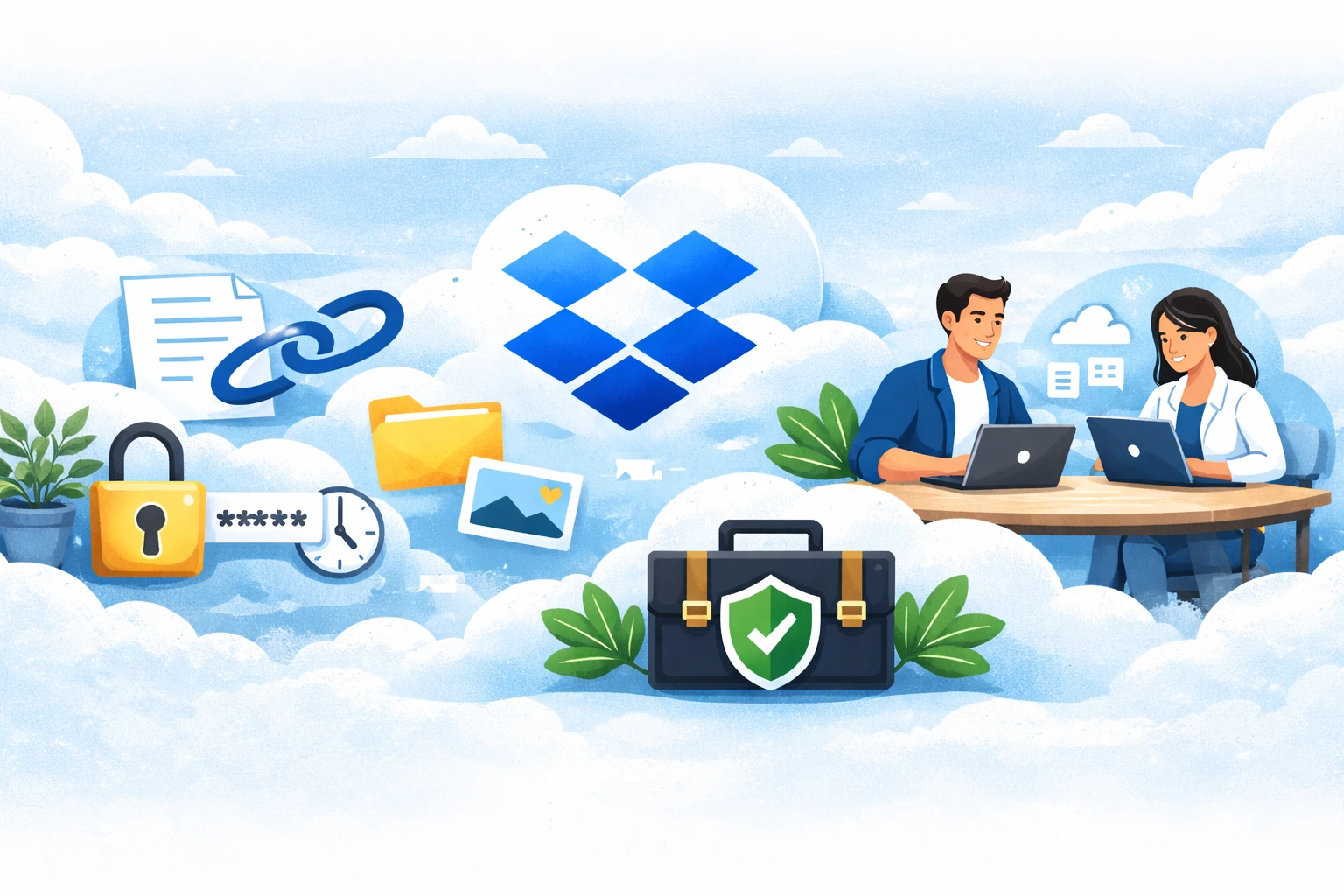
File sharing is one of the most common elements of everyday collaboration with customers and business partners. With the growing amount of data and remote work, not only document transfer itself, but also security, access control, and user convenience are becoming increasingly important. Dropbox offers many features that allow you to share files professionally, but to take full advantage of them, it’s important to follow best practices.
Why is proper file sharing in Dropbox so important?
Files shared with customers often contain confidential information, such as contracts, project materials, or financial data. Improper sharing can lead to accidental deletion of files, unauthorized changes, or access by people who should not see the data. In the long run, such situations can negatively affect customer trust and company security. That’s why how you share files in Dropbox Business has real business implications.
Share links instead of entire folder structures
One of the basic rules is to share links to specific files or dedicated folders instead of granting access to the entire company structure. This allows you to keep your data organized and limit visibility to only materials related to a given project or customer. This approach also facilitates subsequent access management and minimizes the risk of accidental changes to other resources.
Appropriate permission levels for customers and partners
Dropbox allows you to specify whether a person can only view files or also edit them. When working with customers, in most cases, view-only access is sufficient. Editing privileges should be reserved for partners or team members who are actually working on the documents. Applying the principle of least privilege helps avoid unnecessary errors and increases control over data.
Link security and access time limits
When sharing files with people outside your organization, it’s a good idea to use the additional security features available in Dropbox. Setting a password and link expiration date ensures that even if the link falls into the wrong hands, it cannot be used without authorization. This is especially important when sharing commercial offers, legal documents, or confidential materials.
Constant control over shared files
Dropbox Business allows you to check who has access to a given file or folder at any time. Regularly reviewing your shares helps you stay organized and remove access that is no longer needed. It is a good idea to perform such audits on a regular basis, especially after completing projects or working with specific clients.
Why is it better to avoid email attachments?
Sending files in email attachments is not only inconvenient, but also difficult to control. Each new version of a document creates chaos, and recipients often work on outdated files. Dropbox links always lead to the latest version of a document and allow you to quickly revert changes thanks to version history. This solution significantly improves communication and reduces the risk of mistakes.
Version history as a safeguard for teamwork
When collaborating with partners, there are situations where a file is accidentally changed or deleted. Dropbox automatically saves version history, allowing you to restore a previous version of a document without losing data. This is especially useful in projects where several people are working on the same file at the same time.
Clear rules and team awareness
Even the best tools cannot replace clearly defined rules. It is important to ensure that the team knows how to share files with clients and partners and what security measures to use. A short training session or internal guidelines significantly reduce the risk of errors and improve the quality of collaboration.
Summary
Sharing files in Dropbox can be both convenient and secure, as long as you follow best practices. Proper access management, link security, and regular sharing checks allow you to maintain full control over your data and build a professional image for your company. This makes Dropbox not just a file storage tool, but a real support in everyday collaboration with customers and partners.