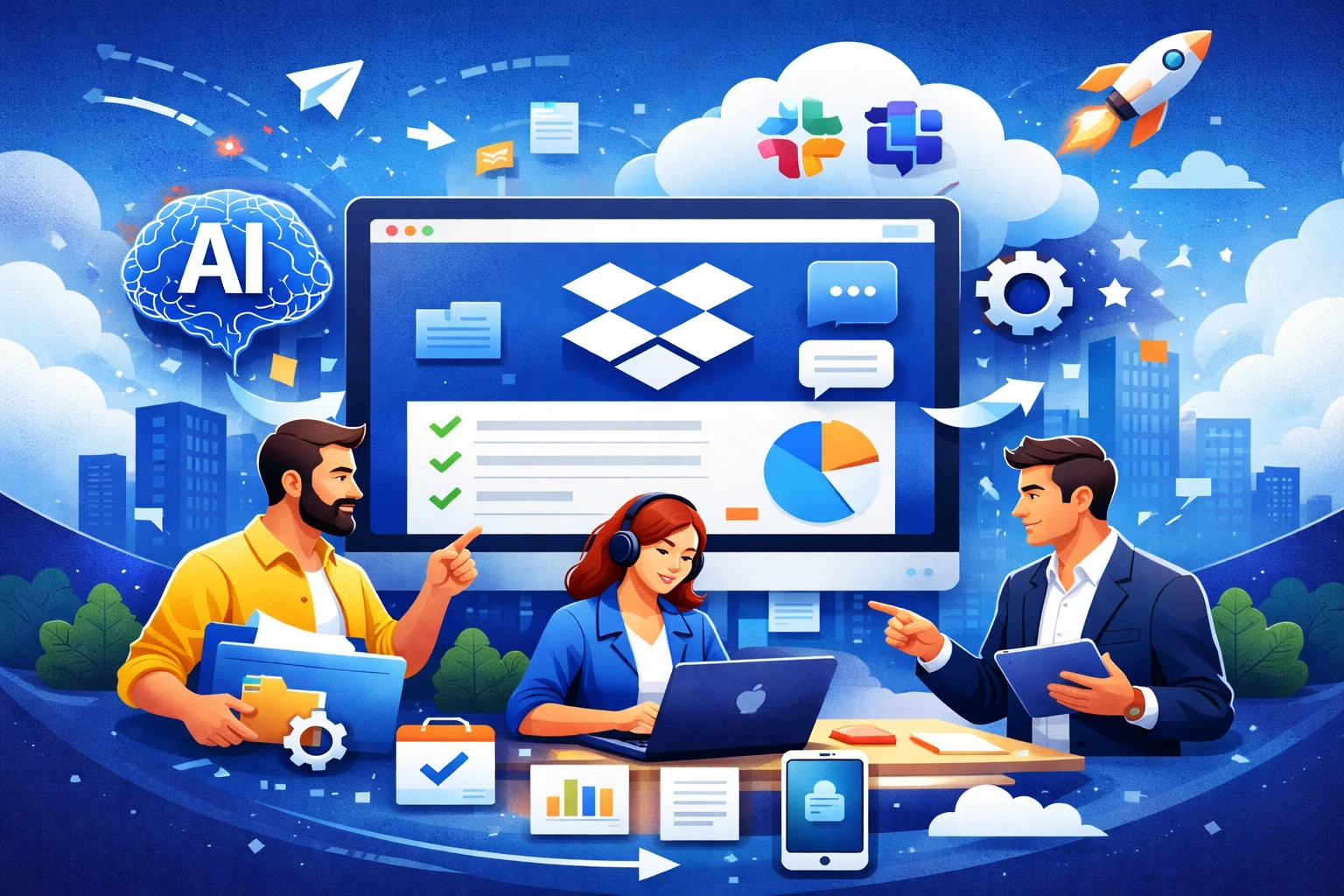
In 2026, team productivity is no longer driven solely by employee skills. What truly makes the difference is how effectively organizations use digital tools. Teams work remotely, in hybrid models, and across projects, while the volume of data, files, and information continues to grow. Dropbox has evolved from a simple cloud storage solution into a comprehensive platform that supports collaboration, automation, and knowledge management. Below are 10 practical ways to increase team productivity using Dropbox.
1. One central place for all files
Scattered documents are one of the biggest productivity killers. Dropbox allows teams to create a single, centralized repository that everyone can access. Working on up-to-date file versions eliminates errors, speeds up decision-making, and reduces unnecessary back-and-forth within the team.
2. A well-designed folder structure
A clear and consistent folder structure significantly reduces the time needed to find documents. In 2026, more companies are standardizing their Dropbox environments by using unified naming conventions for projects, clients, and workflows. This makes it much easier for new team members to get up to speed quickly.
3. Fast information retrieval with Dropbox Dash
Dropbox Dash enables fast searching not only across Dropbox files but also across connected tools and platforms. Instead of remembering where a document is stored, employees simply search for it and get instant results. This is a major time-saver for organizations managing hundreds or thousands of documents.
4. Automating repetitive tasks
Many teams waste valuable time on manual, repetitive actions such as moving files, creating backups, or notifying others about updates. Dropbox makes it possible to automate workflows, allowing the system to handle routine tasks so employees can focus on work that requires creativity and critical thinking.
5. Collaboration without sending files
Email attachments are a thing of the past. Dropbox enables real-time document editing, commenting, and version history tracking. Teams can collaborate on the same file simultaneously without the risk of overwriting changes or working on outdated versions.
6. Better access control and security
Productivity goes hand in hand with security. Dropbox allows precise control over who can view, edit, or share files. Features such as time-limited links, view-only access, and download restrictions help maintain order and protect sensitive information, especially when working with external partners or clients.
7. Seamless integrations with team tools
Dropbox works best as part of a broader digital ecosystem. Integrations with communication platforms, project management tools, and CRM systems ensure that files are available exactly where the work happens. This reduces context switching and helps teams stay focused.
8. Mobile work and offline access
In 2026, teams are increasingly mobile. The Dropbox mobile app allows users to access documents from anywhere, while offline mode makes it possible to work even without an internet connection. This is particularly valuable for sales teams, managers, and field workers.
9. Using AI
Artificial intelligence plays an increasingly important role in how teams organize and access information. Dropbox, combined with Dropbox Dash, helps teams quickly find relevant documents, related content, and project context. AI analyzes file content, suggests meaningful results, and significantly reduces the time spent searching for information.
10. Team education and best practices
Even the best tools won’t improve productivity if they are not used properly. Regular training sessions, short internal guides, and clearly defined rules for working with Dropbox ensure that teams fully leverage its capabilities and work more efficiently.
Summary
In 2026, Dropbox is far more than just cloud storage. It is a strategic productivity platform that supports collaboration, automation, and smarter ways of working. With the right organization, workflows, and use of AI, teams can save time, reduce errors, and operate more efficiently in an increasingly digital workplace.