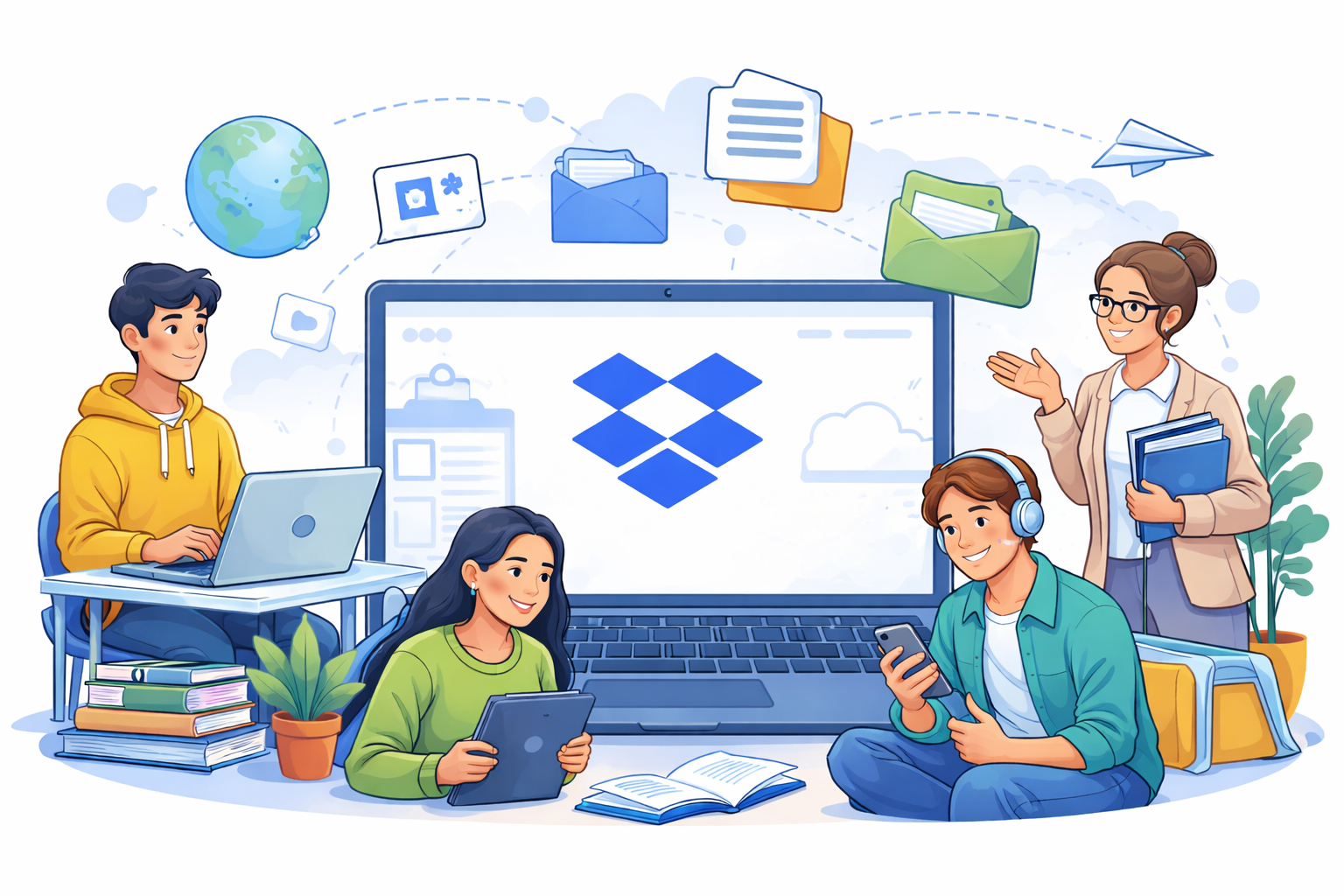
Modern education increasingly relies on working with digital files. Notes, presentations, PDFs, or lecture recordings need to be accessible across multiple devices. In this context, Dropbox in education proves to be a reliable and convenient tool for storing and syncing data. Both students and teachers can treat it as a central knowledge repository, accessible whenever needed.
How students can improve learning with Dropbox
For students, Dropbox primarily helps organize materials and reduce the chaos of files scattered across devices. Instead of keeping notes partly on a laptop, partly on a phone, and on USB drives, everything is stored in one cloud location. Every change is automatically saved and synchronized, minimizing the risk of data loss.
In practice, this translates to greater learning efficiency. A student can start writing an assignment at the university and continue it at home without manually transferring files. Additionally, the version history allows reverting to an earlier version if something goes wrong.
Group projects without chaos and unnecessary emails
One of the most common challenges in teamwork is managing multiple file versions. Dropbox eliminates this problem by allowing multiple users to work on the same documents in a shared folder. Every team member has access to the latest materials, and changes are visible almost instantly.
This way, students no longer have to email successive versions of the same presentation or wonder which file is the correct one. Shared folders simplify communication and allow the team to focus on the substance of the project rather than logistics.
Dropbox as support for teachers and lecturers
From a teacher’s perspective, Dropbox can act as a digital cabinet for educational materials. Sharing presentations, assignments, or additional resources becomes much easier – a single link is enough to provide access to students. Importantly, teachers can control whether files are editable or view-only.
Dropbox also offers security features. Files can be password-protected, and access can be time-limited. This is particularly useful when dealing with sensitive student data or resources intended for a specific group only.
Collecting and archiving student work
Dropbox is also effective for gathering student submissions. Instead of browsing dozens of email attachments, a teacher can create one folder where all students upload their files. This solution keeps materials organized and simplifies archiving.
For educators, it saves time; for students, it provides clear submission rules and minimizes the risk of lost files.
The role of Dropbox in remote and hybrid education
In remote learning models, Dropbox becomes a key part of the educational infrastructure. It can serve as a backend for e-learning platforms, enabling easy access to materials anytime, anywhere. Combined with video conferencing tools and online document editing, it creates a cohesive learning and teaching environment.
Best practices for effective use
To make the most of Dropbox in education, it’s worth maintaining a consistent folder structure and logical file naming. Regularly organizing resources and using account security features significantly enhances data safety and overall workflow efficiency.
Conclusion
Dropbox in education is more than just a place to store files – it is real support for daily learning and teaching. When used wisely, it helps organize materials, improves collaboration, and protects important data. For students and teachers alike, mastering cloud tools like Dropbox can become a genuine advantage in digital education.