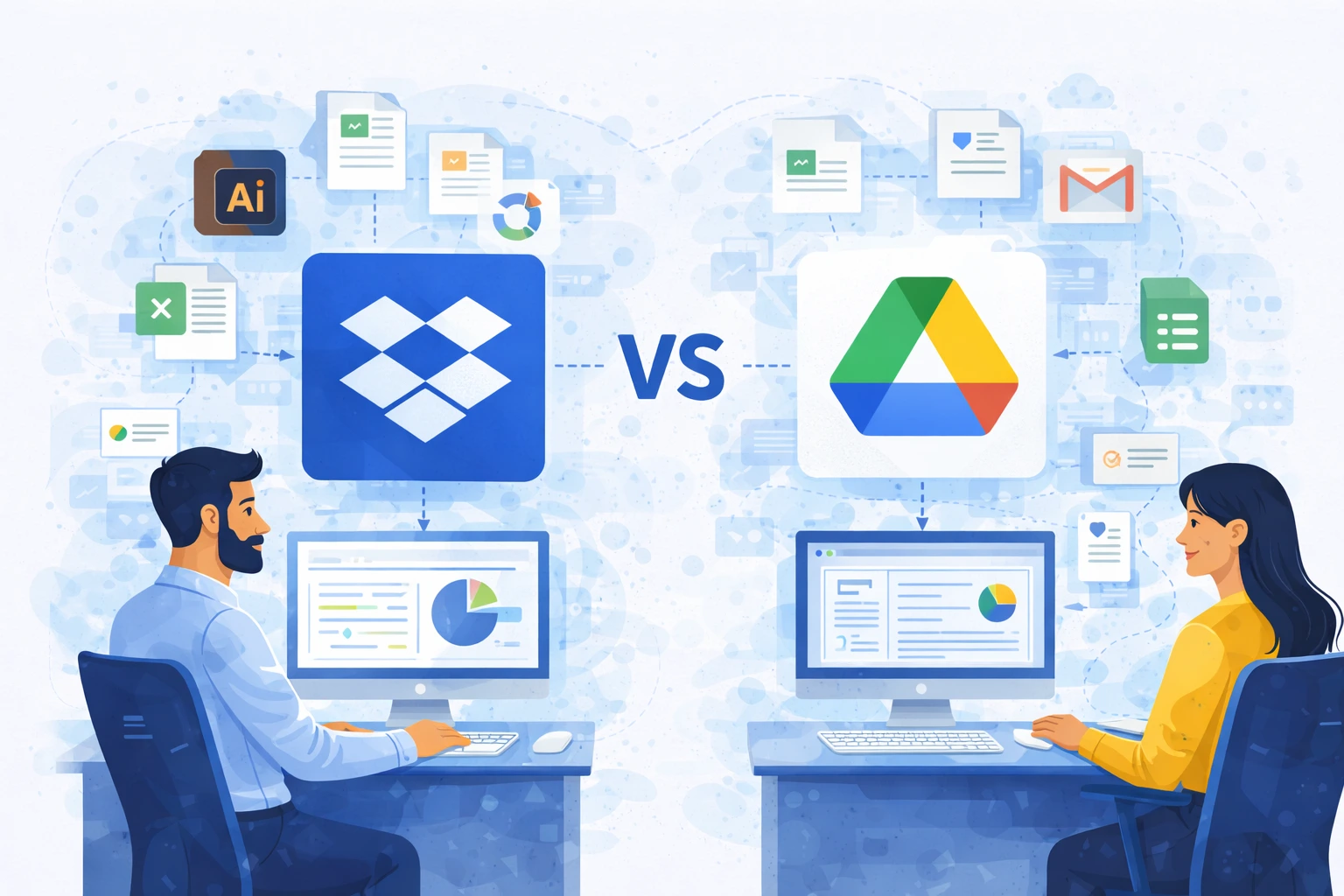
Cloud storage and collaboration platforms have become the foundation of everyday work in modern organizations. Two of the most commonly considered solutions are Dropbox and Google Drive. Both tools offer cloud-based file storage, sharing, and team collaboration, but they differ in their approach to document management, integrations, and handling large files.
Choosing the right solution depends primarily on how teams work, which tools they use, and the nature of the stored data.
Approach to working with documents
Google Drive is part of the broader Google Workspace ecosystem, which combines tools such as Gmail, Google Docs, and Google Meet into a single working environment. This allows users to create documents, communicate, and manage files without leaving the platform.
Dropbox, on the other hand, has evolved as an independent content management and collaboration platform. It focuses primarily on working with files originating from various tools and systems. Because of this, it is often used as a central document repository in environments that rely on multiple applications simultaneously.
Collaboration and compatibility with different tools
Google Drive works best in organizations that primarily rely on Google tools. In such environments, users can simultaneously edit documents, spreadsheets, and presentations directly in a web browser.
Dropbox places strong emphasis on collaboration across multiple platforms and file types. It is often chosen by organizations that use Microsoft 365, creative software, or business systems at the same time. In practice, this allows teams to work with native file formats without needing to convert them.
Working with large files and multimedia content
In organizations involved in video production, design, or engineering, handling large files and specialized formats is particularly important. Dropbox is frequently used in such environments because it enables collaboration on complex multimedia projects and supports work with large creative assets.
Google Drive offers strong collaboration features, but when working with very large files or specialized formats, organizations sometimes rely on additional workflow tools.
Version control and document history management
Both solutions offer document version history, although their implementation varies depending on file types and team workflows. Dropbox allows version control across virtually all file formats, which is especially valuable in projects where documents are created using multiple applications.
Google Drive provides advanced version control for files created within native Google tools, which is a major advantage for teams working primarily in that ecosystem.
Access management and security
Both Dropbox and Google Drive provide advanced access control mechanisms. They allow organizations to manage user permissions, monitor activity, and share documents with external partners.
Differences between the platforms mainly appear in the configuration and management approach. Dropbox focuses on simplified access control and centralized sharing management. Google Workspace provides a broad set of security features, particularly for organizations fully using the Google ecosystem.
Integrations and workspace architecture
Google Drive is naturally integrated with other Google Workspace tools. For companies operating primarily within this ecosystem, it provides a unified work environment and straightforward implementation.
Dropbox is often used as a platform that connects multiple systems. It integrates with Microsoft tools, creative applications, ERP systems, and HR platforms. This allows it to serve as a central document layer for organizations using multiple business solutions simultaneously.
Performance and file synchronization
In daily team operations, synchronization speed and system stability play a major role. Depending on infrastructure, user location, and file types, experiences may vary.
Many organizations using Dropbox highlight its synchronization performance and the ability to work locally on files while keeping them securely stored in the cloud. Google Drive, in contrast, excels in real-time collaboration within browser-based documents.
Licensing model and costs
Google Drive is included as part of the Google Workspace suite, which combines collaboration, communication, and productivity tools. For many organizations, this means that cloud storage is part of a broader service package.
Dropbox operates as a specialized content collaboration platform. This allows greater flexibility in integrating with external tools but typically involves a separate licensing model.
When Google Drive may be the better choice?
Google Drive is often selected by organizations that:
- rely primarily on Google Workspace
- focus on browser-based document collaboration
- prefer a single, integrated productivity and communication suite
When Dropbox may be the better choice?
Dropbox is often used by companies that:
- operate across multiple software ecosystems
- work with large or specialized file types
- require a centralized document repository
- collaborate frequently with external partners
Summary
Dropbox and Google Drive are both powerful solutions designed to support collaboration and cloud-based file management, but they are built with slightly different working models in mind. Google Drive provides strong integration with Google Workspace tools and excellent real-time collaboration in online documents. Dropbox focuses on file management, cross-platform collaboration, and working with diverse content types.
The final decision between these platforms should be based primarily on how teams work, which tools they use, and the organization’s requirements for collaboration and document management.