Anyone who has ever managed a creative project involving video knows how complex gathering feedback from a team and client can get. Imagine a situation where several people are working remotely on a commercial – some comment on Slack, others send emails, and still others add notes in separate documents. As a result, the video creator receives scattered and often conflicting feedback, and the final file is produced amid chaos and time pressure. In the world of advertising agencies, production houses, and brands investing in digital content, this scenario is a daily reality. In recent years, more and more companies have been seeking tools that gather all feedback in one place, minimize file versions, and reduce the risk of misunderstandings. Dropbox Replay has emerged as a solution to this pressing issue. The platform not only makes sharing videos easy but also enables real-time commenting, synchronized corrections, and automatic version management. Modern creative agencies, working with multiple clients at once, increasingly choose solutions like this to gain a competitive edge and save time. Importantly, new features announced for Dropbox Replay in 2024 make the platform even better suited to the needs of creative professionals.
In this article, we’ll explore how Dropbox Replay is transforming the way creative agencies review video content, streamline team communications, and finalize projects on time without compromising quality.
Layered Feedback – How to Reduce Chaos in Video Production?
In traditional video review processes, feedback from clients and teams often comes through numerous channels: email, chat apps, text files, or phone calls. This creates problems – it’s easy to miss a crucial note, and compiling comments is time-consuming.
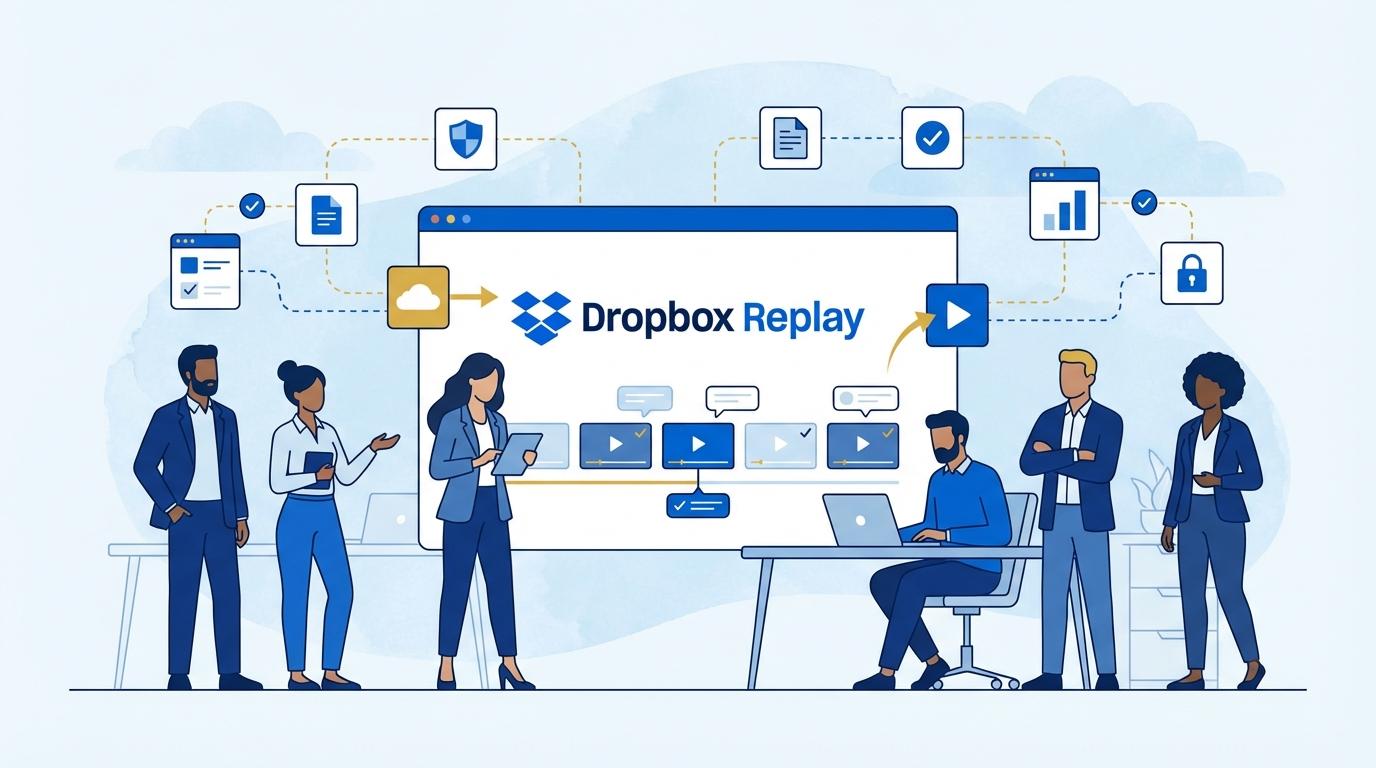
Dropbox Replay solves this by enabling comments directly on the video timeline. Anyone can pause playback at a specific moment and add a precise comment. The entire team can see these notes in one location, letting creators immediately begin revisions.
The platform allows comments to be attached to specific frames, which is invaluable when working on commercials, ads, or instructional videos. There’s no doubt about what needs to change, and communication is clear for everyone involved.
Synchronized Revisions and Versions – Automation Over Manual Labor
Many creative agencies struggle with versioning video files. As edits arrive, multiple versions are created, making them hard to track and manage. This not only increases project timelines but also the risk of errors.
Dropbox Replay automatically creates a version history. Every new video edit is saved and available for comparison with previous iterations. This makes it easy to revert to earlier versions or check which changes have already been implemented.
Automatic synchronization means all team members and clients are always working with the latest file. This eliminates the confusion of different file names or accidental overwrites.
Secure Content Sharing – Access Control and Data Confidentiality
Working with clients demands special attention to the security of sent materials. Many agencies must protect premature ad launches, confidential projects, or videos with high commercial value.
Dropbox Replay allows precise management of access permissions. You can invite only selected recipients, assign them roles (reviewer, commenter, view-only), and set an expiration date for access.
With advanced security settings like password protection or download restrictions, agencies can be sure the material won’t fall into the wrong hands. All actions are logged, so you can track who viewed and commented on the video.
Boosting Teamwork – Integrations with Other Tools
Modern creative agencies use many tools for project management, communication, and video editing. The key to efficiency is smooth integration among these systems.
Dropbox Replay offers integrations with popular platforms such as Slack and Trello. This way, notifications about new comments, changes, or ready files appear automatically in used communicators or task management systems.
The ability to import or export files directly between Replay and other apps (e.g., Adobe Premiere Pro) significantly shortens work times and minimizes errors. Teams no longer need to switch between multiple tools – the whole process is contained within one ecosystem.
Key Benefits for Creative Agencies – Saving Time and Gaining a Competitive Edge
In an era of rapid turnarounds and multiple concurrent projects, every hour counts. Dropbox Replay lets agencies significantly shorten the time between the first cut and the final version. Eliminating confusion around feedback and versioning translates into tangible benefits:
- Saving up to several hours a week on communication and feedback collection.
- Higher project quality thanks to quick and precise revisions.
- The ability to handle more projects simultaneously without increasing team size.
- Greater client satisfaction as they see real-time progress.
- Complete security and control over shared materials.
Agencies that have implemented Replay often highlight that the video review process has become not only faster but also more transparent. Employees can focus on creativity, not file management or searching for comments in hundreds of emails.
Summary
Dropbox Replay is the answer to real needs of creative agencies working with video content. It streamlines the review process, ensures security, and lets you focus on what matters most – the final result. With innovative features and integrations, Replay is now a key tool for companies that value time and high-quality teamwork.