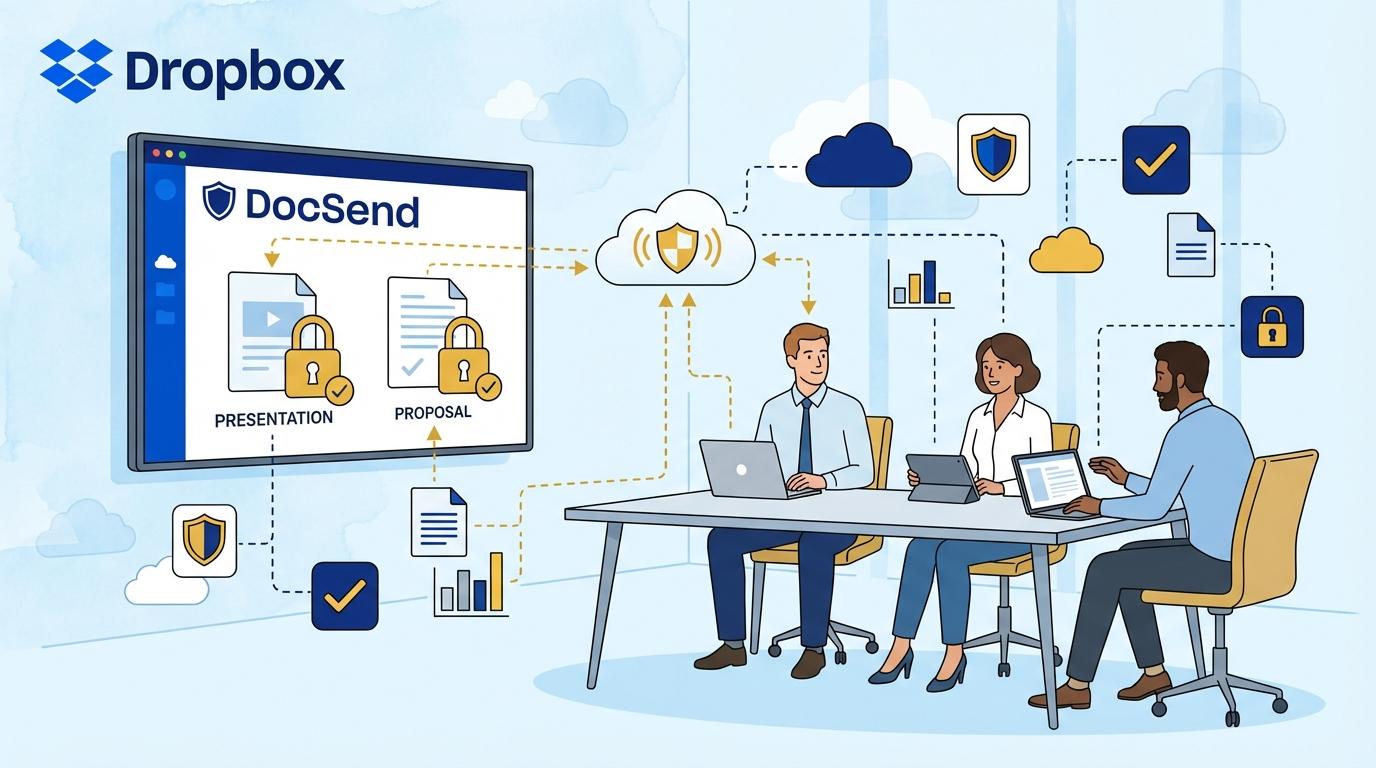
Imagine your sales team has just prepared a crucial presentation for a prospective client. The material contains not only a summary of your offer, but also financial data, case studies, and unique know-how. Before the meeting, however, a concern arises—how can you share the document while maintaining complete control over who, when, and for how long can view it? Is it possible to successfully secure your presentation from unauthorized sharing, while still providing the client with top-tier access comfort? In the era of remote and hybrid work, this problem is no longer exclusive to large corporations—it affects every company sharing sensitive materials online.
The risk of uncontrolled data leaks, offer copying, or presentations being forwarded to third parties increases with every attachment sent. A responsible manager knows that simply emailing a PDF is not enough. Knowing if, when, and by whom a file was opened becomes crucial not only for security but also for the effectiveness of sales activities. Well-used analytics allow you to react in real time to client engagement and conduct conversations based on knowledge rather than guesswork. For these reasons, more and more companies are turning to DocSend—a tool that transforms the approach to sharing proposals, presentations, and confidential documents during client meetings.
Access Control and Security in DocSend—What Does It Mean in Practice?
One of the main challenges when presenting offers to clients is maintaining full control over who and how can view your document. Sending attachments via email means losing all control—you don’t know how many people will receive the file or if it will be forwarded without your knowledge. With DocSend, you can share presentations through unique, single-use links that can be deactivated or set to expire at any time.
DocSend also lets you quickly set passwords or verify recipient identity before they can open the document. This boosts security by eliminating the risk of accidental information leaks to unauthorized individuals.
Additionally, any attempt to download or print the document can be blocked by the administrator. The user thus retains full control and assurance that no data escapes beyond the trusted group of recipients. In critical situations, you can instantly block document access—even during an ongoing presentation.
Client Engagement Analytics—How Does DocSend Help You Sell More Effectively?
Modern sales requires rapid response to signals from clients. Sending an offer or presentation is only the beginning of the journey to closing a deal. The key is knowing who and how intently is reviewing your materials. DocSend provides advanced analytic tools that show exactly when a recipient opened the document, how much time they spent on each slide, and which sections attracted the most attention.
With this analytics, sales teams can better identify decision-makers within the client organization, anticipate questions, and prepare for meetings with specific arguments. Information such as the finance department spending several minutes analyzing costs allows a salesperson to focus the conversation on the client’s most important concerns. This is an advantage impossible to achieve with traditional email file sharing.
The ability to track client engagement in real time also enables automated follow-ups or reminders when a client hasn’t opened the document for a while. DocSend ensures every interaction with an offer is measurable and can be precisely analyzed, translating into higher sales effectiveness.
Team Collaboration and Document Version Management
Offers or presentations are rarely the work of just one person. In practice, documents are prepared by a whole team, and draft versions circulate between sales, marketing, or product management departments. Traditional file sharing creates chaos—it’s hard to keep track of the latest versions, and every change requires resending attachments.
DocSend solves this problem with a central document repository. Every link the client receives always points to the most up-to-date file—without the need for more emails with corrections. Updating a presentation or offer takes seconds and is instantly visible on the recipient’s end.
Additionally, a DocSend admin can manage editing and viewing permissions and analyze the document’s change history. This ensures full transparency in team workflows and eliminates the risk of the client seeing outdated material. The team can focus on content, not file logistics.
DocSend as a Tool for Presenting During Online Meetings
In the era of remote and hybrid work, increasingly more client meetings take place via Teams, Zoom, or Google Meet. Traditional email sharing doesn’t provide control over what happens to the material after the meeting. DocSend enables live document presentation while maintaining complete control over file access.
During the meeting, a salesperson can share a presentation link with the client and, if needed, block downloading, copying, or even viewing certain pages. This is especially important when the presentation contains sensitive data or information reserved for select individuals.
After the meeting, the company representative can instantly revoke presentation access or allow the client to return to the document for a set time. This flexibility allows better management of the sales process and minimizes the risk of unauthorized material sharing beyond the client’s organization.
Controlling the Distribution of Confidential Offers and Presentations—Key DocSend Features
One of the biggest company concerns is the uncontrolled spread of confidential offers or presentations. DocSend provides a set of features designed to prevent this, even if the recipient tries to bypass security.
- Dynamic access restrictions: The admin can disable a link at any time or restrict access to selected email addresses only.
- Download and print blocking: Prevents physical copying of the document by the recipient.
- Recipient identity verification: Every person wishing to open the document must verify themselves, eliminating accidental sharing with unauthorized parties.
These features ensure that even if a link is shared with a third party, access remains fully under your company’s control. DocSend also enables instant auditing of access history and export of detailed reports for security and compliance needs.
DocSend Integration with the Dropbox Ecosystem and Business Tools
Modern organizations use many tools for document management, communication, and process automation. DocSend is designed to easily integrate with Dropbox and other business platforms, enabling smooth workflows and eliminating information silos.
Connecting DocSend with Dropbox allows instant sharing of cloud-stored files in the secure DocSend link format. Automatic synchronization ensures every document update in Dropbox is immediately visible in DocSend, and the client always works with the latest version.
Integrations with CRMs (like Salesforce), Slack, or e-signature tools automate the entire sales and client service cycle. DocSend becomes the central element of confidential document management—from the first presentation to contract signing.
Summary
DocSend enables companies to redefine the security and effectiveness of sharing presentations and proposals during client meetings. Full access control, advanced analytics, and integrations with key business tools ensure every presentation is not just secure, but also more successful in sales. In today’s digital transformation era, it’s crucial to protect company knowledge and documents at every stage of client interaction.