Many sales professionals are familiar with the scenario: you’ve just sent a proposal to an important client, only to find out that overnight, key changes have been made to the pricing or service scope. Yet, the client has already received a version of the document that is outdated or contains incorrect data. Suddenly, there’s a race against time to retract the old file, send the updated one, and ensure the client isn’t relying on incorrect information. Such situations not only generate unnecessary stress, but most importantly, lower the company’s professionalism in the eyes of the business partner.
In practice, managing versions of sales proposals and related documents requires not only proper tools but also integrated processes that minimize the risk of error. Increasingly, sales teams turn to solutions that offer full control over who can see which proposal version and when. Modern systems like Dropbox DocSend not only enable secure document sharing, but also monitor which versions were viewed, by whom, and what changes have been made.
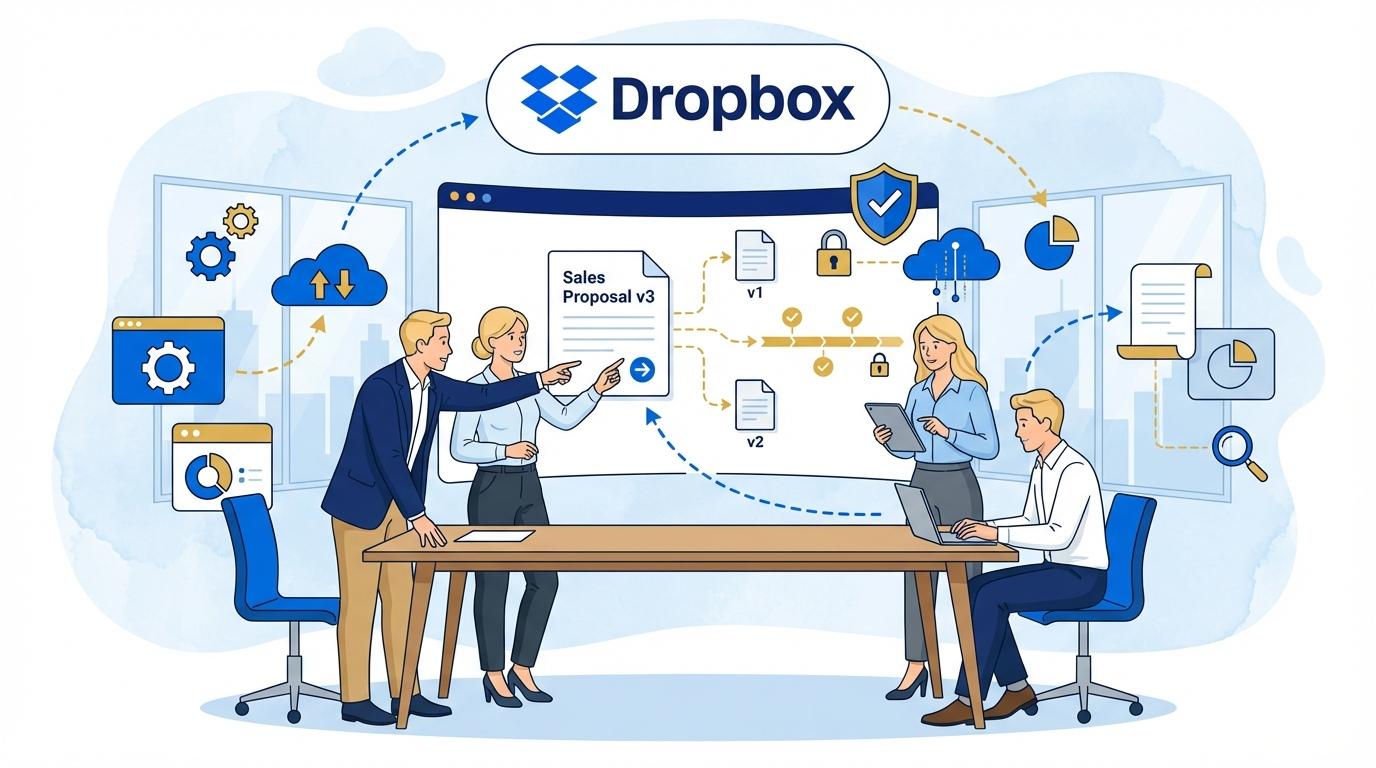
With DocSend, you never have to wonder if the client is working off the latest file version. Every update is instantly available via the same link, and you get insights into how long and on which sections of your proposal the client focused. Version control and change tracking take on a whole new dimension—they’re not just simpler, but also more effective than ever before.
Why Do Traditional Version Tracking Methods Fail?
Sending sales proposals via email or traditional file sharing tools often leads to version chaos. When several team members work on the same document simultaneously, it’s easy to overwrite changes, lose the latest version, or send outdated files to clients.
Lack of centralized document control makes it hard to determine who made specific changes and when. Automatic update notifications are often missing, which leads to situations where the client or business partner receives different versions of the same proposal.
The most common problems with traditional version management include:
- No ability to instantly withdraw or block access to old document versions once sent.
- Difficulties tracking which version was opened by the client and how much time was spent on each section.
- Manual versioning and a lack of automatic change logs.
As a result, companies lose control over their documentation, and the risk of errors or business misunderstandings increases.
Dropbox DocSend: Automated Version Control in Practice
Dropbox DocSend is designed for dynamic teams that need full control over shared documents. The system not only stores proposal versions transparently but also allows instant content updates without sending new links every time.
Each change in the document is immediately visible to recipients, and previous versions can be quickly archived or restored if needed. DocSend also lets you define who can access the proposal and for how long, and automatically notifies document owners about any changes.
- Ability to update proposal content in real time under the same link, no need to resend.
- Confidence that the client always sees the latest version of the presentation, pricing, or cooperation terms.
- Automatic generation of change history with a preview of who modified the file and when.
This approach significantly speeds up the work of sales teams and eliminates the risk of accidentally sending outdated information.
Tracking Recipient Activity as a Negotiation Advantage
One of the most interesting features of Dropbox DocSend is its advanced analytics regarding recipient behavior. Through detailed reports, you can learn which sections of your proposal attract the most interest and which are skipped.
The system records not only who opened the document, but also how much time recipients spent on each page. Such data allows you to prepare better for further discussions, addressing the client’s actual doubts and needs.
Examples of using activity tracking in negotiations:
- Personalized follow-ups—if a client spent a lot of time on the financial conditions section, it’s worth addressing this in the next conversation.
- Quick reaction to lack of activity after sending a proposal—analyzing whether the client opened the link helps avoid unnecessary reminders.
- Accurate measurement of the effectiveness of different proposal versions and marketing materials.
Thanks to this, your sales team gains a real information advantage and can optimize communication strategies for each client individually.
Security and Auditing Changes in Sales Documents
Protecting confidential data and the ability to fully audit changes have become crucial in the age of rising cyber threats. Dropbox DocSend uses advanced security mechanisms, including encryption in transit and at rest, as well as detailed user activity logs.
Users can set detailed access levels, restrict downloading, printing, or forwarding documents. Any unauthorized access attempts are immediately logged, and the owner receives notifications.
DocSend also enables a full audit trail—from document creation, through every modification, to recipient interactions. This not only improves security but also makes it easy to resolve any disputes regarding proposal content or version history.
Integrations and Automations—Taking Control to the Next Level
Dropbox DocSend is expanding its integration ecosystem with popular CRM tools (like Salesforce), project management platforms, and marketing automation tools. This makes it easy to implement DocSend into existing processes and automatically send proposal status information directly to the sales team’s systems.
Automated notifications regarding proposal openings, version updates, or document signing eliminate the need for manual status tracking and let teams focus on high-value tasks. Integrations with calendars or messaging tools further streamline daily work.
- Connecting DocSend with CRM allows for automatic lead creation or updating statuses based on client activity with the proposal.
- API integrations enable advanced personalization of sharing and version control for large organizations.
- Synchronization with e-signature tools (like Dropbox Sign) helps close the entire sales process in a single digital environment.
Thus, DocSend becomes not only a version control tool but also a key element of the company’s digital sales ecosystem.
Summary
Dropbox DocSend eliminates version chaos and the risk of sending outdated proposals, providing full control over sales documentation. Advanced change tracking, security, and integration mechanisms allow sales teams to work faster, more precisely, and more effectively. By choosing DocSend, you invest in peace of mind and professionalism in client service.