Imagine a team creating a modern online course under tight deadlines. Video content needs to be reviewed by instructors, edited by video editors, and sometimes even approved by the legal department. Each correction requires precision, and time is always in short supply. In practice, instead of efficient collaboration, chaos often prevails: lengthy email threads, endless file versions, and misunderstandings about specific parts of the videos. Sending large files through various tools can take up valuable hours, and gathering and implementing feedback from all team members often takes even longer.
It was in this context that the idea of using Dropbox Replay in educational settings was born. Originally designed for creative video teams, Replay quickly found its place in the e-learning world. Today, many companies and universities utilize Replay to simplify video lesson approval, speed up iterations, and eliminate confusion around communication. How does this process actually work? What are the benefits of adopting this solution? And why are more and more educational organizations choosing digital video review?
What does the traditional e-learning review process look like?
Many educational teams still rely on classic methods for reviewing video content. Files are exported from editing software, then sent via WeTransfer, Google Drive, or traditional FTP servers to reviewers. Each person sends their feedback by email or in a separate text document, referencing specific minutes and seconds of the video.
This creates many problems: there are multiple copies of the same file, version numbering mistakes are common, and feedback emails can get lost or contradict one another. The final list of edits often emerges from a laborious compilation of several sources and requires additional sync meetings.
For large projects—such as multi-hour courses or training series—the scale of the problem only grows. Coordinating several people, managing deadlines, and tracking progress becomes a challenge for both editors and content approvers.
Dropbox Replay – A Digital Platform for Video Review
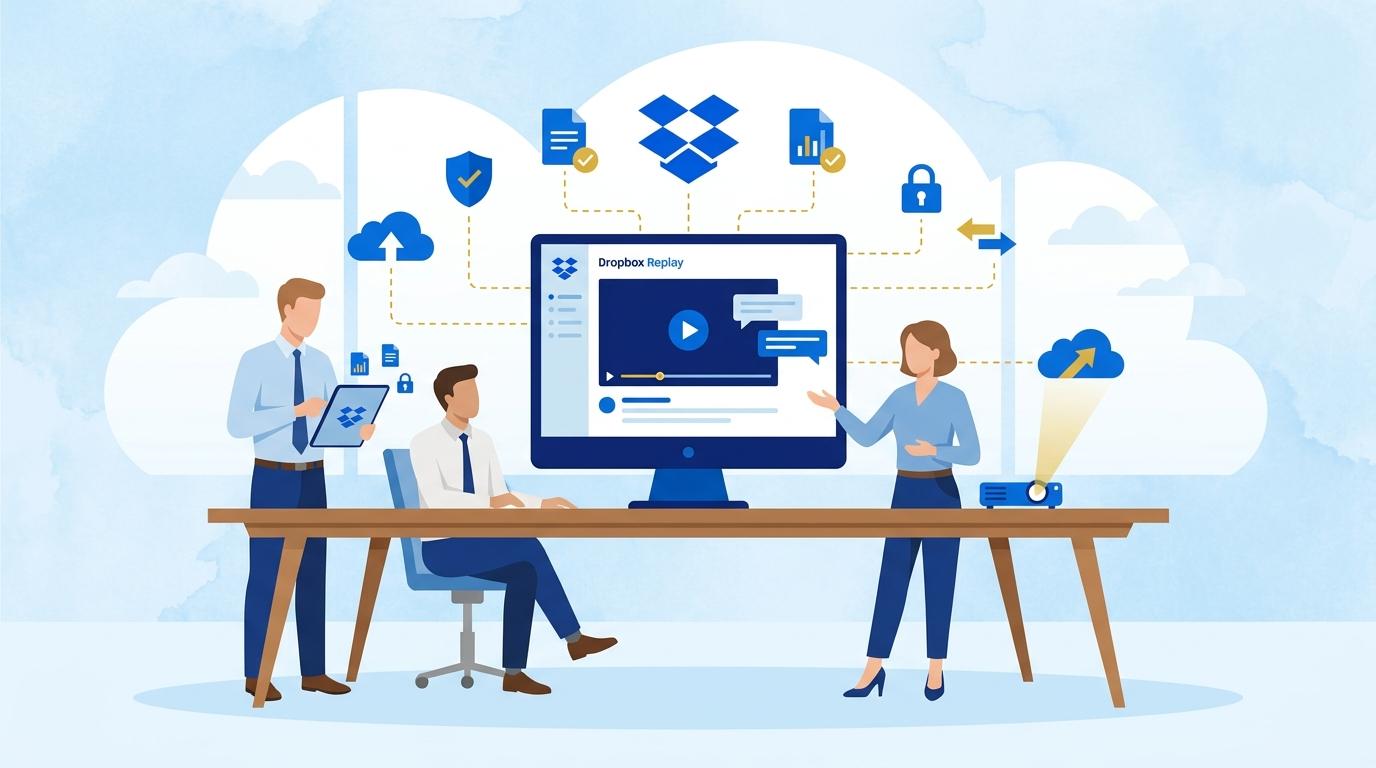
Dropbox Replay revolutionizes video review by moving the entire process into a single, user-friendly online platform. Once the video file is uploaded to Replay, you invite reviewers: instructors, content experts, legal staff, or technical colleagues.
Each person can comment on specific frames, highlight particular moments, or mark sections that need improvement. Comments are visible to all, appear directly on the timeline, and are tied to exact points in the video. There’s no need to scroll through emails—all feedback is clear and easily accessible.
Replay supports fast iterations: after edits are implemented, the editor uploads a new version, and the team sees the change history and comments. Everything happens in the browser, with no need to juggle files or install additional software.
Collaboration and Transparency – The Key Features of Dropbox Replay
One of Dropbox Replay’s greatest strengths is creating space for transparent collaboration. Every reviewer can see current comments, edit or expand them. The risk of duplicating feedback or losing important notes vanishes.
Everyone involved—from instructors to technical staff—works on the same material in real time. Replay also allows you to tag people in comments, so questions or requests go directly to the right team member.
In practice, this shortens iteration cycles, reduces misunderstandings, and leads to greater satisfaction with the final product. Educational teams also appreciate the ability to track version history and return to previous edits.
Security and Access Control for Educational Content
Protecting intellectual property is crucial when working with e-learning materials. Dropbox Replay uses the same security standards as the main Dropbox platform, ensuring full control over who can view, comment on, or download specific files.
Admins can easily manage permissions, disable downloads, or restrict the review window. This is especially important when content isn’t public yet or requires confidentiality—such as during collaboration with external consultants or production companies.
With centralized content management and detailed access logs, Replay makes it easier to comply with GDPR and institutional security policies.
How to Implement Dropbox Replay in Your E-Learning Team?
Implementing Dropbox Replay doesn’t require complicated data migrations or advanced training. You just need a Dropbox account on the right plan (such as Advanced or Enterprise) to activate Replay.
- Start by uploading a trial video lesson and invite a few reviewers—see how convenient the first feedback round can be.
- Set up roles and permissions so, for example, instructors can only comment while editors have version management rights.
- Train your team on Replay basics—most users will intuitively understand the platform after just a few minutes.
- Make Replay the mandatory tool for approving video content—this avoids chaos with emails and unnecessary file copies.
Thanks to flexible licensing, Dropbox Replay works for both small teams and large educational organizations.
Summary
The review process for e-learning content doesn’t have to be full of confusion and duplicated work. Dropbox Replay unifies communication, increases transparency, and significantly shortens the time needed to implement edits to video courses. Its secure environment, intuitive interface, and full version control make it the top choice for more and more educational teams.