An unexpected computer failure, a ransomware breach, or accidental deletion of important files—these are just some of the scenarios that can bring even the best-organized company to a standstill. Adam, the owner of a marketing agency in Kraków, couldn’t have imagined how dependent his business was on access to correct, up-to-date data until a sudden hard drive failure occurred. Overnight, his team lost access to hundreds of projects, contracts, and creative materials. There began a frantic attempt to recreate documents, recover the latest versions, and communicate with clients. Financial and reputational losses were almost inevitable. That’s when Adam decided to introduce an automatic cloud backup system in his company.
Dropbox Backup turned out to be a solution that not only restored peace of mind but also significantly shortened the time needed to return to normal operations after a failure. In today’s world, where cyberthreats are on the rise and data loss is not abstract but an everyday risk, automatic, secure, and fast backup is no longer a luxury—it’s a necessity. How does Dropbox Backup work in practice, and why can companies count on business continuity even in the face of the toughest crises?
Growing Threats to Business Data—Real Challenges of the 21st Century
In today’s digital work environment, data security has become one of the main challenges. Ransomware attacks, which encrypt files and demand a ransom to unlock them, are on the rise. According to the 2024 Verizon Data Breach Investigations report, over 60% of companies in Europe experienced an attempt to breach their digital assets in the past year alone.
Hardware failures are no less dangerous, often occurring at the most inconvenient times. Laptop damage, hard drive failure, or an employee accidentally deleting hundreds of files—these are daily realities for both small and large organizations. With hybrid or remote work, documents are stored not only on central servers but also on personal computers, further increasing the risk of losing valuable information.
Furthermore, the volume of data that companies create and collect keeps growing, making manual archiving and retrieval unfeasible without the right tools. This is where the need for modern, automated cloud backup solutions becomes critical.
Dropbox Backup—Fast and Automatic Data Recovery After Failures
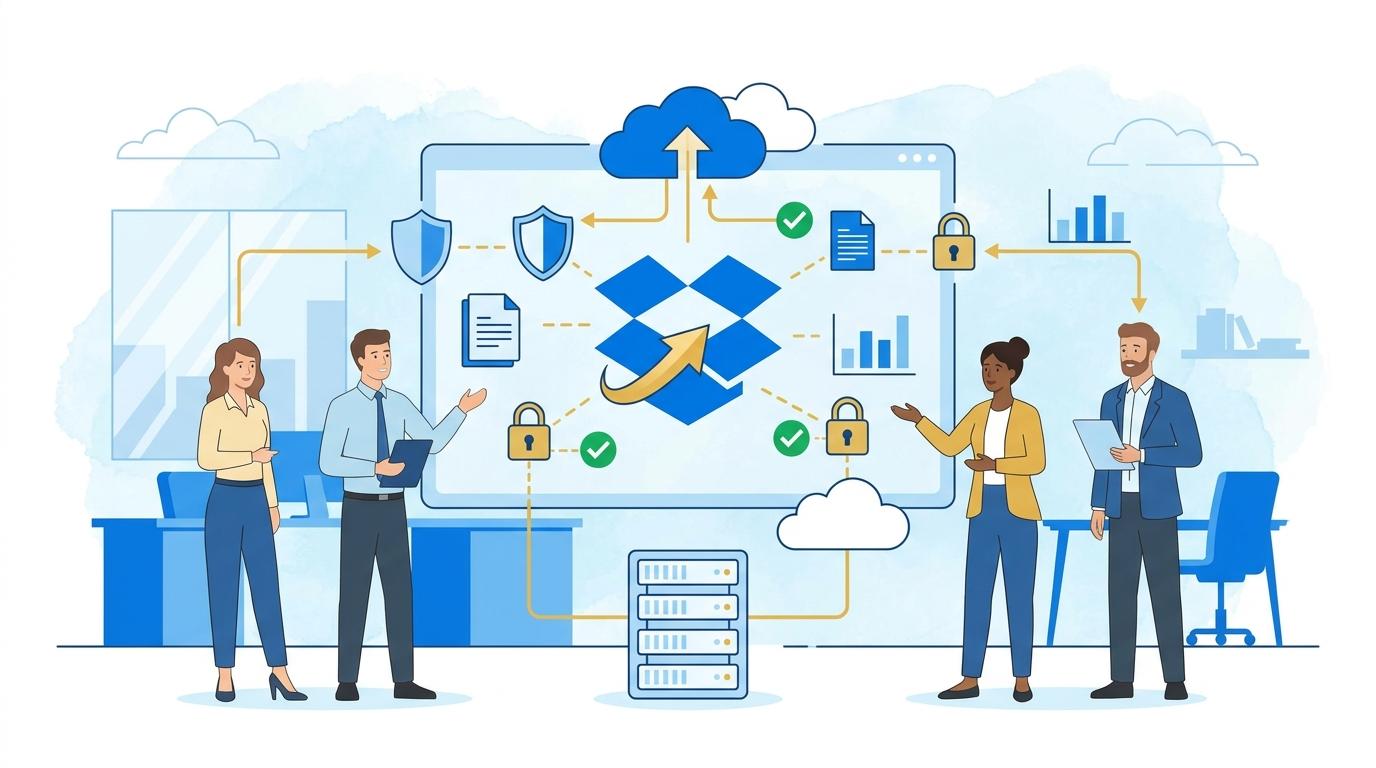
Dropbox Backup is designed to minimize the impact of any type of failure and enable instant restoration of access to critical files. Instead of complicated procedures, the solution offers automatic, regular backups of entire folders, files, or even complete computers—whether personal or company laptops.
In practice, this means that in the event of a failure, device theft, or cyberattack, just a few clicks are needed to recover all data to a selected version—even from several days earlier. Dropbox Backup stores version histories, allowing files to be restored from any point in the past. This means there’s no need to panic over human error or ransomware attacks—business can resume almost immediately.
What’s more, Dropbox uses advanced data encryption and redundant servers, ensuring backups aren’t just easily accessible but fully secure against unauthorized access. Employees don’t have to remember about manual backups—everything happens automatically in the background.
Easy Configuration and Seamless Integration with Team Workflow
Implementing Dropbox Backup doesn’t require complicated procedures or advanced IT knowledge. The entire process boils down to a few simple steps: selecting folders or files to back up, setting the schedule, and activating the service. The user interface is intuitive, and backups can be managed individually or centrally by an IT administrator.
In practice, this means that every employee—regardless of technical skills—can be confident their documents are protected. Backup works in the background and doesn’t affect daily work performance. When data restoration is needed, a few clicks in the Dropbox app or a web browser are all it takes.
Dropbox Backup integrates seamlessly with other Dropbox ecosystem tools. This ensures that teams working on shared files benefit from version consistency, and restoring projects or contracts to earlier versions doesn’t cause conflicts or duplicates.
Practical Use Cases for Dropbox Backup in Companies
The advantage of Dropbox Backup is its versatility—it’s suitable for both startups and large corporations. Here are some real-world usage scenarios:
- Quickly restoring the work environment after a computer failure: An employee loses access to a laptop—a new device can be configured with identical settings and files within hours, not days.
- Protection against ransomware: If files are encrypted by cybercriminals, the company restores versions from before the attack and doesn’t have to pay ransom.
- Accidental deletion or overwriting of files: Rapid restoration of individual documents or entire folders to earlier versions without engaging the IT department.
- Archiving important projects: Automatic archiving of completed projects, with the ability to access them even months or years later.
In each of these situations, time and the certainty that data is complete, safe, and easily accessible are crucial.
Security and Regulatory Compliance—Priorities for Every Company
Dropbox Backup meets strict security requirements by using data encryption at rest and in transit. The service undergoes regular security audits and complies with international standards such as ISO 27001 and SOC 2.
For companies operating in EU countries, GDPR compliance is particularly important. Dropbox Backup allows data to be stored in data centers located within the European Union, making it easier to meet legal requirements for information protection.
Full control over permissions and backup access reporting means that a company can always verify who accessed specific files and when. This matters to both IT and compliance departments.
Time and Cost Savings—Why Is Cloud Backup Worth It?
Traditional backup solutions often required purchasing expensive infrastructure, external drives, and regular IT support. Dropbox Backup removes these costs: the service is subscription-based, and all infrastructure is safely in the cloud.
Automating backup processes saves employee time, minimizes work interruptions, and reduces the risk of costly downtimes. In the event of a failure, there’s no need to involve expensive data recovery firms—everything can be done independently, quickly, and securely.
In the long run, this also reduces costs related to delayed project completions, contractual penalties, or loss of market reputation.
Summary
Dropbox Backup is a modern solution that ensures business continuity even in the toughest situations. Automatic backup, rapid data recovery, and complete security allow companies to focus on growth, without worrying about losing documents or facing downtime.