Organizing a large online or hybrid event is a challenge that requires precise collaboration between many people. Event agencies face time pressure, client expectations, and the need to ensure the highest quality of video materials. Imagine a situation where several people—from the editor to the account manager to the client—need to quickly and efficiently review, improve, and approve a key promotional clip or prepare an entire set for a livestream. Traditional email exchanges with attachments, endless comments in various files, or version inconsistencies lead to chaos and unnecessary delays. In an era where online events must be flawless, even a small mistake can affect the perception of the entire event.
In practice, many agencies still rely on outdated methods of file sharing—from WeTransfer links and Screenity, to dozens of emails with feedback. Each change means another iteration, countless unclear comments, and the risk that the client approves the wrong version. The lack of a central place for collecting feedback and controlling versions not only prolongs project completion but also increases the team’s stress. In this context, the need arises for a solution enabling fast, interactive, and remote video review, accessible to all stakeholders.
This is exactly the function that Dropbox Replay fulfills—the newest tool for collaborating on video and livestream content within event agencies. With Replay, you can not only shorten approval times but also eliminate typical communication mistakes and ensure the highest quality of final materials. Let’s see how it works in practice and why more and more agencies can’t imagine working without Replay.
The Most Common Video Review Challenges for Event Agencies
Modern event agencies handling online and hybrid events face many challenges. First, the video review process is usually highly dispersed—many people are involved, often working in different locations and time zones.
In such settings, errors are easy to make, like applying edits to an outdated file version or missing out on client suggestions. Comments get lost across communication channels, leading to misunderstandings and team frustration.
Increasingly, key materials need to be ready “yesterday”—time constraints leave no room for redundant iterations or repeated edits. Another problem is the lack of tools for simultaneous commenting on the same video frame by multiple people. These issues drive event agencies to look for collaborative solutions—such as Dropbox Replay.
Dropbox Replay as a Central Hub for Video and Livestream Collaboration
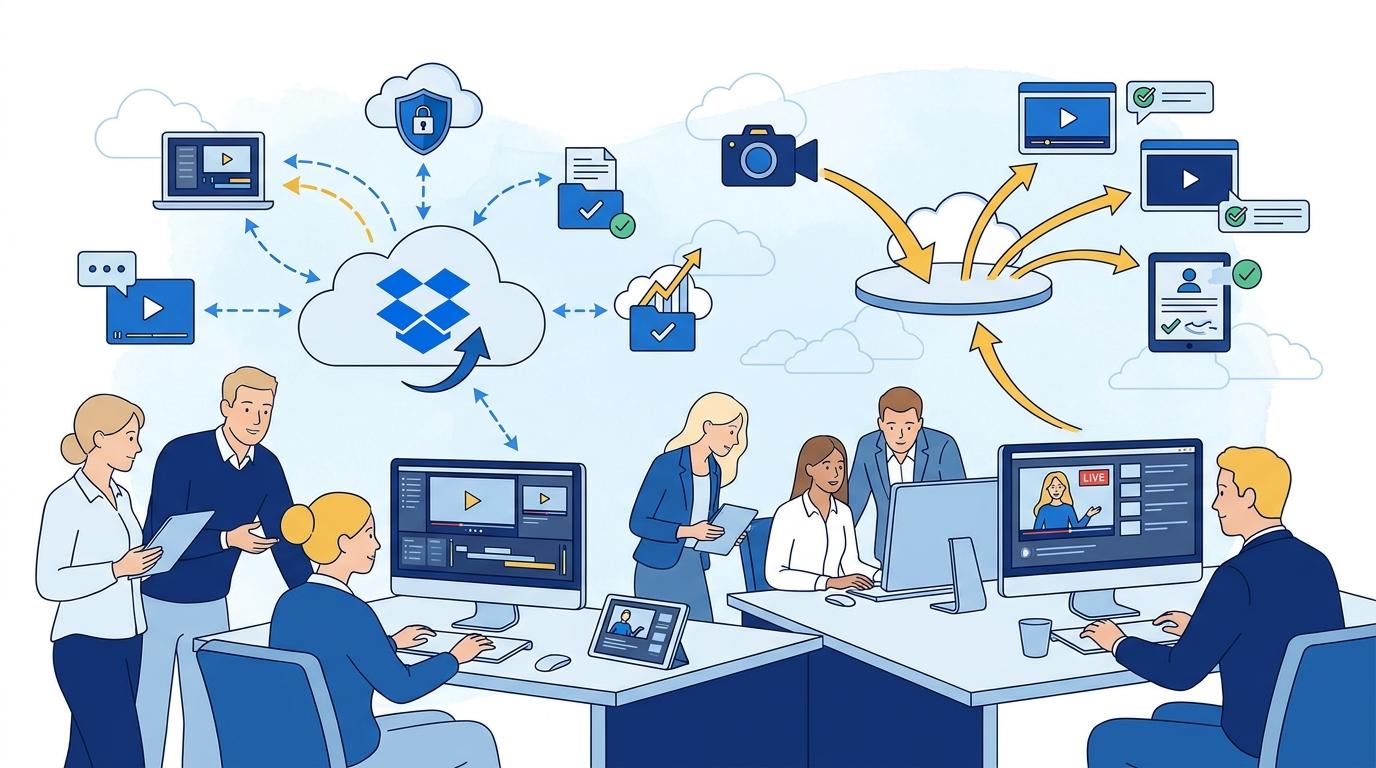
Dropbox Replay was designed for professionals who need an efficient and transparent video review workflow. With this tool, everyone involved in a project has access to a single, central file version, with all feedback and edits collected in one place.
Replay allows for precise comments on specific points along the video timeline. Users can pause the video at any moment and leave detailed feedback that the whole team can see immediately—no need for separate emails or messaging apps.
Another key feature is the ability to conduct real-time reviews—even during live watch sessions, without downloading files locally. This shortens the review process from days to hours and reduces misunderstandings to nearly zero.
How the Dropbox Replay Review Process Works—Step by Step
Working with Dropbox Replay is intuitive, even for those without advanced editing or review tool experience. The review process can be broken down into several key stages:
- The editor or producer uploads the finished video to Replay and generates a link for the team and client.
- Reviewers can immediately add comments and suggestions directly on the movie timeline, indicating specific frames for revision.
- All participants see feedback as it appears and can comment or approve, eliminating unnecessary discussions off-platform.
- After revisions, the editor uploads the updated version, and Replay automatically shows the material’s change and version history.
- Final approval is quick—clients see which comments have been addressed, and all feedback is clear and organized.
As a result, the event agency can handle more projects simultaneously, reduce the number of edits, and improve client communication quality.
Replay Integrations with Dropbox and Other Agency Tools
Modern event agencies use a broad range of tools for project management, communication, and file storage. Dropbox Replay fits seamlessly into this ecosystem—files can be synced with the main Dropbox account and versions are updated automatically.
Replay also works with popular project management tools (e.g., Asana, Trello) and Google Workspace. This enables, for example, automatic task creation based on comments in Replay or direct delivery of completed materials to selected client folders.
Security is another highly valued aspect—Dropbox Replay uses the same encryption and access management standards as the core Dropbox platform, ensuring full protection of confidential materials even during remote collaboration.
The Key Benefits of Implementing Dropbox Replay in an Event Agency
Implementing Dropbox Replay gives event agencies a real competitive edge. Key benefits reported by users include:
- Review and approval times slashed from days to hours.
- Elimination of communication errors and chaos caused by multiple file versions.
- Centralized feedback and a complete change history—easy to revert to earlier versions or verify which edits were made.
- Improved client experience—a transparent, interactive review system increases satisfaction and project control.
- Data security and full privacy compliance (Replay uses certifications such as ISO 27001, SOC 2, and GDPR).
This allows the team to focus on creative work instead of tedious tracking of edits and file versions.
How to Start Using Dropbox Replay in Your Agency
Getting started with Replay is simple—just purchase the appropriate Dropbox plan (Advanced or Enterprise), which includes Replay access. Once activated, each team member can quickly start working on joint video projects, sharing files, and inviting clients for reviews.
It’s worth training your team on key Replay features—like frame marking, version management, and in-platform communication. Dropbox offers a range of tutorials, webinars, and documentation to help teams make the most of Replay’s capabilities.
Event agencies that have implemented Replay report significant time savings, fewer errors, and higher client satisfaction within weeks of adoption.
Summary
Dropbox Replay is a modern solution addressing the real needs of event agencies producing video content and managing livestreams. It enables seamless collaboration, accelerates approval processes, minimizes errors, and protects client data. It’s an investment that pays off quickly and frees teams from the chaos typically associated with video review.