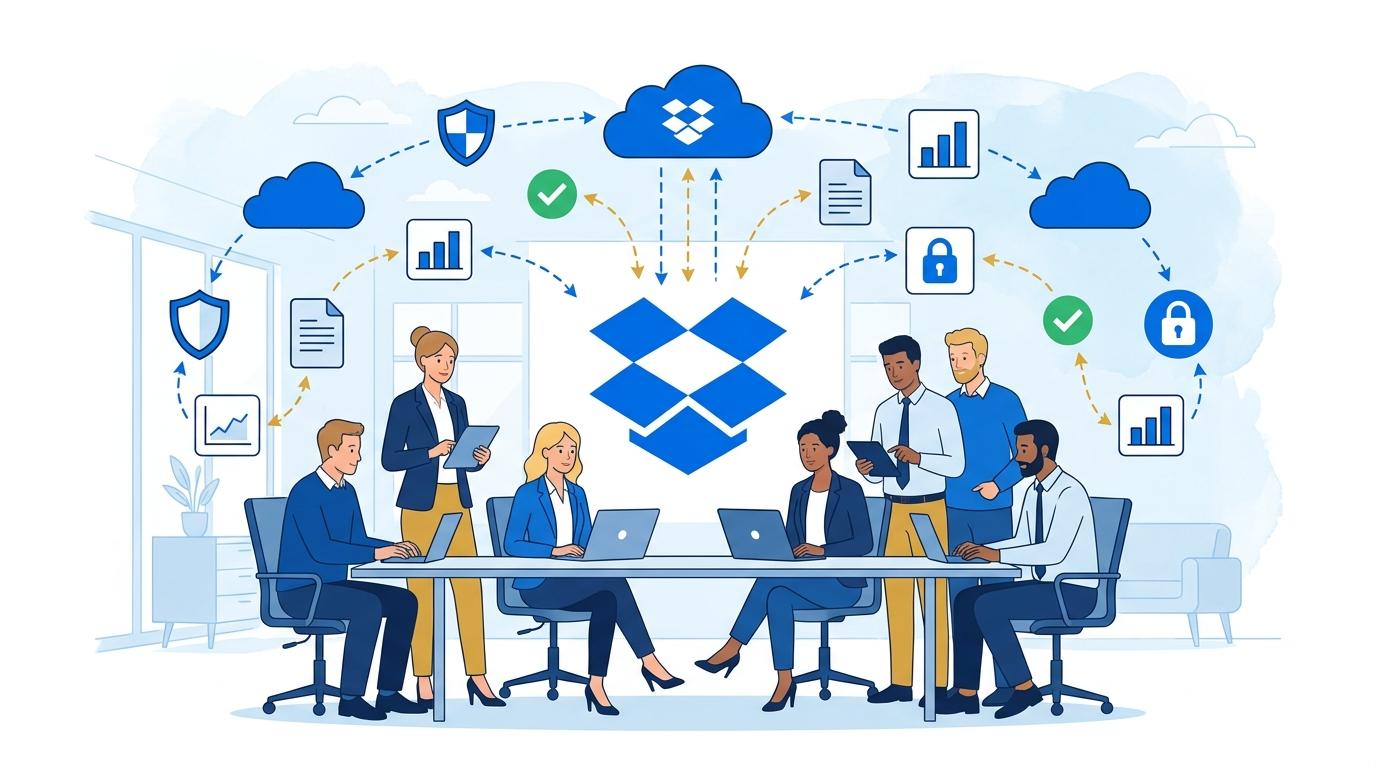
Imagine a team of five running a small consulting firm. Every day, they juggle multiple projects, exchanging proposals, contracts, and reports for various clients. Previously, documentation was scattered across computers, emails, and USB drives, often resulting in lost files, version confusion, and unnecessary team friction. There were also problems with accessing documents during remote work and a lack of transparent control over who modified which file and when.
The company owner decides to seek a solution that lets all team members work on a shared platform, easily share and sync files, and recover earlier document versions without risking data loss. Dropbox Standard turns out to be a tool that not only organizes documentation chaos but also automates many tedious daily tasks and significantly increases information security.
What does this transformation look like in practice? In the following article, we examine five key areas where Dropbox Standard changes the game for small service businesses.
File Security and Data Protection – The Foundation of Service Work
For small service businesses, data loss or leaks of important documents can mean serious financial and reputation problems. Dropbox Standard provides file encryption both during transfer and at rest in the cloud. Every document is protected from unauthorized access thanks to advanced user authentication tools.
Administrators can set detailed permissions for team members, deciding who can edit, view, or share a given folder. Additionally, Dropbox enables monitoring of all changes – showing exactly who opened or modified a document and when.
With automatic backups and version history, accidental deletion or overwriting of files is no longer a problem. It is easy to restore an earlier version or recover a file deleted up to 180 days back.
- Protection against accidental data loss – every change is saved and can be undone.
- End-to-end encryption increases the security of confidential information.
- Precise access management eliminates the risk of data leakage to unauthorized persons.
Fast Sharing and Real-Time Collaboration
In the daily work of a consulting team, instant information sharing is crucial, both internally and externally – with clients or contractors. Dropbox Standard allows sharing files or entire folders with a single click, generating secure links that can be limited by expiration date or password protection.
Thanks to integration with Microsoft 365 and Google Workspace, users can edit Word, Excel, or Google Docs files directly within the Dropbox app. This enables real-time collaboration on proposals or presentations, with everyone seeing live updates.
Instead of emailing attachments and risking version mismatches, everyone has access to the current file in the cloud. Changes are automatically synced across all devices – office computers, home laptops, and field smartphones.
- Instantly share documents via links, with no registration needed on the recipient’s side.
- Edit documents collaboratively, live, with no risk of overwriting someone else’s work.
- Immediate synchronization – always the latest version available to all relevant parties.
Automating Daily Tasks and Saving Time
Small service businesses often lack a dedicated IT department – every team member must independently organize files and documentation. Dropbox Standard automates many repetitive tasks, such as file sorting, notifications about new or updated documents, and archiving old projects.
The ability to create folder templates and automatically share them with selected people makes onboarding new employees or starting new projects much simpler. Dropbox also lets you set notifications when a client opens a shared document or when comments are added to a file.
Integration with task management tools like Trello or Asana enables automatic linking of project files to specific tasks, and calendar integration makes it easier to plan meetings and exchange materials before and after client interactions.
Project Documentation Management and Eliminating Version Chaos
Every project generates dozens of files – from briefs and meeting notes to final reports. Dropbox Standard enables the creation of a clear folder structure and offers advanced search, making it possible to find needed documents in seconds.
With version history, the team can always revert to previous file versions, which is invaluable when multiple people collaborate on a single document. Notification systems alert users to edits and comments, preventing misunderstandings.
For client collaboration, Dropbox allows sharing only selected documentation, without risking disclosure of confidential information from other projects. Each team member has access only to the files they need – no more, no less.
Supporting Mobility and Remote Work in the Age of Flexible Work Models
More and more small service businesses are adopting flexible work models – some team members work from home, others are in the office, and some perform tasks in the field. Dropbox Standard synchronizes files across all devices, ensuring smooth access to documents from anywhere, at any time.
Dedicated mobile apps allow for quick photo uploads, document scanning, and file browsing or commenting while on the go. Employees can approve projects, add notes, or send corrections directly from their phones, greatly speeding up client service processes.
Thanks to this, the company does not lose momentum even when the team works from different locations – everyone has access to all necessary materials, and communication becomes clearer and more effective.
Summary
Dropbox Standard addresses the key challenges of small service businesses: security, fast sharing, automation, document organization, and support for remote work. It enables teams to focus on project execution and business growth instead of struggling with file chaos.