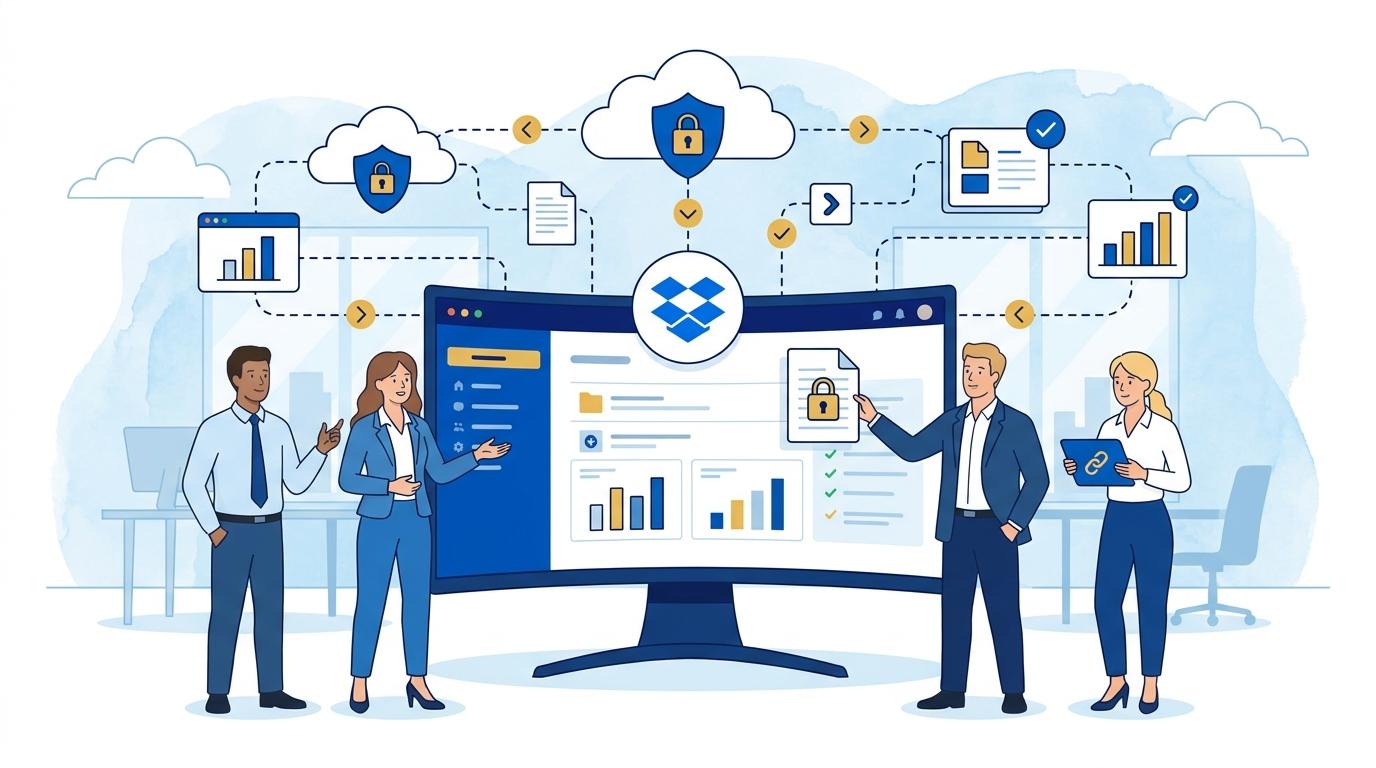
Financial audit season usually means weeks of intense work for the accounting department, long evenings, and the need to guarantee top-level security for transmitted documents. External auditors increasingly collaborate remotely, and sharing reports, spreadsheets, or agreements by email is not only inconvenient but also risky. Have you ever wondered if someone unauthorized gained access to a sensitive document? Or struggled to control exactly who opened your file, when, and which pages drew particular interest?
In a world where data breaches and leaks can cost millions, companies can’t afford to rely on traditional, opaque ways of sharing documents. When annual closings hang in the balance and external auditors demand subsequent versions of the same files, it’s easy to lose control over the entire workflow. In such cases, it’s crucial to have a solution that enables not only instant file sharing but also full tracking and data protection. That’s where Dropbox DocSend steps in – a platform that has earned recognition not only in sales and due diligence but also in the daily work of finance teams. How can DocSend specifically help teams preparing for an audit? Find out below, based on real-life scenarios from large and medium-sized companies.
The Biggest Challenges of Sharing Financial Reports with Auditors
Anyone who has ever faced a financial audit in a medium or large enterprise knows how critical it is to share sensitive reports. Auditor demands are growing – in addition to access, they require full version histories, in-document comments, and contextual questions. Unfortunately, traditional tools like email or even FTP servers offer neither the right security nor post-send control over what happens to a document.
In practice, teams often worry that a report might fall into the wrong hands. It’s also difficult to later prove who opened a document and when, or, if needed, block access. Changes can get lost among many versions being exchanged, and every mistake means painstaking explanations to auditors or management.
Today, it’s not just about convenience but about total control – the ability to immediately revoke access, generate open reports, and check which parts of a document were read most closely. It’s also about protecting against accidental sharing of outdated or incorrect files, which during an audit can have serious consequences.
Dropbox DocSend – A Secure Alternative to Emails and Traditional Clouds
Dropbox DocSend outperforms standard file-sharing tools thanks to its specialized security and control features. Sharing reports via DocSend links lets you set granular permissions, such as time-limited access, open limits, or mandatory recipient verification via email or SMS. That’s a huge leap forward compared to classic email attachments.
Every document opening is logged in detail – with time, IP address, and device info. For audits, this means you can instantly provide compliance reports. Moreover, if a document needs updating, the finance team can swap the file in DocSend without changing the link – the recipient always gets the latest version.
Advanced privacy settings like download and print blocking protect data from unauthorized distribution. Security is multilayered and meets top industry standards.
Access Control and Immediate Revocation of Permissions
One of Dropbox DocSend’s key features during audits is instant access revocation – regardless of whether the file has already been opened by the auditor. In practice, this means if an error is found or access needs to be limited, you can block file openings for a person or group with a single click.
The system also supports conditional access – only at set times or after administrator approval. When sharing confidential data like financial statements, this cuts the risk of abuse.
Crucially, every change and revocation is archived, simplifying compliance documentation for audits. It’s also a big plus for communication – auditors can see which document versions were shared and when updates occurred.
Advanced Analytics – See What Really Interests Auditors
DocSend gives finance teams powerful new analytical tools. You can check not only who opened a file and when, but also which report pages were viewed longest or skipped. This is valuable when auditors return with questions about specific sections.
Detailed reports enable precise audit process analysis. You can identify passages needing clarification or sections raising doubts. Finance teams can then better prepare responses and prevent misunderstandings before they escalate.
- This allows better time allocation – focus team efforts where needed most.
- Enables quick auditor response, knowing which report parts were reviewed.
- Reduces the risk of missing key issues by tracking recipient activity.
Additionally, generating summary reports for the whole sharing process makes it much easier to prepare documentation for management or regulators.
Versioning and Document Swapping Without Chaos – How to Avoid Misunderstandings?
One of the main frustrations during audits is when auditors work on different versions of the same file. Dropbox DocSend eliminates this by allowing file swaps under the same link. Just upload the updated report, and the recipient automatically sees the latest version – no need for new links or clarifying emails.
The version history feature lets you revert to previous versions and track who accessed which version and when. This is vital when resolving disputes or questions about document content.
Eliminating version chaos means fewer unnecessary questions, faster work, and certainty that everyone is working with the latest data. It also reduces the risk of misunderstandings that could delay the audit or strain relations with auditors.
Integrations and Automation – How to Save Time During an Audit?
Dropbox DocSend integrates with many tools used by finance departments, like Dropbox, G Suite, and Slack. This enables notifications about document changes, activity reports, or quick link sharing across the organization.
Process automation saves time and reduces human error. For example, after sending a document to an auditor, the system can automatically notify managers and generate an activity log for archiving.
- Dropbox integration enables direct file selection from your cloud storage.
- Slack integration provides instant notifications about document status changes.
- Automatic reminders help track whether auditors have reviewed their assigned reports.
This lets your team focus on substantive work, not the technicalities of sharing files.
Summary
Dropbox DocSend elevates financial report sharing during audits – guaranteeing security, control, and ease of use. With tracking, versioning, and advanced analytics, finance teams can navigate audits faster and with more confidence, minimizing confusion. It’s an investment in both data security and your team’s peace of mind.