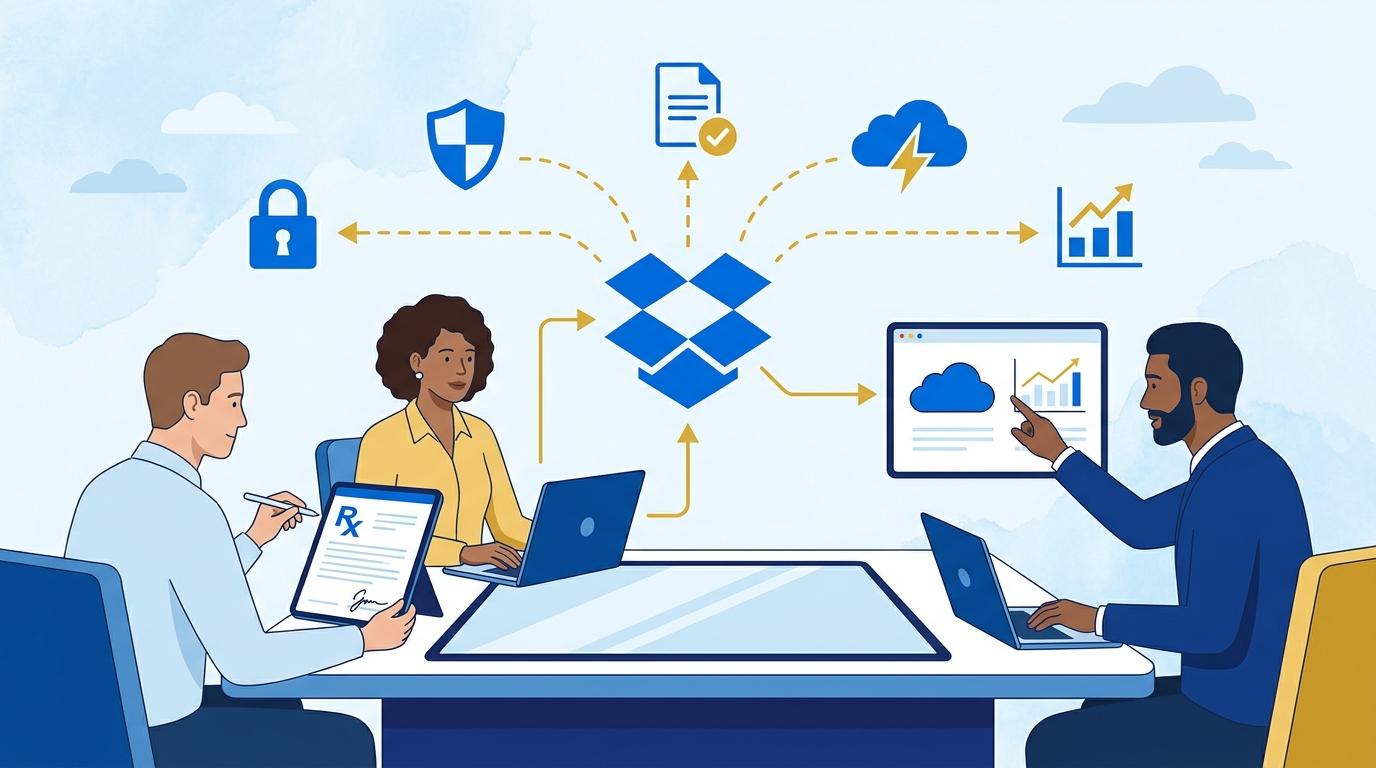
In the daily operations of medical facilities, every minute counts. Both in hospitals, clinics, and outpatient centers, teams must not only care for patients but also deal with endless paperwork. Filling out, signing, and archiving contracts, treatment consents, and medical reports usually consumes valuable time for doctors, nurses, and administrative staff. Sometimes, a document that should be signed within minutes gets stuck in the office for days, causing delays and even risking formal errors.
Imagine a situation where a patient requiring immediate intervention arrives, but the signature process for consents and forms takes too long because someone forgot to print the document or the authorized person is absent. Such scenarios are daily realities in the healthcare sector. In times of digitization and rising patient expectations, traditional document management becomes inefficient and unsafe.
The answer to this challenge lies in digital solutions that not only speed up the process but also ensure compliance with data protection regulations. Dropbox Sign is increasingly chosen by medical organizations looking to reduce delays, automate document workflows, and boost information security. How exactly does Dropbox Sign work in clinics and hospitals? What can employees and patients expect? That’s what this post will explore.
Challenges of Document Signing in Medical Facilities
Working in healthcare involves not only saving lives but also carrying a huge formal responsibility. Every procedure, consultation, or hospitalization requires completing and signing numerous documents. Consents for procedures, statements, GDPR forms, cooperation agreements with other institutions, and test orders are just the beginning of a long list.
Traditional methods, such as paper forms and handwritten signatures, have their disadvantages. Delays in document circulation can paralyze the work of the entire team. Often, a missing signature prevents treatment or reimbursement from the health insurance fund. Additionally, the risk of lost documents or archiving errors can have serious legal consequences.
With the rise of the pandemic and telemedicine, these challenges have become even more visible. Facilities need tools that ensure a fast, secure, and convenient signature process – ideally remotely, without the need for physical contact. This is where Dropbox Sign comes in.
Remote Signing of Consents and Forms – How Does Dropbox Sign Work?
Dropbox Sign enables medical facilities to sign any document electronically, regardless of the patient’s or employee’s location. The process starts by uploading a digital document to the Dropbox Sign platform, where the administrator specifies who must sign and in what order.
Once the document is uploaded, designated recipients receive an email with a secure link for signing the form. The entire process is online and does not require installing additional applications. Each party can sign from any device – computer, tablet, or smartphone – significantly speeding up the workflow.
After all required signatures are collected, the document is automatically archived in Dropbox cloud storage, from where it can be easily downloaded or shared with other team members. Additionally, every action is logged in a detailed activity log, allowing traceability and full compliance with regulations.
Security and GDPR Compliance – Top Priorities in Healthcare
Processing medical documents demands the highest security standards and compliance with regulations, especially GDPR. Dropbox Sign is designed with sensitive data protection in mind – for both patients and staff. All documents shared via the platform are encrypted in transit and at rest, minimizing the risk of unauthorized access.
Dropbox Sign also offers audit and access control features, allowing administrators full oversight of who accessed which documents and when. The system supports advanced authentication mechanisms, such as two-factor identity verification and electronic signatures compliant with eIDAS regulations.
This enables medical facilities to speed up the signing process while maintaining full legal compliance with healthcare data protection laws. It’s crucial for avoiding fines and building patient trust.
Process Automation and Integration with Medical Systems
One of Dropbox Sign’s biggest strengths is automating repetitive processes and integrating with internal IT systems. Healthcare organizations can deploy ready-made document templates that are automatically filled with patient or staff data, eliminating tedious paper form completion.
- Integration with electronic health record systems (HIS, CRM, EDM) enables instant document generation and dispatch for signatures directly from their software.
- Automated reminders about pending signature requests reduce waiting times and eliminate the risk of overlooking important forms.
- After signing, documents are sent to designated cloud folders for easy sharing with billing, archiving, or quality control teams.
This level of automation relieves administrative staff and allows medical personnel to focus on core tasks – patient care and service delivery.
Benefits for Patients and Staff – Faster, More Convenient, Safer
Implementing Dropbox Sign in a medical facility brings concrete benefits to both patients and employees. Patients no longer have to wait in lines just to sign a consent for a test or procedure – everything can be handled online, even before their visit.
Staff gain a tool that allows them to quickly send forms for signature and monitor the entire process in real time. The time needed to collect all signatures is greatly reduced, enabling faster treatment initiation and smoother patient service.
With digital archiving, the risk of losing important documents is minimized, and the need to print the same forms repeatedly is eliminated. This means saving time and money, as well as moving towards a modern, eco-friendly hospital or clinic.
The Future of Digital Signatures in Healthcare
Global trends show that digital document signing solutions will be increasingly used in healthcare. The rise of telemedicine, more procedures performed remotely, and the need for quick data access make traditional paper workflows obsolete.
Dropbox Sign fits perfectly into this transformation, offering a tool that scales with the organization’s needs – from small clinics to large hospital networks. It’s important to remember that digital signatures speed up internal processes, raise patient satisfaction, and improve organizational security.
Facilities implementing modern technologies like Dropbox Sign today will gain a competitive edge and be better prepared for future challenges. Digital transformation in healthcare is already happening – and it pays to be part of it.
Summary
Dropbox Sign is a solution that effectively solves the problem of slow document signing in the medical industry. It ensures not just speed and convenience, but above all security and compliance. Such a tool allows both patients and staff to focus on what matters most – health and efficient service.