Your first login to a panel with training materials, class schedules, protocols, contracts, and other documents shared by a school or university often means facing chaos. Even if some folder structure was agreed upon, in practice materials end up in different places: some are in shared folders, others linked in emails, and some appear in messengers. The question arises: how do you find the current syllabus, the revised regulations, or the latest classroom schedule without digging through dozens of folders and outdated links?
You navigate several different tools – email, Teams, school portals, contract management systems, and classic document folders. Sometimes, the university deploys various solutions in different departments, or even within one project, files are exchanged in multiple ways. As an external client – for example, a business partner, guest lecturer, supplier, or expert – you have no complete overview of where everything is stored or how naming conventions work. Some information reaches you through formal channels, others via quick messages or shared links. With each week, new document versions and folders accumulate, and email notifications only add to the confusion.
In this reality, it’s increasingly difficult to be sure you’re using the current version of a material, and quickly locating the right file or specific information takes more and more time. The situation gets even more complicated when you need to find something you remember only vaguely – a document fragment, a surname, a date, an attendance list, or recruitment results. Is there a way to search through both files and messages in seconds, even if they are in completely different tools or folders that you access as an external partner to the school or university?
Access Issues in Scattered School Environments
Working with a school or university increasingly means operating in a multi-tool environment. As an external partner, you receive files via various channels – from LMS platforms, through emails, to shared folders in different clouds.
Some materials are delivered directly to your account, others are shared through links or require logging into new services. In practice, this means having to remember where everything is, what the access paths are, and what permissions you have for specific resources.
Searching individual folders or email inboxes becomes ineffective over time. Duplicate documents are a recurring problem – different versions sent as attachments, further updates placed in other folders, or new links to the “latest version.” As a result, you waste time comparing files, consulting coworkers, or asking the administrator where the latest version is.
Sometimes, the school or university provides you with access to several tools at once – e.g., a separate folder for meetings, another for settlements, yet another for project documentation. The more sources there are, the harder it is to keep track of where to look for the required document.
Centralized Search as a Solution to Data Fragmentation
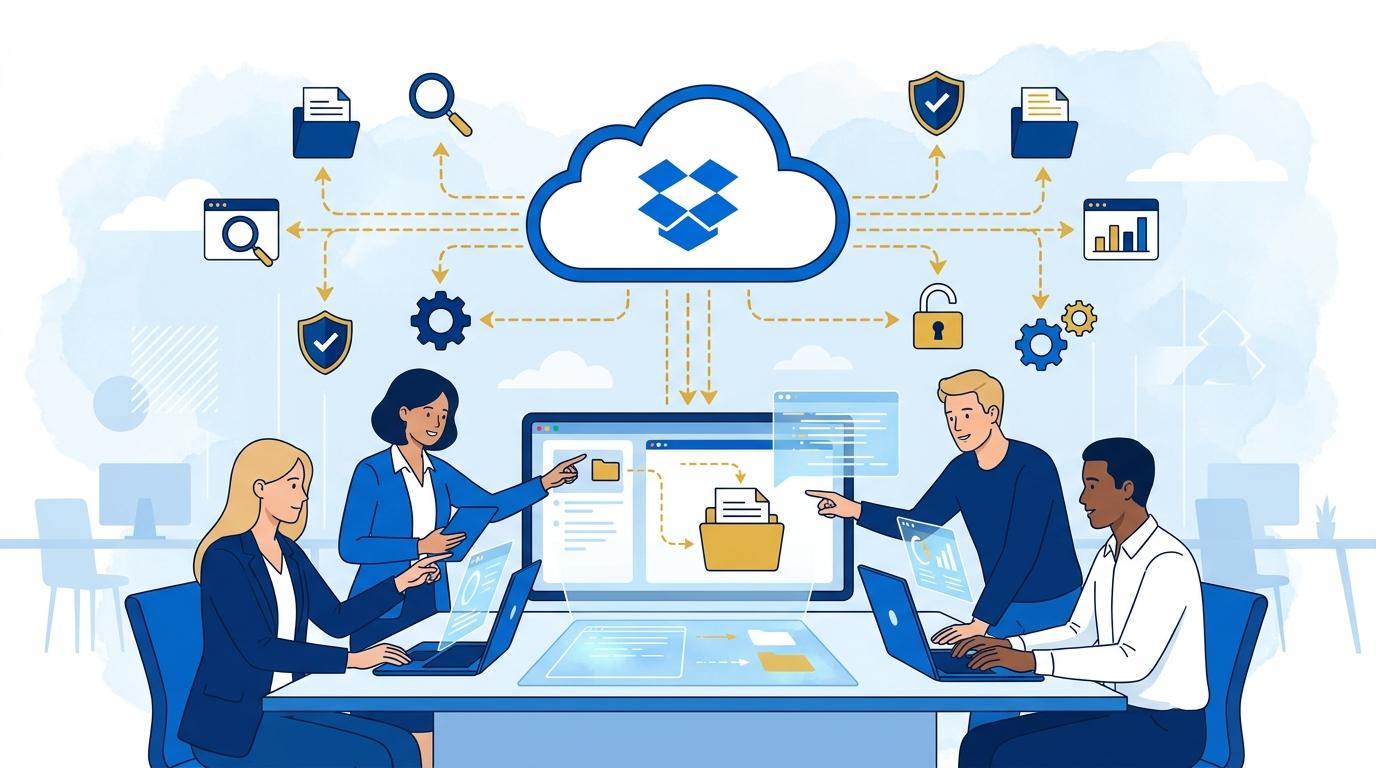
In this context, modern centralized search tools are the answer, enabling searches across multiple information sources at once – not just files on your account, but also materials shared by the school and content in other tools such as email, calendars, or collaboration platforms.
Centralized search lets you enter a single query and get results from different places – without logging into each system separately. This way, you can locate the required document or information in seconds, even if you don’t remember where it was placed.
In practice, this means you can search not only through folders shared by the university but also email attachments, shared links, and even pieces of content in other tools you have access to as an external partner.
How Does Search Across Tools and Folders Work?
Modern solutions use integrations with the most commonly used platforms in educational environments – such as Google Workspace, Microsoft 365, Slack, or calendars and mail systems. Once you connect your accounts, you can search files, emails, events, and other assets using a single search field.
For instance, by entering a project name or course topic, you can immediately see results from various sources: folders shared by the school, emails with attachments, messenger messages, and calendar events. Instead of switching between multiple applications, you have everything in one view.
Search covers both file content and metadata – you can find a document based on a text fragment, the author’s name, modification date, or even topics discussed in chats. For external partners, this means saving time and being confident that no important material escapes your notice.
Artificial Intelligence in Contextual Information Discovery
Artificial intelligence is playing an increasingly important role, not only searching files and messages, but also understanding the context of your queries. With AI functions, you can ask questions in natural language – for instance, “show the latest class schedule” or “where are the recruitment results for project X.”
AI analyzes not only file titles and names but also their content, messenger conversations, and document relationships. You receive concise summaries or pointers on where to find the right material – even if you’re not sure what keyword to use.
AI implementations also let you quickly filter results by source, date, or file type, and suggest related documents that might interest you. This is a huge convenience for those unfamiliar with the university’s folder structure or not tech-savvy with different platforms.
Security and Access Control in Multi-Partner Environments
For schools and universities, it’s crucial that external partners have access only to selected materials and that data remains secure even in a scattered environment. Advanced permission management mechanisms allow precise control over who can access what.
Centralized search respects your permissions – you only see files and messages you’re actually allowed to access as an external user. Even if the system indexes content from many sources, search results are shown according to the permissions and security policy of the university.
Additionally, such solutions continually monitor logins, file transfers, and attempts to access unauthorized resources, minimizing the risk of leaks or accidental disclosure of important data. External partners can rest assured they are using current, but also secure, information.
Practical Scenarios: Quickly Finding Critical Information
In everyday collaboration with a university, centralized search and AI are invaluable in many situations:
- You’re looking for the latest version of a contract or regulation, but can’t remember where it was shared. Simply type a fragment of the title or document purpose to find it instantly – no need to dig through email archives and folders.
- You need to quickly check a project participant list – a simple query in one place returns the file, as well as related messages or notes from previous meetings.
- Someone from the team sent you an important attachment via chat, which later also appeared as a link in an email – the search covers both sources and shows the most current version.
For external partners, this is a massive convenience, especially when you need to act quickly and have no time to learn the school’s internal procedures.
Summary
Working with a school or university doesn’t have to mean information chaos and tedious searching through dozens of folders. Thanks to centralized search and smart AI suggestions, you can find any file or message in seconds – regardless of where it was shared. It’s not just convenience, but also increased security and the certainty that you’re always using the most current information.