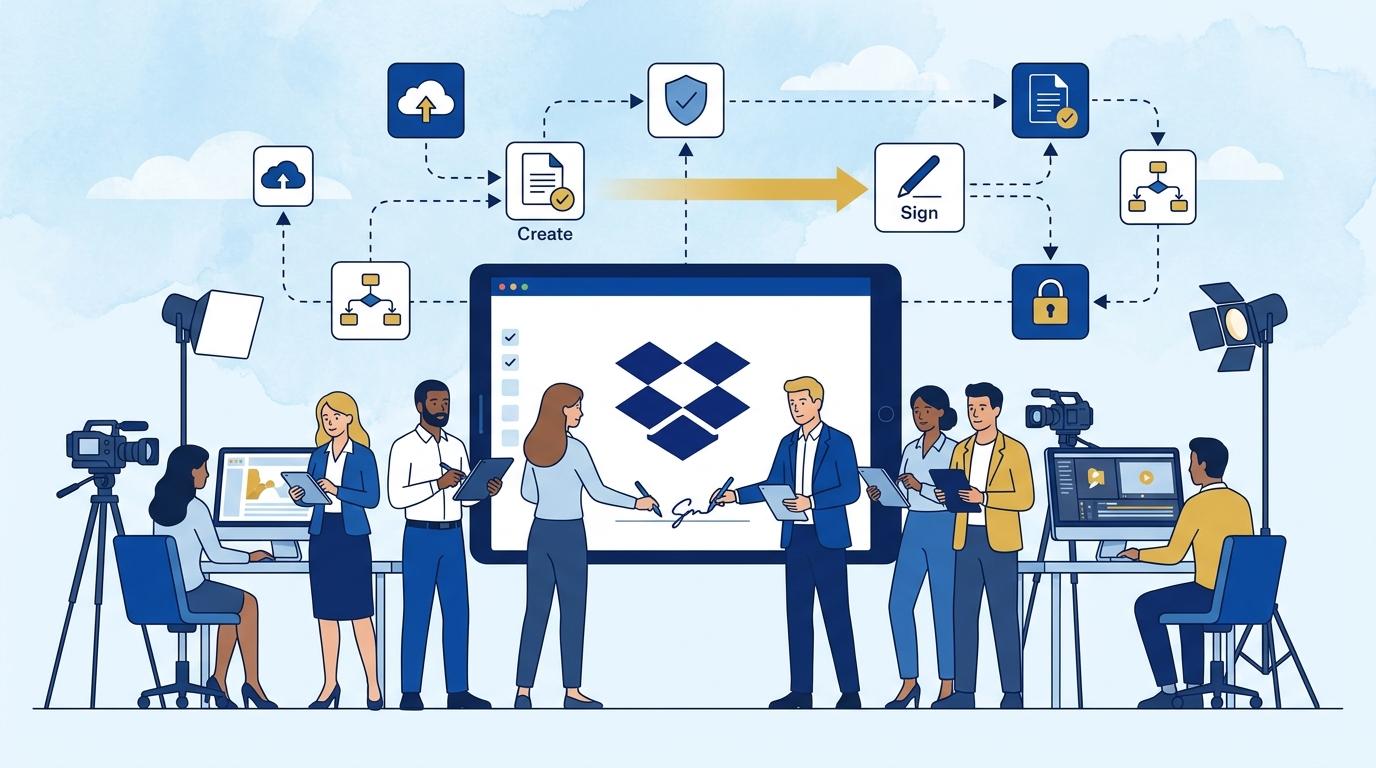
In the fast-paced environment of a video production studio, where quick responses to client inquiries and efficient deal finalizations are crucial, the sales contract signing process often becomes a bottleneck. IT administrators in such companies are tasked not only with ensuring data security, but also with optimizing daily workflows for sales teams. This is where Dropbox Sign truly shines – a platform for managing electronic signatures that eliminates the need to print, scan, and send paper documents.
In this post, we show how Dropbox Sign automates the sales document workflow for video studios, reduces the risk of errors, and provides full control over the status of every contract. We also highlight features relevant from an IT administrator’s perspective, outline potential limitations, and present a practical step-by-step scenario from contract preparation to final online signature.
Dropbox Sign – key features for sales processes in a video studio
Dropbox Sign offers a range of features tailored to the typical challenges of selling video production services. First, it allows users to easily create and send documents for signature directly from a web browser or supported project management tools (integrations depend on the plan). The IT administrator can centrally manage contract templates, minimizing errors and accelerating offer preparation for clients.
The system enables configuration of signing parties, automatic reminders, and live status tracking for each document. In practice, a salesperson can see at a glance which stage a contract is at – whether it’s waiting for a signature, already accepted, or requires attention. Administrative departments have access to reports on each contract’s turnaround time and an audit trail of changes, making it easier to audit and account for team performance.
It’s important to note that Dropbox Sign supports electronic signatures compliant with relevant Polish and EU laws. With Advanced and Enterprise plans, administrators gain enhanced access management options and more comprehensive audit logs.
Implementing Dropbox Sign for sales contracts – step-by-step scenario
In a typical video production studio, the process of signing client contracts usually follows a set pattern:
- The salesperson prepares an offer and a standard sales contract template approved by legal.
- Using Dropbox Sign, they select the template, enter the client’s specific details, and define the signing order (e.g., client side and company side).
- The system sends the document to designated recipients – each gets a unique, secure link to sign online.
- Dropbox Sign monitors document status and automatically reminds recipients to sign.
- Once all signatures are collected, the final document is saved in the company archive or integration (e.g., Dropbox, Google Drive), and all parties receive a completion confirmation.
The IT administrator can oversee permissions, monitor system usage by sales reps, and set required authorization levels from the admin console. The main limitations are the requirement for internet access on the signatory side and that some integrations (e.g., SSO, API) require higher-tier plans.
Dropbox Sign in Advanced and Enterprise plans – advantages for IT administrators
For larger companies, such as a video production studio with 50-200 employees, it’s worth considering Dropbox Sign Advanced or Enterprise plan deployments. These options allow centralized user account and access management, integration with company SSO, and extended audit logs.
In practice, the administrator can configure permission levels, control access to templates and document archives, and oversee compliance with company security policies. The Enterprise plan also offers additional reporting options and support for corporate-level deployments.
Some advanced features, such as API integrations, may require extra configuration or development resources. Before purchasing a higher-tier plan, be sure to consult technical requirements with your provider.
Document workflow security with Dropbox Sign – video studio perspective
Dropbox Sign complies with modern security and encryption standards, which is critical for handling sales contracts containing sensitive data (e.g., client personal details, confidentiality clauses). All documents sent through the platform are protected both during transmission and storage.
For a video production studio, protection against unauthorized changes and the ability to reconstruct a complete activity history for each document are also important. In Dropbox Sign, administrators can check exactly when and from which IP address a document was signed or declined.
One limitation is the lack of support for qualified signatures – Dropbox Sign offers an advanced signature (as defined by eIDAS), which suffices for most business transactions, but not in all formal procedures.
Shortening sales turnaround with Dropbox Sign: practical results
Introducing Dropbox Sign to the sales process of a video production studio can reduce contract signing time from several days to a few hours, sometimes even minutes. The need for printing, scanning, and mailing documents is eliminated.
For example, a client in another city receives a contract for online signature without waiting for courier delivery or involving extra staff for paperwork. The sales team instantly sees when the document has been signed and can begin production immediately.
Of course, efficiency depends on adoption by all process participants and proper configuration of templates and permissions. Implementing Dropbox Sign requires minimal training, and the benefits are noticeable after just a few agreements.
Summary
Dropbox Sign significantly streamlines and secures the sales contract signing process for video production studios. It shortens client onboarding time, eliminates common errors associated with manual document handling, and gives IT administrators full control over security and workflows. If you want to implement Dropbox Sign in your studio or learn more about integration options, contact the Fixtra team – we’ll guide you through deployment and recommend the best solutions for your organization.