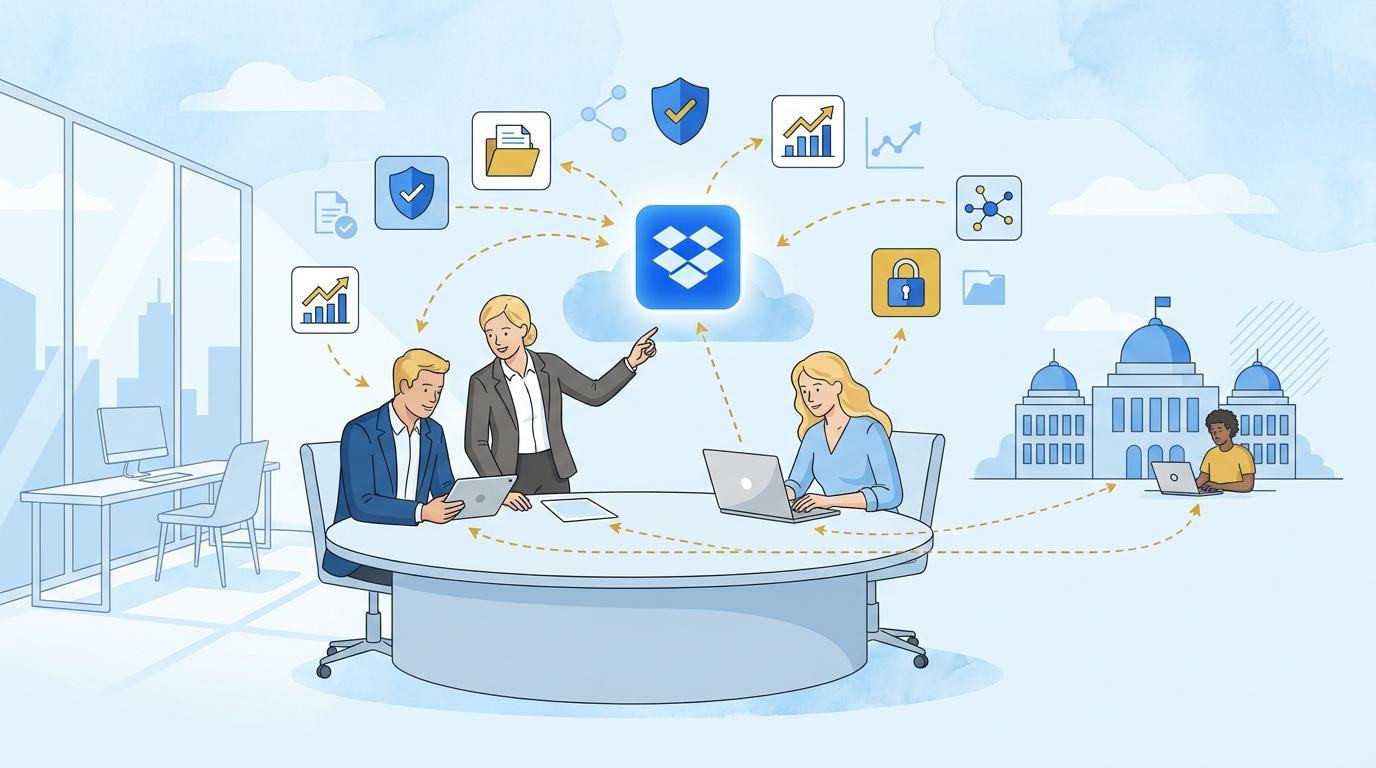
Freelancers collaborating with several local government offices at once often face a recurring problem: each file deployment, access setup, and security procedure looks different. Managing permissions, folder architecture, or compliance with office policies becomes time-consuming and error-prone. Dropbox Enterprise addresses these challenges by offering tools that give freelancers control over the deployment process while providing clients with confidence in how their data is managed.
This article demonstrates how Dropbox Enterprise helps organize rollouts in a local government environment – from automating folder structures and central access management to user activity reporting. We’ll focus on specific features, practical workflows, and limitations that matter to freelancers responsible for implementing or supporting several clients at the same time.
Dropbox Enterprise – Automating Folder Structures and Templates for New Local Government Clients
When a freelancer starts working with another local government office, it’s not just about securing the files but also organizing them into a logical structure that meets the client’s requirements. Dropbox Enterprise allows administrators to prepare folder templates and automate their rollout for new teams or projects.
In practice, a freelancer can:
- Create a model folder structure (e.g., “Budget,” “Public Procurement,” “Joint Projects,” “GDPR Documentation”).
- Automate the creation of this structure for each new client or project, reducing deployment time.
- Set default permissions for each folder to minimize the risk of accidental exposure of sensitive files.
This requires admin rights or coordination with the person responsible for administering Dropbox Enterprise in the office. Automations may require the use of the Dropbox API or integrations with deployment management tools, and certain template features may differ depending on product version.
Central Access Management and User Roles in Dropbox Enterprise
One of the key challenges in working with multiple local government clients is controlling who has access to which documents and quickly responding to team changes. Dropbox Enterprise offers an advanced admin console, enabling centralized management of user roles and permissions across the organization.
- You can quickly add office employees to relevant folders, assigning the appropriate roles (e.g., view only, edit, admin).
- When there are staffing changes or rotations within the office, you only need a few clicks to revoke access or transfer permissions to another person.
- Dropbox Enterprise allows users to be grouped (e.g., finance department, administration, IT) and access to specific folders or projects to be managed in bulk.
Keep in mind that full administration rights are needed in Dropbox Enterprise. If the freelancer lacks such rights, they should coordinate procedures with the client or provide instructions for the office administrator.
Advanced Activity Tracking and Reporting in Dropbox Enterprise
Working with local governments demands not only data security but also monitoring user activity—who, when, and which files have been viewed, downloaded, or edited. Dropbox Enterprise offers extensive reporting and audit capabilities, allowing both the freelancer and the office to meet transparency and oversight requirements.
Practical example:
- The freelancer generates an activity report for selected folders (e.g., tender documents) to show the client a history of access and changes.
- This makes it possible to quickly detect potential unauthorized access or accidental external file sharing.
- Reports can be configured for time range, users, actions, and exported for further analysis or audit presentation.
Not all reporting options are available in lower Dropbox plans, and the level of detail may vary depending on the organization’s configuration and the client’s security policies.
Dropbox Enterprise and Integration with Local Government Office Systems
Deploying Dropbox Enterprise in a local government environment often means integrating with internal office systems (such as Active Directory, SSO tools, or document management systems). Dropbox Enterprise enables these integrations with support for SSO (Single Sign-On), SCIM (automatic user account management), and a wide API.
- Officials can log into Dropbox using their official credentials, without needing to remember separate passwords.
- The freelancer (in the role of deployment specialist) can assist the client in configuring integrations or preparing documentation for the office’s IT department.
- Integration with HR systems allows for automatic activation or deactivation of access when the office team changes.
Limitations include the need for support on the office system side and appropriate admin permissions. Freelancers often act as advisors or coordinators, working closely with the client’s IT department.
Limitations and Key Conditions for Effective Dropbox Enterprise Deployment for Freelancers in Local Government
While Dropbox Enterprise offers broad capabilities, there are also limitations and challenges to consider at the deployment planning stage:
- Full admin functionality is available only to users or teams with Dropbox Enterprise admin rights.
- Automations and integrations may require knowledge of the Dropbox API or collaboration with the office’s IT department.
- Many features, such as advanced reporting or SSO integration, are exclusive to the Enterprise plan and not available in Dropbox Standard or Advanced.
- Working with local government bodies requires compliance with their security policies and internal procedures, which might impose additional requirements on deployment.
Therefore, effective deployment requires not only familiarity with Dropbox Enterprise but also strong communication and joint process planning skills with the client.
Summary
Dropbox Enterprise is a tool that significantly streamlines the freelancer’s implementation of unified file and access management standards in local government environments. Automating folder structures, centralized access management, advanced reporting, and integration with client systems make deployment faster, more secure, and compliant with office requirements. If you want to learn how to prepare a successful Dropbox Enterprise deployment for your clients—whether in local government or business—contact Fixtra to discover the platform’s capabilities in practice.