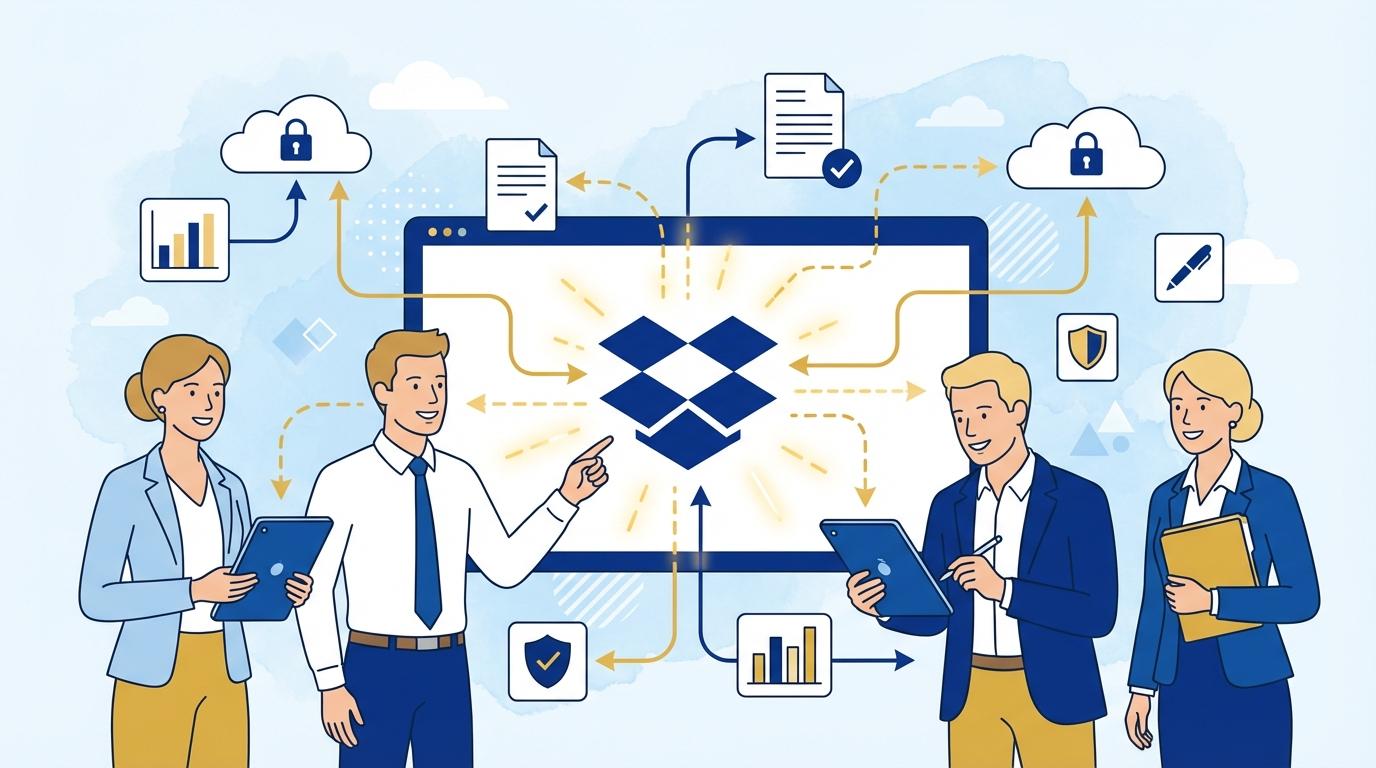
Imagine you’ve just agreed on excellent terms for a multi-year partnership with a new business partner. Both sides are ready to launch the project, but… the contract signing process stumbles over classic office hurdles. Someone prints the document, someone else scans it, another waits for a manager’s signature, and soon there’s file chaos, version confusion, and delays. As a result, the project launch is postponed by days or even weeks. Is there a better way?
In recent years, more and more B2B companies have sought ways to shorten the formal path between negotiation and contract execution. The answer has been digital signatures and automated document workflows. Dropbox Sign, developed by the Dropbox team, has become one of the most appreciated tools for e-signing contracts—both with customers and business partners.
Based on the latest publications from Dropbox and reviews on TechCrunch and PCMag, there’s a clear trend: companies that implemented Dropbox Sign in their B2B processes noticed up to 80% reduction in contract cycle times and a strong increase in partner satisfaction. What does this look like in practice? Let’s analyze key Dropbox Sign applications in daily business and the tangible benefits for sales, legal, and account management teams.
Typical Challenges in B2B Contract Workflows
In the traditional model of signing commercial contracts, B2B companies face many obstacles. Most commonly, delays arise from printing, scanning, and sending documents in multiple formats. Each stage requires multiple people’s involvement, and every error or ambiguity can prolong the process by days.
Security and compliance are also significant issues. Sending contracts by email, making last-minute changes, or lacking precise control over who accessed documents and when creates risks of confidentiality breaches or legal mistakes.
Another challenge is geographically dispersed teams and international partners. For global companies, signing contracts can be a logistical headache—waiting for physical signatures, courier shipments, or dealing with time zone differences can hinder swift contract finalization.
Automation and Digital Signatures: How Dropbox Sign Works in Practice
With Dropbox Sign, companies can fully digitize the process of preparing, sending, and signing contracts. Instead of printing or scanning, a few clicks generate a signing link that’s shared with the partner. The platform lets you define precisely which fields must be completed and in what order signatures should be added.
Built-in templates streamline repetitive processes—framework agreements or NDAs can be prepared once and sent to new partners in seconds. Every content change is automatically logged, making it easy to control document versions.
Advanced notification options let users track the process in real time. The responsible person sees who has signed and who’s up next. This enables quick reactions to bottlenecks and timely reminders for the next steps.
Security and Compliance: Key Dropbox Sign Advantages
For any B2B business, data security and compliance (GDPR, eIDAS, UETA, ESIGN) are the foundation of cooperation. Dropbox Sign meets strict industry standards, ensuring data encryption in transit and storage with a complete audit trail for every signed document.
Signatures via Dropbox Sign have legal validity in most countries—the platform logs exact date, time, IP address, and other authentication details. Users can also require additional authentication (like SMS codes), making forgery much harder.
Full event logging and the ability to download a signature history certificate make it easier to resolve disputes and serve as robust safeguards during legal audits or inspections.
Tangible Benefits for Sales, Legal, and Account Management Teams
By implementing Dropbox Sign in contract workflows, sales teams can close contracts faster, shortening the time from offer to project start. This directly improves cash flow and makes business planning more predictable.
Legal teams get better compliance control, eliminating the risk of working on outdated versions or losing critical clauses. Automatic templates and document versioning help standardize documentation across all company branches.
Account managers can respond faster to partner needs. Thanks to notifications and signature histories, they have a full overview of each contract’s status, building trust and improving partner experience.
Example Dropbox Sign Implementation Scenarios in B2B Companies
- An IT company uses Dropbox Sign to sign implementation contracts with international clients. Result: contract cycles reduced from weeks to 2-3 days.
- A marketing agency automates NDA sending and signing for every new client project. Effect: 30% more NDAs signed and minimal document errors.
- A logistics provider uses Dropbox Sign for multi-page framework agreements with its partner network. The legal team sees every version and ensures compliance with current regulations.
In all these cases, deploying Dropbox Sign not only streamlined contract workflows but also reduced operating costs and improved partner communications.
Integrations and Extensions: Dropbox Sign in the Business Ecosystem
Dropbox Sign seamlessly integrates with other company tools. With ready integrations, the platform can be connected to CRMs (such as Salesforce), document management systems, Dropbox cloud, or Google Workspace.
The Dropbox Sign API enables full customization—automated contract generation, signed document archiving, or SMS notifications are just a few available options.
For B2B companies prioritizing scalability and process flexibility, this is a major advantage. Dropbox Sign doesn’t require expensive IT infrastructure investments, and setup and integrations are accessible even for mid-sized teams without specialist technical know-how.
Summary
Dropbox Sign effectively removes barriers in traditional B2B contract workflows. Automation, security, and easy integration with other tools mean companies can finalize contracts faster and more securely, creating a competitive advantage in a dynamic business environment.