Imagine a scenario where your team has just landed a key partner for a joint project or urgently needs the support of an experienced freelancer. The planning is already underway, but before the first question is asked or documents are shared, a non-disclosure agreement (NDA) must be signed. Any delay at this stage means lost time, risk of information leaks, and stalled progress. We all know the drill: endless emails, printing, scanning, document errors, and slow responses. Sometimes, every hour counts.
This is why more and more companies – from startups to corporations – are moving from paper-based NDAs to digital solutions that allow documents to be signed within minutes from anywhere in the world. In the era of remote and hybrid work, where we often collaborate with people outside our organization, digitizing the NDA signing process becomes crucial for both security and efficiency. Dropbox Sign stands out as a tool that automates and speeds up NDA workflows, minimizing paperwork and the risk of errors.
How exactly does this process look? What does onboarding new partners and freelancers via Dropbox Sign involve? And what makes it not just fast but also secure? In the following sections, we’ll break down the key steps, practical benefits, and real-world examples of how this tool enables companies to focus on growth rather than bureaucracy.
Why Are Digital NDAs Essential Today?
Modern business demands lightning-fast responses to new opportunities but must also protect its know-how from leaking. NDAs signed remotely are becoming standard, as partners and freelancers rarely visit physical offices. Traditional paper NDAs thus expose companies to delays, oversights, and a lack of process control.
Digital NDAs not only cut signing times but also make archiving and document retrieval effortless. In practice, this means less risk of losing paperwork or dealing with outdated versions, which often occurs with email exchanges. Additionally, an e-signature audit trail allows you to easily verify when and by whom an NDA was signed.
According to the latest Dropbox blog updates (March 2024), 75% of managers working remotely consider digital signatures a key factor in collaborating with external contractors. Such solutions are also compliant with EU regulations (eIDAS), making them easy to use even in international projects.
Dropbox Sign – How NDA Signing Automation Works
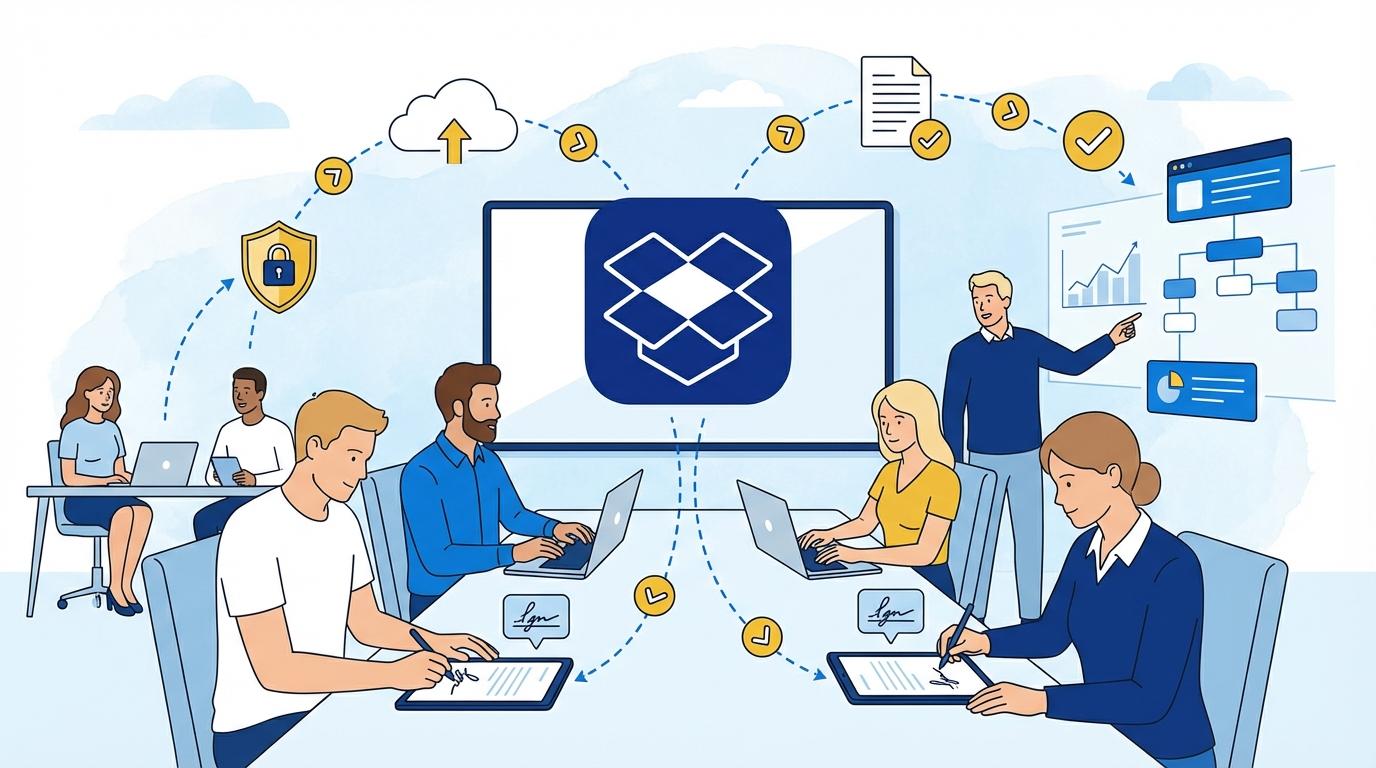
Dropbox Sign (formerly HelloSign) is a tool that provides online sending, signing, and management of documents – fully compliant with legal standards and security norms. The key element here is automation: simply upload your NDA template, assign recipients, and send the document with a single click.
The partner or freelancer receives an email notification with a secure link to sign the document – no printing or account setup required. The process is intuitive and takes less than three minutes. What’s more, Dropbox Sign allows you to set up automatic NDA signing reminders, eliminating the need to keep nagging for status updates.
After signing, all parties receive email confirmations and access to the signed document, which can be automatically saved in the selected Dropbox folder. Every document is protected with an audit trail and encryption, ensuring security even for the most sensitive projects.
Security and Legal Compliance – What Does It Look Like in Practice?
One of the most common questions with digital NDAs concerns security and legal compliance. Dropbox Sign meets the highest industry standards: documents are encrypted in transit and at rest, and access is restricted to authorized users only.
The tool is fully compliant with eIDAS, GDPR, and other international regulations on electronic signatures and data protection. Every NDA signature generates a detailed audit log with IP address, timestamp, and other metadata, serving as proof in the event of disputes.
Practice shows that even in sensitive industries like IT, medicine, or finance, Dropbox Sign is accepted by legal and compliance departments. This gives companies confidence that their NDAs are not only signed quickly but also secured from a legal perspective.
Benefits for HR Teams, Project Managers, and Legal Departments
The main advantage of Dropbox Sign is relieving teams that previously had to painstakingly oversee the signing process. HR and project managers can use ready-made NDA templates, eliminating the risk of errors and speeding up new team member onboarding.
Legal departments appreciate process transparency – every document version is archived, and the system automatically monitors signature completeness. Thanks to integration with Dropbox and project management tools, NDAs are sent directly to the right workflow, maintaining order even with a large number of contractors and partners.
- Automatic signing reminders reduce waiting time before work can begin.
- Centralized documents make auditing and compliance checks easier.
- Signing from a smartphone increases convenience for mobile freelancers and partners.
Use Cases – Practical Scenarios
Dropbox Sign isn’t just for tech companies; creative agencies, law firms, consultancies, and global startups all benefit. Typical scenarios include onboarding marketing freelancers, signing NDAs with external audit consultants, and partnering on joint IT implementations.
For large events or hackathons, organizers can send hundreds of NDAs to participants and track in real time who has signed. There’s no risk of anyone starting work without the required documentation. A real-life example: a PR agency implemented Dropbox Sign and cut the time from invitation to signed NDA from 3 days to 40 minutes.
For companies with international teams, the ability to sign NDAs in multiple languages and time zones means no “bottlenecks” at project kickoff. During audits or inspections, all documents are instantly available without digging through paper archives.
Integrations and Workflow – How Dropbox Sign Connects to Other Tools
Dropbox Sign seamlessly integrates with the entire Dropbox ecosystem, as well as Google Workspace, Slack, Microsoft 365, and Salesforce. An NDA can be automatically added to a project, and signature status notifications appear in your chosen communication channel.
The Dropbox Sign API allows companies to automate even more: NDAs can be generated and sent for signing directly from HR, CRM, or project management systems. This is crucial for companies signing dozens of NDAs per month.
- Dropbox integration enables automatic document archiving in selected folders.
- Analytics tools let you track NDA signing efficiency.
- With webhooks, signature status updates can be sent to internal systems (like Jira or Asana).
Summary
Dropbox Sign truly streamlines and secures NDA signing with partners and freelancers. Automation, legal compliance, and convenience for all parties mean companies can move faster and safer. It’s a tool that lets your business grow without unnecessary paperwork and delays.