Imagine the situation where you have just completed a breakthrough research report. You have worked on it for months, and now you need to securely share the findings with partners, reviewers, or investors. You know that sensitive data cannot end up in the wrong hands—yet you want the information to reach precisely the intended audience. Traditional methods of sending PDFs have their limitations: firstly, you have no control over who and when someone opens the document. Secondly, you don’t know which parts of the report are most read and spark the most interest. This begs the question: how can you combine digital tool convenience with guaranteed security and the ability to track recipients?
In many research institutions, technology startups, or data analysis teams, anonymous document sharing tools are no longer enough. There arises a need for a higher level of protection and full control over what happens to the sent report. This is where Dropbox DocSend comes in—a platform that has recently gained massive popularity in the scientific community and among companies working with confidential data. With DocSend, you can not only share research findings but also check who reads them, how much time is spent on particular pages, and whether the document was accidentally forwarded. It’s a new standard for handling scientific and commercial reports, combining transparency with corporate-level security.
Why is ordinary file sharing risky for reports and research findings?
Sending files via email or simple cloud links is insufficient when confidential research results, patents, or pre-publication data are at stake. Once a document is sent, it can easily be copied, forwarded, or downloaded by unauthorized people. As a result, we lose control over who has access to key information, potentially leading to data leaks, loss of competitive advantage, or breach of confidentiality.
The lack of recipient activity tracking is another issue. Did the reviewer really read the material? Did the investor go through the entire report, or stop at the executive summary? Such information cannot be obtained with classic file sharing. This means we cannot react to recipient interest or inactivity.
For research institutions, tech startups, or pharmaceutical companies, such risk is unacceptable. That’s why more and more teams are turning to business-class tools that not only allow sharing but also monitoring and securing reports and research findings.
Dropbox DocSend – how does it work and why is it secure?
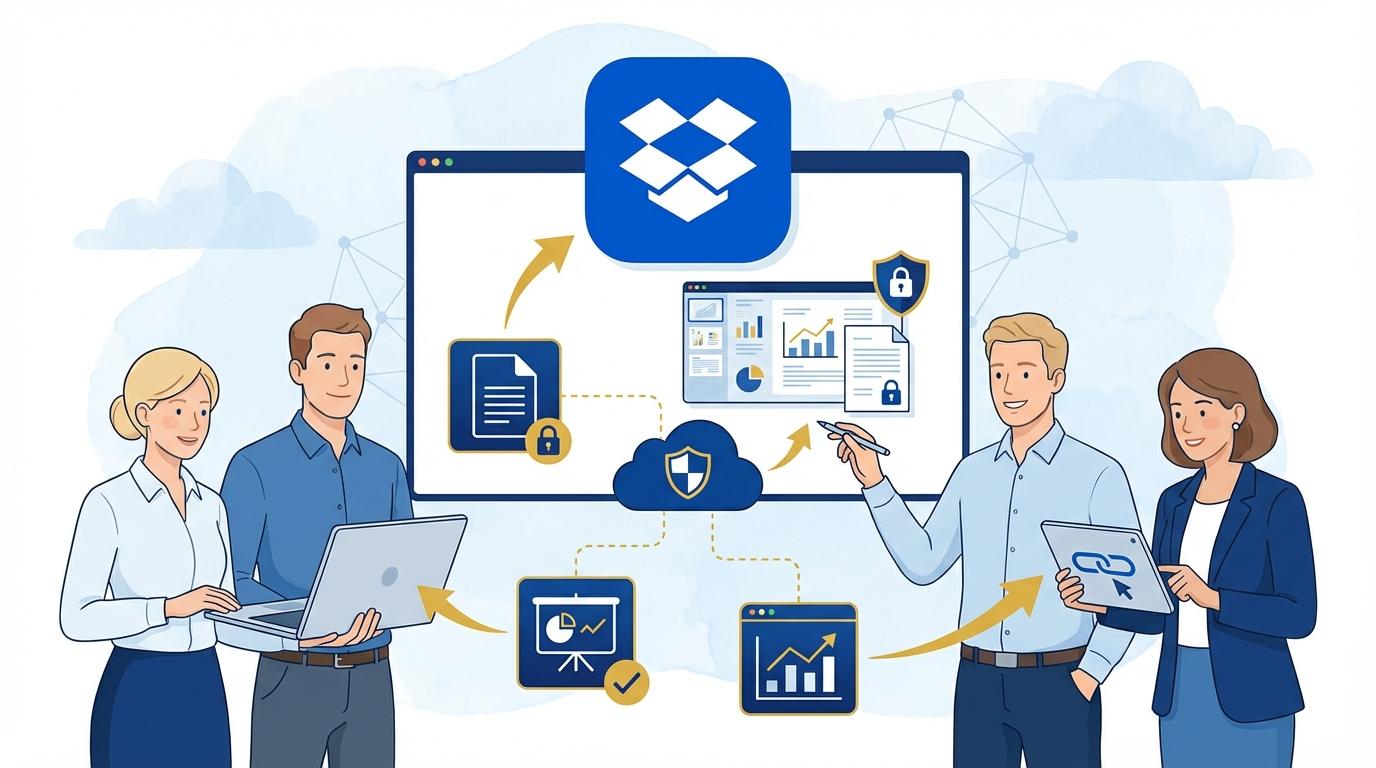
DocSend offers advanced document access control. Each shared report becomes an active link that can be password-protected, set to expire, or limited in the number of views. The user can also specify whether the recipient can download the document or only view it in a browser.
One key security element is the ability to remotely revoke access at any moment. If you suspect misuse of the report or the list of authorized individuals changes, a single click can make the document inaccessible to the recipient. This level of control is unavailable with standard email or basic cloud links.
DocSend also provides detailed recipient analytics. You can check how many times the document was opened, by whom, which parts garnered the most interest, and where recipients spent most of their time. This is not just a security tool—it’s also an invaluable source of feedback on how your work is received.
DocSend use cases in the scientific and R&D environment
Modern research teams often work in international consortia, where quick and secure sharing of findings with partners is essential. DocSend allows you to monitor in real-time which partners have reviewed the report and who hasn’t opened the document yet. This streamlines project management and accelerates communication.
In biotech companies and medical startups, DocSend is used to share sensitive data with investors or during the patent process. The ability to restrict downloading and remotely revoke access minimizes the risk of information leaks and protects the company’s intellectual property.
Universities and research institutes use DocSend to provide reviewers with pre-publication manuscripts, ensuring that only authorized individuals gain access to the file. If necessary, the administrator can block access or change settings at any time.
DocSend analytics – what data does the document owner receive?
DocSend offers in-depth insight into how recipients interact with the shared report. The document owner receives information on who and when opened the link, from which country and device. You can track the time spent on each page—helpful in identifying the sections that interest your audience most.
The analytic report shows how many people opened the document, how many times each did so, and whether there were attempts to share the link with unauthorized individuals. For highly sensitive material, this makes it easy to detect possible unauthorized access attempts.
Additionally, administrators can set up push or email notifications when a document is opened. This allows immediate reaction to recipient activity, for example, scheduling a meeting when an investor is currently reading the presentation.
How to configure secure sharing of research with DocSend? Best practice checklist
Preparing a report for sharing in DocSend should begin with a few crucial steps:
- Set up password protection for the link—send the password via a separate channel to reduce interception risk.
- Restrict document downloading—allow recipients to only view it in their browser.
- Define an expiry date or maximum number of link openings—after which access is automatically blocked.
- Enable notifications for document opens to stay up-to-date with recipient activity.
- Regularly check analytic reports to see which parts of the report attract the most attention.
Following these practices, you’ll ensure the highest level of security for your research findings and reports, regardless of who receives them.
DocSend integration with Dropbox and other research tools
DocSend integrates seamlessly with the Dropbox ecosystem, allowing quick file transfers from the cloud directly to DocSend, where they can then be shared and monitored. This makes the document transfer process even smoother and safer.
The tool also works with popular video conferencing platforms (e.g., Zoom, Teams), enabling live report presentations with real-time tracking of participant activity. DocSend also supports CRM system integrations, allowing recipient activity to be automatically logged to your contact database.
In research environments where both speed and data protection matter, such integration shortens document workflow time and reduces human error risk. Teams can thus focus on data analysis rather than administrative details.
Summary
Dropbox DocSend is a solution that dramatically increases the security and control of sharing reports and research findings. With advanced analytics, access restriction features, and integration with other tools, DocSend becomes an essential part of any organization valuing confidentiality and effective scientific communication.