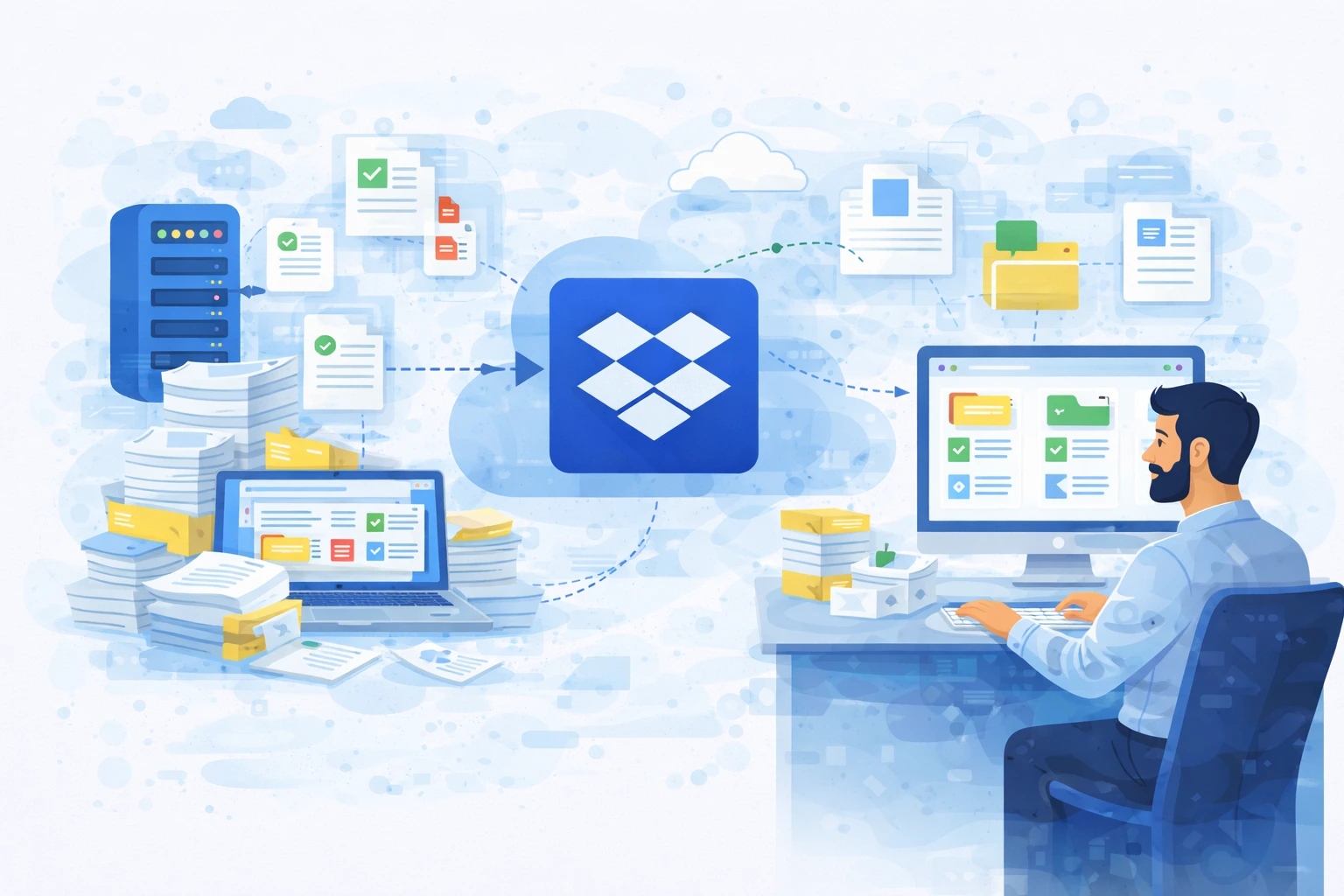
Migrating documents to the cloud is one of the most common steps taken by organizations that want to organize their information workflows, improve data security, and enhance team collaboration. Dropbox is frequently chosen as a platform for storing and sharing documents, but the decision to migrate is only the beginning of the process.
To ensure successful implementation, migration should be planned carefully and tailored to the organization’s specific needs. Otherwise, there is a risk of transferring existing document chaos into a new environment.
Why do companies decide to migrate documents?
Organizations usually begin migrating to Dropbox when their existing solutions stop meeting their needs. Documents are stored in multiple locations, teams use different tools, and collaboration between departments becomes increasingly difficult.
Cloud migration allows organizations to create a single, consistent document workspace that supports both team collaboration and data security management. However, proper preparation for such change is essential.
The most common challenges during document migration
One of the biggest issues is the lack of an organized file structure before migration. In many companies, documents are stored in unclear folders, contain duplicates, or are labeled in ways that make them difficult to search. Transferring such a structure to Dropbox results in users continuing to struggle with finding necessary information.
Another challenge is access management. During migration, organizations often discover that there are no clear rules defining who should have access to specific documents. This can lead to permissions being too broad or, conversely, limit team productivity.
An additional challenge is changing employee habits. Document migration is not only a technological project but also a change in how teams work with information. Without proper support, users may return to previous file storage methods.
Document audit as the first step
Before starting the migration, it is worth analyzing existing document resources. An audit helps identify key data sources, evaluate their structure, and determine which documents should be transferred to the new environment.
At this stage, organizations often decide to remove outdated files and reorganize folder structures. This makes migration easier and helps users adapt more quickly to the new environment.
Designing document structure
One of the most important elements of migration preparation is designing the folder structure in Dropbox. The structure should reflect business processes rather than only the organizational hierarchy.
This approach makes document management easier and reduces the need for future restructuring. A well-designed structure also simplifies access management and collaboration between teams.
Planning access and security
Document migration is an excellent opportunity to organize access management rules. Organizations can define user roles, establish permission levels, and introduce sharing policies for external partners.
Applying the principle of least privilege reduces the risk of data leaks and increases transparency across the working environment. It is also important to define responsibility for access management and monitoring user activity.
Migration planning and phased implementation
Document migration should be carried out in stages. Gradual implementation allows organizations to test the new environment, identify problems, and adjust document structures to actual user needs.
In many cases, starting migration with a selected department or pilot project proves effective. This helps organizations gain experience and prepare for broader implementation.
Training and user support
Migration success largely depends on whether employees can effectively use the new environment. Training should cover not only tool usage but also best practices for document management and team collaboration.
Supporting users during the first weeks after migration helps reduce the risk of returning to old workflows and accelerates adoption of the new solution.
Monitoring and environment development after migration
Document migration does not end once files are transferred to Dropbox. Organizations should regularly analyze how the platform is being used, review document structures, and adjust the environment to evolving business needs.
This approach helps maintain document organization and ensures the platform’s full potential is utilized.
Summary
Migrating documents to Dropbox is a process that can significantly improve organizational workflows, increase data security, and enhance team collaboration. However, to achieve these benefits, migration should be preceded by resource analysis, document structure design, and user preparation.
A well-planned implementation allows organizations not only to move documents to the cloud but also to streamline processes and create a modern information workspace.