In many organizations, SharePoint is the natural choice. Most often, that’s because it’s already included in Microsoft 365. If a company uses Outlook, Teams, Word, and Excel, SharePoint feels like a logical extension of the same environment.
On paper, everything looks cohesive: one ecosystem, one vendor, one platform. The challenge appears when teams begin working at scale — with clients, external partners, large multimedia files, creative projects, and fast-moving workflows.
That’s when it becomes clear that what works well in a corporate ecosystem doesn’t always translate into speed, simplicity, and real productivity.
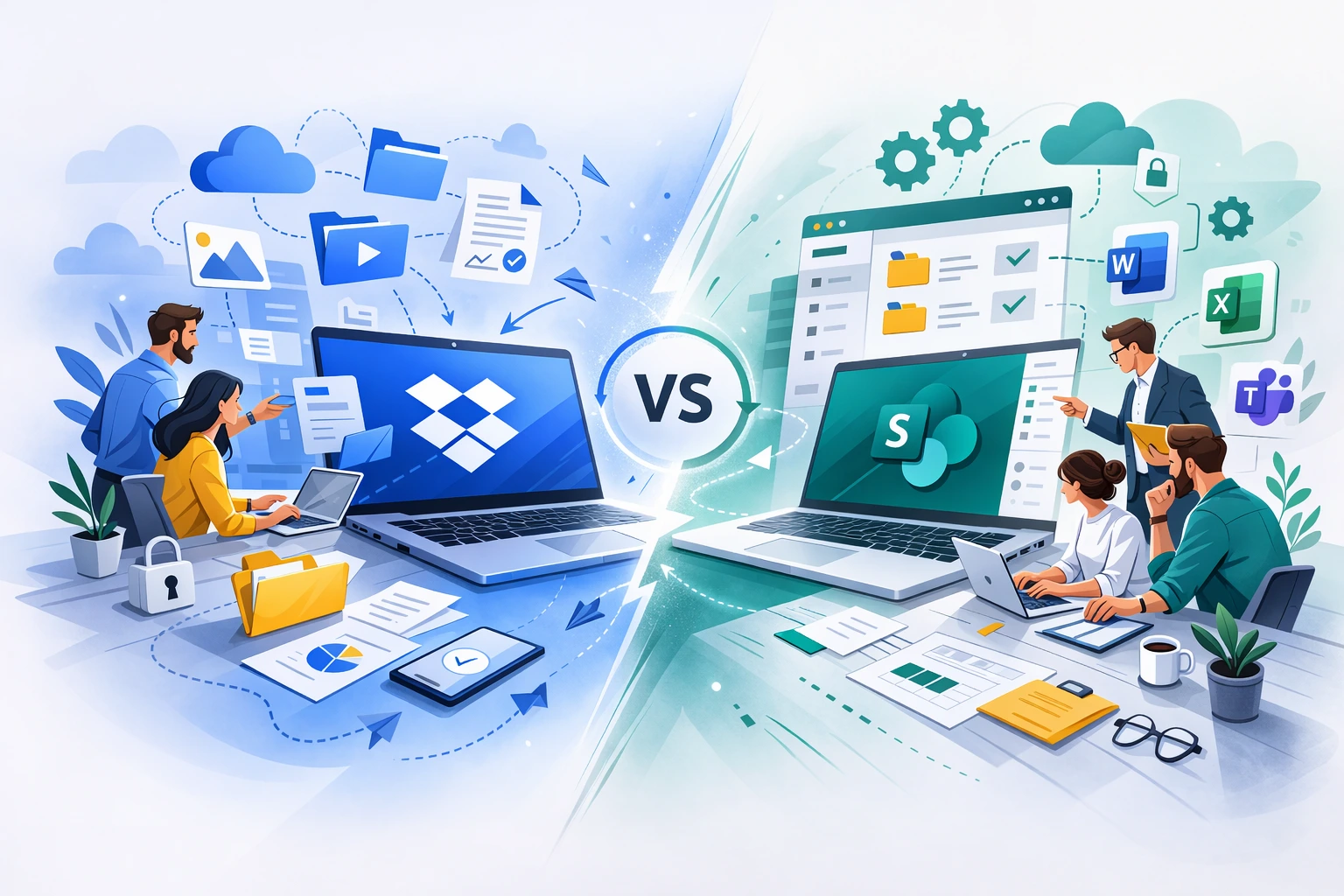
In this article, we explore when SharePoint makes sense — and why, in many scenarios, Dropbox proves to be a better fit for the way teams actually work.
SharePoint as an enterprise platform
SharePoint is a powerful enterprise-grade platform. Beyond file storage, it enables organizations to build intranets, knowledge portals, structured collaboration environments, and even internal applications.
For large organizations with dedicated IT departments, this flexibility is a major advantage. SharePoint offers deep customization and tight integration with the broader Microsoft ecosystem.
But flexibility comes with a cost: complexity.
In practice, many small and mid-sized organizations don’t need a platform for building intranets or internal social networks. They need a place where files are organized, easy to share, and reliably synchronized.
And that’s where the difference begins.
SharePoint’s biggest challenge: complexity and administration
SharePoint is often perceived as a tool that requires configuration and technical expertise. In smaller and mid-sized companies, administrators frequently need to manage security settings across multiple layers: SharePoint Online, Microsoft 365, and Entra ID.
This can mean relying on external consultants or involving IT every time a significant change is needed.
Dropbox takes a different approach. It is designed to work “out of the box,” with an intuitive interface, straightforward user management, and clear sharing rules.
The difference becomes especially noticeable in organizations that want to move quickly, without multi-layered setup and ongoing configuration overhead.
External collaboration: where Dropbox stands out
One of the most common pain points teams report when working with SharePoint is the friction around external collaboration.
The Microsoft ecosystem is primarily designed with internal users in mind. Once clients, agencies, freelancers, or vendors enter the picture, additional steps, configurations, and restrictions often follow.
Dropbox, on the other hand, was built for cross-company collaboration. Sharing folders and large files, managing granular permissions, and generating secure links are core strengths of the platform.
In projects where files frequently move beyond the boundaries of the organization, this difference becomes significant.
Large files and rich media: two different philosophies
SharePoint performs well for Office documents and standard business files.
However, creative and technical teams often face challenges. 4K video, CAD files, graphic design assets, and large archives can push storage and synchronization limits.
Dropbox supports files up to 2 TB in size and offers different synchronization modes, such as Streaming Sync and LAN Sync, to optimize performance in distributed environments.
For teams working with large content, differences in upload speed, sync reliability, and file preview capabilities are not theoretical — they directly affect daily productivity.
Synchronization and reliability
In real-world usage, teams don’t judge tools by feature lists — they judge them by whether they work quickly and reliably.
Dropbox has built its reputation around fast synchronization, stable offline access, and a consistent experience across Mac and Windows.
In mixed environments (Mac and Windows), which are common in creative teams, Dropbox is often seen as more stable and less problematic than SharePoint powered by the OneDrive sync client.
Costs that appear later
At first glance, SharePoint may seem more cost-effective — especially if the organization already pays for Microsoft 365.
However, it’s important to look deeper.
SharePoint Online storage is limited (1 TB plus 10 GB per user), and additional storage is billed per gigabyte. As organizations grow, storage costs can scale faster than expected.
Additionally, SharePoint’s e-signature functionality is billed per signature, which can significantly increase operational costs in high-volume environments.
Dropbox is often viewed as more transparent in pricing — with predictable plans and fewer unexpected add-ons.
Is SharePoint a bad choice?
No. There are clear scenarios where SharePoint is the right solution.
If an organization is building a complex intranet, requires deep integration with the entire Microsoft ecosystem, and has a strong IT department — SharePoint can be a solid fit.
But if a company is looking for a tool that:
- accelerates everyday collaboration,
- simplifies external sharing,
- improves performance with large files,
- reduces administrative complexity,
- and offers predictable costs,
Dropbox often proves to be the more practical choice.
Summary
SharePoint is a powerful enterprise platform. Dropbox is designed for fast, seamless, everyday collaboration — including across organizational boundaries.
The decision should not be based solely on what is already bundled in your subscription. It should be based on how your team actually works.
If your goal is to simplify workflows, improve control over files, and collaborate more efficiently with clients and partners, Dropbox is often the solution that translates more directly into real business impact.