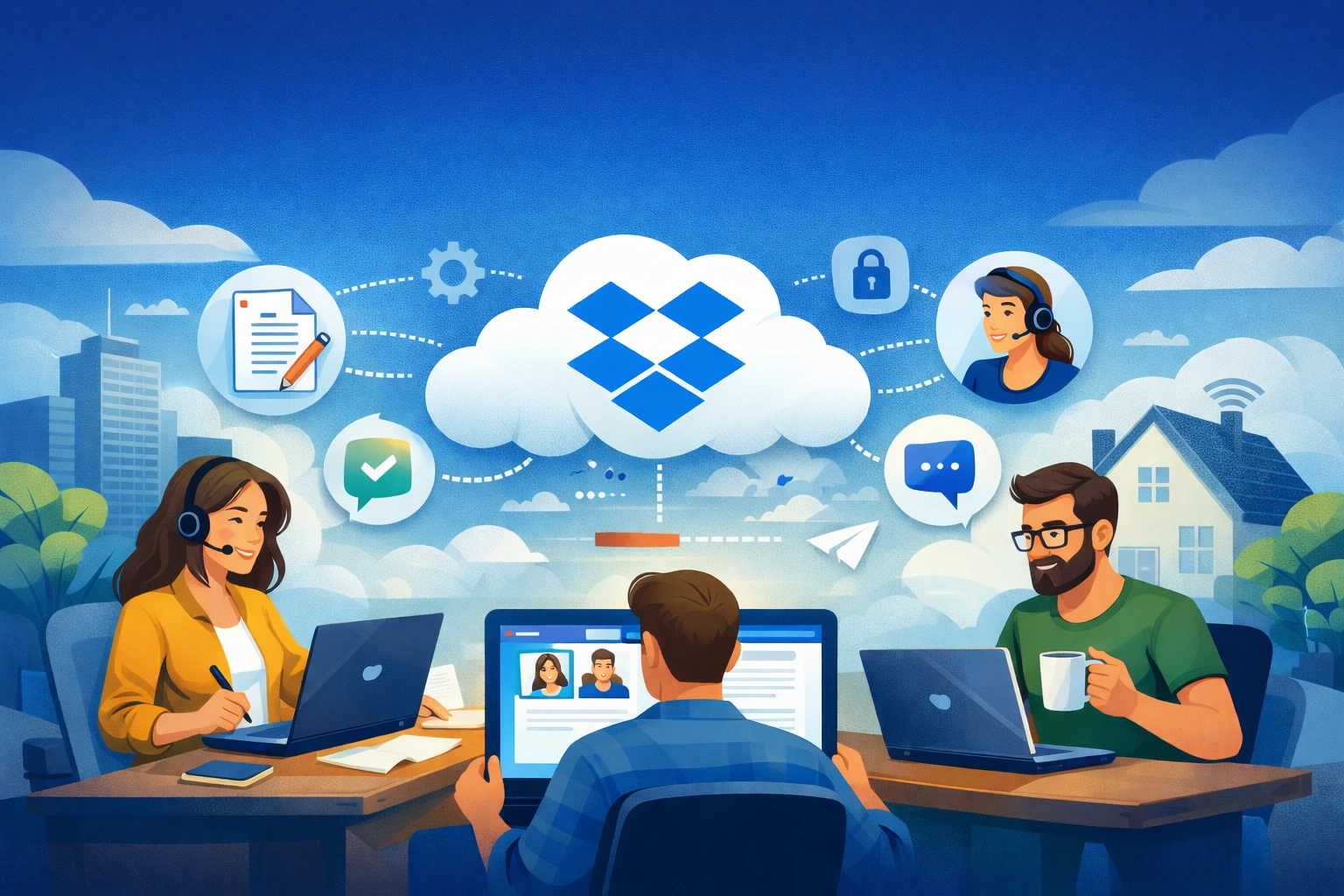
Remote work has stopped being a perk and has become everyday reality for many organizations. Teams now operate in a distributed manner, often without direct contact, which makes access to up-to-date files and efficient collaboration critically important. It is in this context that Dropbox increasingly plays the role of a central tool supporting remote and hybrid work.
Dropbox allows teams to work on shared resources regardless of location or device. Documents stored in the cloud are always up to date, and changes made by one person are immediately visible to others. As a result, employees do not have to send files by email or wonder which version of a document is the correct one.
Dropbox as the foundation of remote team collaboration
One of the biggest challenges of remote work is a lack of data organization. Without a clearly defined folder structure and working rules, files are quickly duplicated, and finding the right document takes more and more time. Dropbox makes it possible to create a coherent work environment in which every team member knows where project materials are located and how to use them.
A well-designed team space in Dropbox significantly shortens the onboarding time for new employees. Instead of sending instructions and files through various communication channels, the company provides a single, central knowledge repository. This is particularly important for teams working asynchronously, where access to information must be immediate.
Working on documents without chaos and conflicts
In distributed teams, version conflicts are a common problem. Dropbox addresses this issue by offering a full version history and the ability to restore earlier versions of documents. Thanks to this, even if several people work on the same file at different times, the team retains full control over the results of their work.
Importantly, remote work does not have to mean delays in project delivery. Dropbox enables smooth collaboration regardless of time zone. Each team member can continue working exactly where the previous person left off, without the need for additional coordination or manual file transfers.
Data Security in remote work
A distributed work model increases the risk of losing control over company data. Dropbox helps reduce this risk by offering advanced access management mechanisms. Administrators can precisely define who has access to specific resources and can change or revoke permissions at any time.
As a result, even when employees use personal computers or work outside the office, the company maintains control over its data. This is especially important when collaborating with external partners and clients who also need access to selected documents.
Dropbox as support for team communication
Effective remote team collaboration requires clear communication. Dropbox moves project-related discussions directly into documents, eliminating the need to search for information in long email threads. Comments and annotations allow users to precisely indicate areas that require changes or clarification.
This approach promotes transparency and facilitates collaboration, especially in larger teams. All arrangements remain recorded alongside specific files, giving every team member access to the full context of the work.
Implementing Dropbox in remote work
Simply choosing a tool does not guarantee improved efficiency. For Dropbox to truly streamline remote work, thoughtful implementation and clear rules for using the platform are essential. Even short training sessions and well-organized processes help avoid chaos and maximize the tool’s potential.
Companies that treat Dropbox as a central element of their work environment adapt more quickly to remote and hybrid models. A consistent approach to file management and team collaboration translates directly into greater efficiency, data security, and employee comfort.