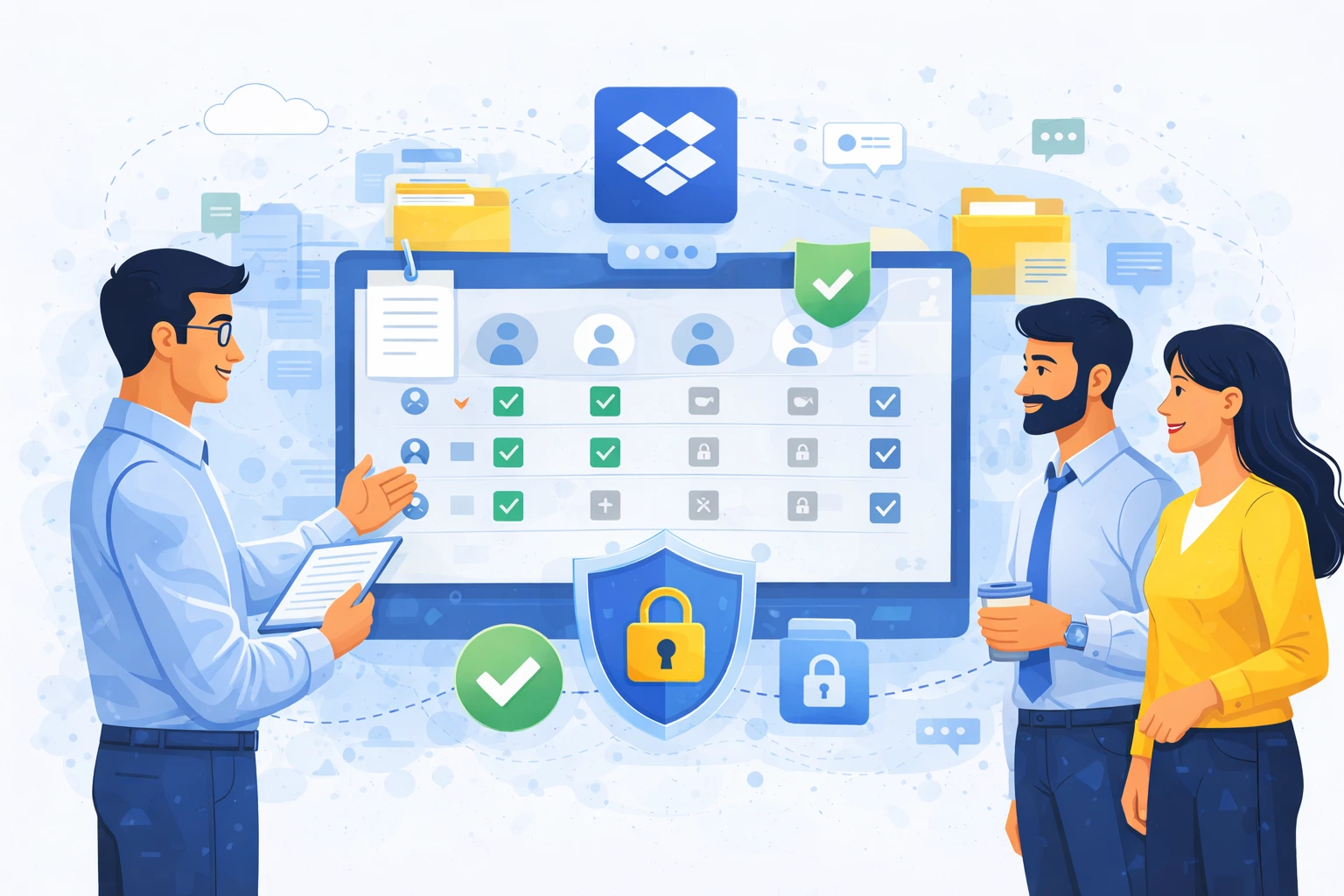
In small teams, managing access to files usually does not pose a major challenge. A few folders, a few users, and clear responsibility for documents make everything work intuitively. The situation changes significantly when an organization exceeds the threshold of several dozen employees and Dropbox starts to be used as a central document repository.
In companies with more than 50 employees, access management becomes one of the key elements of security, order, and work efficiency. Without clearly defined rules, chaos, excessive permissions, and real business risks quickly emerge.
Why access to files becomes a real problem in larger organizations?
As an organization grows, the number of documents, projects, and people with access to them increases. New employees join, roles change, and external partners and freelancers appear. Without a well-thought-out access model, it is very easy to lose control over who can see which data.
The most common issue is not a lack of access, but an excess of it. Employees retain permissions after changing roles, partners keep access longer than necessary, and folders are shared “just in case.” In the long term, this leads to security risks and compliance issues.
The principle of least privilege as a foundation
The foundation of access management in Dropbox should be the principle of least privilege. This means that each user should have access only to the documents that are necessary to perform their work.
In practice, this requires moving away from the mindset of “let’s give access because it might be useful.” It is better to design the structure in such a way that access is granted consciously, and expanded only when justified. This model reduces the risk of data leaks and makes long-term environment management easier.
Team folders instead of individual sharing
One of the most common mistakes in larger companies is sharing documents directly with specific individuals. With dozens of users, this quickly becomes unclear and difficult to maintain.
A much better approach is to use team folders, where access is assigned to roles or teams rather than individual people. When someone joins or leaves a team, access changes automatically through group membership, without the need to manually edit multiple sharing settings.
Separating internal and external access
In companies with more than 50 employees, it is extremely important to clearly separate access for internal employees from access for external partners. Clients, vendors, or freelancers should use dedicated folders that do not provide visibility into the organization’s internal resources.
Dropbox allows precise control over such sharing, including limiting access duration and revoking permissions after cooperation ends. This ensures the organization retains full control over documents, even when they are used outside its internal structures.
Regular access reviews as a standard practice
One element that is often overlooked is the regular review of granted permissions. In dynamic organizations, personnel changes are natural, and access granted months earlier may no longer be justified.
A good practice is to periodically review access rights, especially for key folders containing financial, HR, or strategic data. This makes it possible to identify excessive permissions and clean up the environment before an incident occurs.
The role of the administrator and clear rules
In larger companies, access management should not be distributed among many users. A key role is played by the administrator or IT team responsible for defining and enforcing access policies.
It is worth clearly defining who can share folders, with whom, and under what conditions. This way, users understand how the environment works, and administrators retain control over the entire system.
Visibility and activity logs
Dropbox offers the ability to monitor user activity, which is extremely important in larger organizations. Access to logs makes it possible to check who accessed documents and when, as well as what actions were performed.
Such visibility is not only a security feature but also support for audits and internal controls. The organization can verify at any time whether access to data complied with established rules.
Access management and compliance
In companies with more than 50 employees, regulatory requirements related to data protection are increasingly common. Proper access management in Dropbox helps meet GDPR requirements and internal security policies.
What matters here is not only limiting access, but also the ability to demonstrate that access was controlled, monitored, and granted in accordance with defined rules.
Summary
Managing access in Dropbox in companies with more than 50 employees requires a conscious approach and clearly defined rules. Without them, even the best tool quickly becomes a source of chaos and risk.
A well-designed access model increases data security, makes work easier for teams, and gives administrators real control over the environment. As a result, Dropbox stops being just a file storage space and becomes a secure, well-organized work environment for the entire organization.