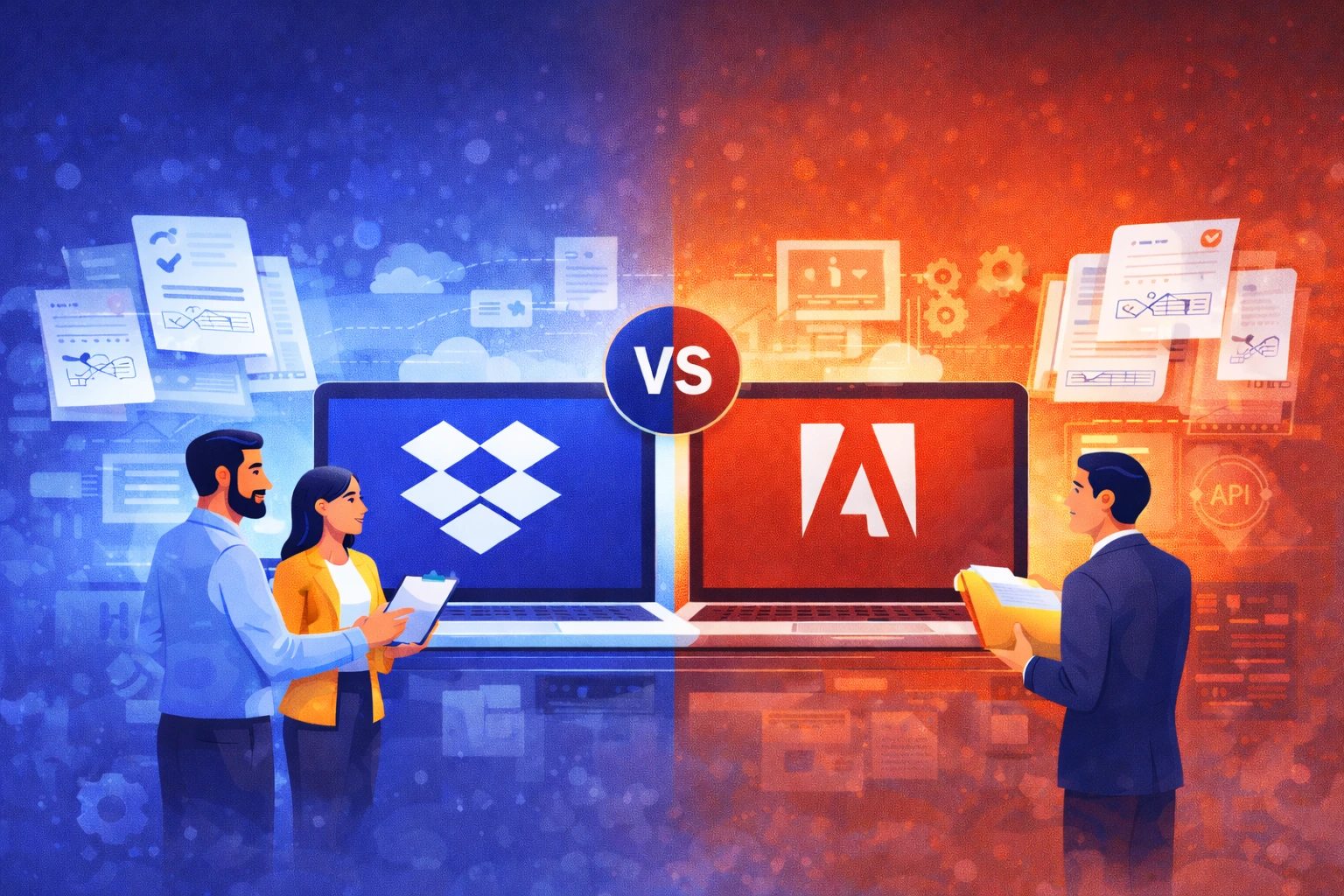
In many companies, Adobe is the default choice whenever the topic of documents and PDFs comes up. That’s only natural — Acrobat is a brand almost everyone recognizes, and Adobe has long been associated with a professional approach to document work.
The problem begins when an organization tries to build its everyday team workflow around it: sharing, version control, collaboration with clients, fast signatures, and keeping files organized. Suddenly, it turns out that simply having a great PDF tool doesn’t automatically mean documents start “working” faster.
In this article, we show when Adobe is a great choice — and when Dropbox turns out to be the solution that simply fits real business workflows better, especially in project, sales, and operational teams.
The most common mistake: treating documents as single files
Many companies approach documents like this: “We have a PDF, it needs to be edited and signed.” That works in simple scenarios.
But in a growing organization, documents are almost never just single files. They are part of a process. Draft versions are created, files move between teams, comments appear, clients request changes, someone must approve the final version, and at the end a signature has to be collected and the document stored in the right place.
At that point, the winning tool isn’t the one that edits PDFs best — it’s the one that allows the entire process to move smoothly from start to finish.
Adobe is great at PDFs. Dropbox is great at teamwork.
Adobe is a very strong choice if a company needs advanced PDF capabilities: editing, forms, and professional document features.
Dropbox, on the other hand, works as a central workspace for teams. Files are organized, synchronization is predictable, sharing is simple, and collaboration with clients involves less friction.
And that difference often determines whether an organization truly speeds up document workflows — or simply owns a powerful PDF tool.
Electronic signatures: speed, convenience, and closing the loop
Electronic signatures are no longer a luxury — they are a standard. Many companies implement e-signatures to shorten sales cycles, streamline employee onboarding, or accelerate procurement processes.
In practice, an e-signature solution must meet three conditions:
- First: implementation cannot take weeks.
- Second: signers should not “bounce” off the process.
- Third: signing must be a natural part of the workflow, not a separate system.
This is where Dropbox Sign is often chosen, because it allows companies to launch signing workflows quickly without overcomplicating the process. From the client or external partner’s perspective, signing is simple — and the company can close the document loop within one environment.
Where companies lose the most time: the “small things”
These are not spectacular issues that make it to the executive board. They are small frictions that drain team time every day:
- no one knows where the final version of a document is,
- the client received an outdated version,
- someone accidentally overwrote a file,
- the document is in an email instead of the project folder,
- a sharing link is still active even though the project is finished,
- a former employee still has access.
Dropbox is designed specifically to reduce these situations as much as possible. That’s an advantage you won’t necessarily see in a feature comparison table — but you will notice it after a month of real work.
Dropbox as a “layer of order” for documents
In many organizations, Dropbox does not replace Adobe 100%. And often, it doesn’t need to.
The most effective scenario often looks like this:
- Adobe remains the tool for specialized PDF work.
Dropbox becomes the place where documents actually live: versioned, shared, reviewed, approved, and signed.
This approach has a major advantage: the company doesn’t need to revolutionize everything. It can bring structure to its workflow without replacing tools that are already deeply embedded in the organization.
Why many companies choose Dropbox instead of Adobe as their “system of work”?
Adobe is strong as a tool. Dropbox is strong as a work environment.
For companies that:
- collaborate with clients and external partners,
- operate in project-based teams,
- want to close documents quickly,
- want to reduce file chaos,
- want better access control,
Dropbox often proves to be the solution that delivers results faster and better supports everyday work.
When Adobe is the better choice?
It’s important to say this clearly: there are situations where Adobe is the natural choice.
If a company operates in highly regulated industries, requires advanced digital signatures, extensive trust services, and formal compliance processes — Adobe has the advantage.
However, if a company’s primary goal is to improve everyday collaboration around documents, shorten process times, and bring order to its files, Dropbox will usually be the better fit.
Summary
Adobe and Dropbox address different needs.
Adobe excels where professional PDF work and advanced document environments are critical. Dropbox wins where documents are part of everyday team workflows and must be easy to share, version, comment on, and sign.
If your goal is not just to “have a PDF,” but to genuinely accelerate business processes — Dropbox is the solution that typically delivers faster results, less friction, and better control over documents.