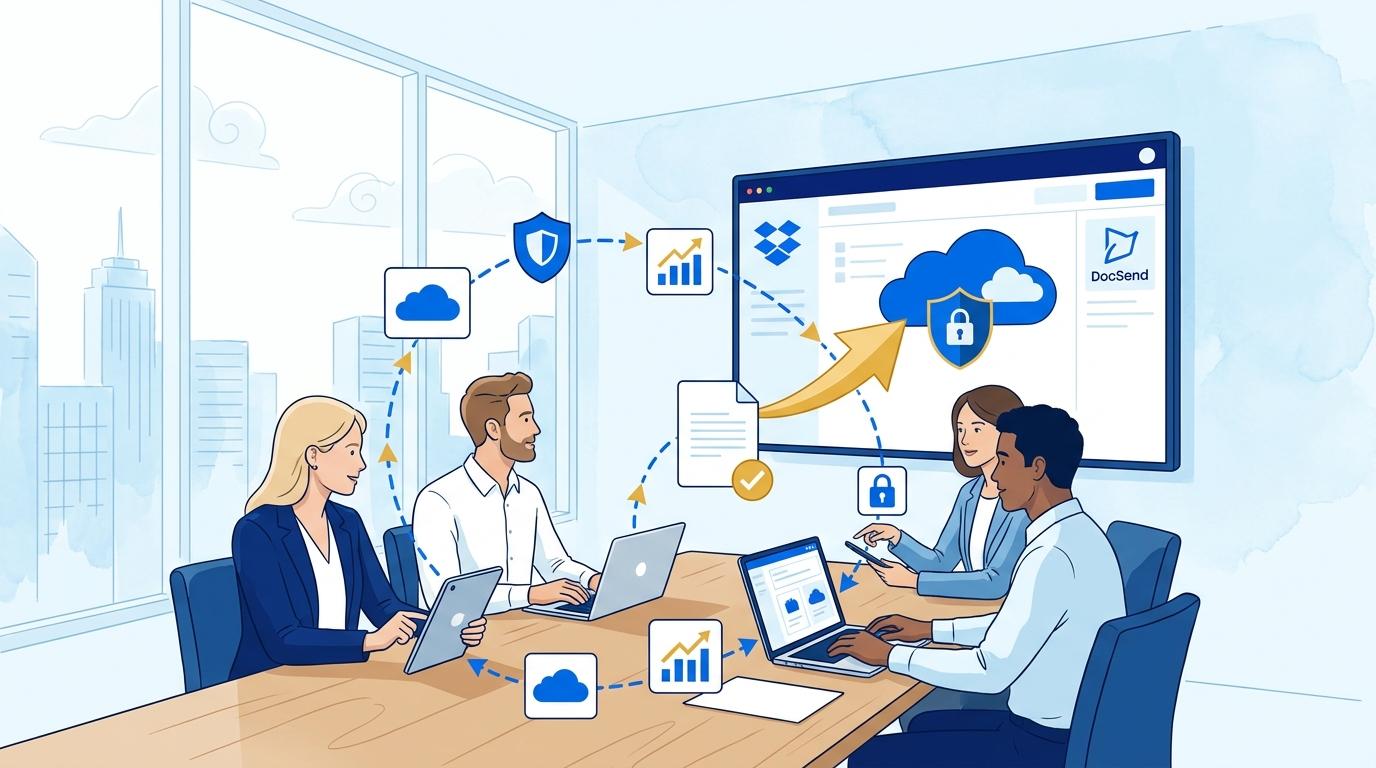
Owners of small consulting firms often face a dilemma: how to quickly and securely send a proposal or presentation to a potential client without losing control over who sees it and when. Sending files as email attachments comes with the risk of unauthorized forwarding, lack of insight into when the document is opened, and issues with version control. DocSend, a Dropbox tool designed for professional sharing of proposals, presentations, and other key business documents, directly addresses these challenges.
This article will show how DocSend helps a small consulting business owner maintain complete control over proposals sent to clients. We’ll focus on practical applications: from quickly generating secure links, tracking client engagement, to restricting access to sensitive content. Each step of the process will be described in the context of real needs and limitations faced by a small business owner who is not an IT specialist.
Secure proposal links with DocSend – end unauthorized copying
Sending proposals as email attachments carries the risk that the file will be forwarded to third parties or publicly shared online without your knowledge. DocSend allows you to create a proposal as a closed link, so recipients don’t need to download the file. After uploading the document to DocSend, you generate a unique link – and you can decide whether the recipient must enter an email address or if just having the link is enough.
An owner can, for example:
- Set the proposal to be visible only to a specific client (e.g., by requiring email entry before opening).
- Disable downloading or printing to prevent unauthorized distribution.
- Revoke access to a sent link at any time, if needed.
It’s important to note that some control features (such as enforced authentication or advanced anti-copying) may depend on your selected DocSend plan. Before implementing, check which options are available in your package.
DocSend: tracking client interest in your proposal without complicated tools
For many consulting firms, it’s crucial not just to send a proposal but to know if and when the client opened it, and which sections drew the most attention. DocSend automatically tracks each visit to your shared link, displaying:
- The date and time of first and subsequent openings,
- Time spent on each page of the proposal,
- How many times the document was viewed and by whom (if email authentication is enabled).
In practice, the owner uses an intuitive panel with no need to set up extra analytics tools. If the client hasn’t opened the proposal, it’s clear a reminder may be needed. If the pricing page gets the most attention, you can tailor your next conversation around those sections.
Remember, the most detailed statistics are available if the recipient is required to identify themselves – a simple “open link” gives only general view data.
Restricting proposal access in DocSend – easy controls for non-IT users
For a small business owner with little tech background, ease of use is critical. DocSend offers a straightforward interface for restricting document access:
- When generating the link, select whether the recipient must authenticate (e.g., via email).
- You can set an expiration date for the link, after which the proposal becomes unavailable automatically.
- If needed, you can instantly disable any sent link with a single click, regardless of recipient.
No technical knowledge is needed to use these features. In practice, there may be limits to the number of active links or types of controls available in your plan – but standard DocSend packages cover most typical scenarios for consulting firms.
DocSend in practice: easily updating and withdrawing proposals after sending
One major problem with attachments is version control: if you update a proposal after sending, the client still sees the old version. DocSend solves this by centralizing document management. Once your proposal is uploaded, you can update it at any time – and anyone opening the link will see the latest version, even if they received the link earlier.
In practice, the workflow for a small business owner looks like this:
- Prepare the proposal as a PDF and upload it to DocSend.
- Create a link and send it to the client instead of an attachment.
- If you spot an error or need to make changes, simply update the file in DocSend – no need to resend email.
- If necessary, you can revoke the proposal entirely by disabling access with one click.
This flexibility is especially valuable for firms without a dedicated IT team and limited time for proposal management.
DocSend: limitations and implementation conditions for small consulting firms
While DocSend greatly simplifies secure proposal sharing, it has its limits. Not every plan offers the same features – for example, detailed reporting, stricter authentication, or integrations with other tools may only be available in higher tiers like Standard, Advanced, or Enterprise. The user interface may be only available in English, requiring some adjustment for non-English speakers.
DocSend does not replace a CRM or mass mailing system – its strength is in individualized, professional contact and control over specific proposals. When implementing, verify if your number of users and required security options fit your business needs.
Summary
DocSend is a practical tool for owners of small consulting firms seeking secure, professional, and controlled proposal sharing. It eliminates the problem of unauthorized document distribution and allows you to monitor client engagement without complicated setup. If you’d like to see how DocSend can streamline your proposal process, contact Fixtra – we’ll gladly show you the best options for your business needs.