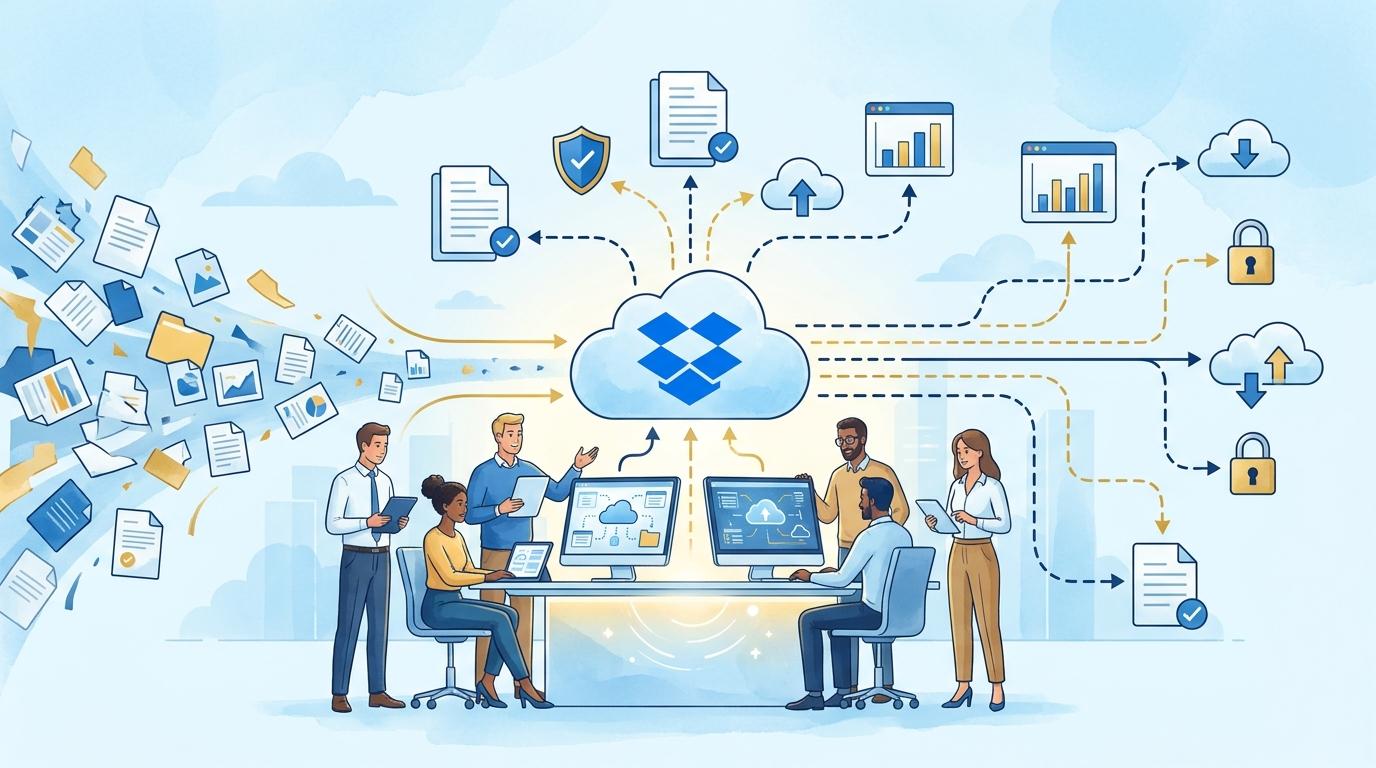
In the daily work of B2B sales teams, frustration from document workflow disorder is a common issue. Proposals are sent as email attachments, file versions get lost in inboxes, and managers lose track of who opened what and when. DocSend directly addresses these challenges, providing a way to organize the process and give every team member full transparency.
This article demonstrates how DocSend solves real management problems in B2B sales document circulation. We’ll discuss specific features and applications that let teams control files and significantly accelerate the sales process. You’ll learn how DocSend allows you to track client activity, protect proposal confidentiality, and eliminate the chaos of sending multiple file versions.
DocSend: centralization and control over sales document sharing
A typical sales team problem is file sprawl – proposal and presentation versions are exchanged by email, chat, or personal drives. DocSend eliminates this by centralizing documents. Each file intended for a client is uploaded to DocSend, where a unique sharing link is generated.
The result? Every salesperson and team manager knows which version was sent, and clients always access up-to-date, authorized materials. There’s no need to resend files with each update – simply refresh the file in DocSend, and the link stays the same.
This solution is especially effective for teams juggling multiple proposals or frequently updating materials. The prerequisite is using a DocSend plan that allows document management (e.g., Standard or higher).
Tracking client activity and feedback with DocSend
Another major sales pain point is not knowing what happens to a sent proposal. Did the client open it? How much time did they spend on each section? DocSend solves this with detailed activity reports.
- Once a document is shared, the sales rep sees who opened it, when, how much time was spent on each page, and whether it was forwarded.
- The team manager can analyze this data to better understand the client’s decision process and optimize next sales steps.
- Insights are available in real time, enabling quick reactions to signs of interest or a lack of engagement.
The limitation is that detailed tracking requires sending the document with recipient email verification. Anonymous file views provide only basic statistics.
Security and access control for sensitive files in DocSend
Sharing proposals or sensitive presentations requires more than just password protection. DocSend allows setting advanced access rules:
- Restricting access to specific email addresses or corporate domains.
- Setting link expiration dates and automatic access termination after a set period.
- Extra protections like SMS code authentication or disabling downloads and printing.
Even with client turnover or team changes, the sales manager retains full control over who actually sees the proposal. Advanced security options may require higher-tier DocSend plans – features vary by subscription level.
DocSend in a typical sales proposal delivery and update workflow
Example workflow with DocSend:
- The sales rep prepares a proposal, uploads it to DocSend, and generates a share link.
- The link is sent to the client, who opens the document – activity is automatically tracked.
- If changes arise, the document is simply updated in DocSend. The client always uses the same link and does not receive multiple files or versions.
- The team manager monitors document tracking, seeing if and when the client returns to the proposal and which sections attract the most interest.
This approach can reduce the number of email attachments nearly to zero and ensures message consistency throughout the sales cycle.
Limitations and implementation requirements for DocSend in B2B sales teams
DocSend is fully cloud-based – it requires a stable internet connection for both the team and clients. The platform is not intended for collaborative editing of drafts by multiple users at once (classic Dropbox is better suited for that).
Some features – such as advanced security rules or detailed analytics – are only available in selected DocSend plans (e.g., Advanced, Enterprise). Choose a plan that fits your team’s needs and the scope of shared materials before implementation.
DocSend is not a CRM or team collaboration suite, but excels as a control layer for proposal, presentation, and sales document sharing during client contact phases.
Summary
DocSend is a tool that truly eliminates the chaos of sharing proposals and materials in B2B sales teams. It enables file centralization, client activity tracking, and advanced access control. This returns full control of document workflows to the sales manager and minimizes the risk of errors or loss of confidential information. If you want to see how DocSend can streamline your sales operations, contact Fixtra – we’ll gladly discuss the best setup for your organization.