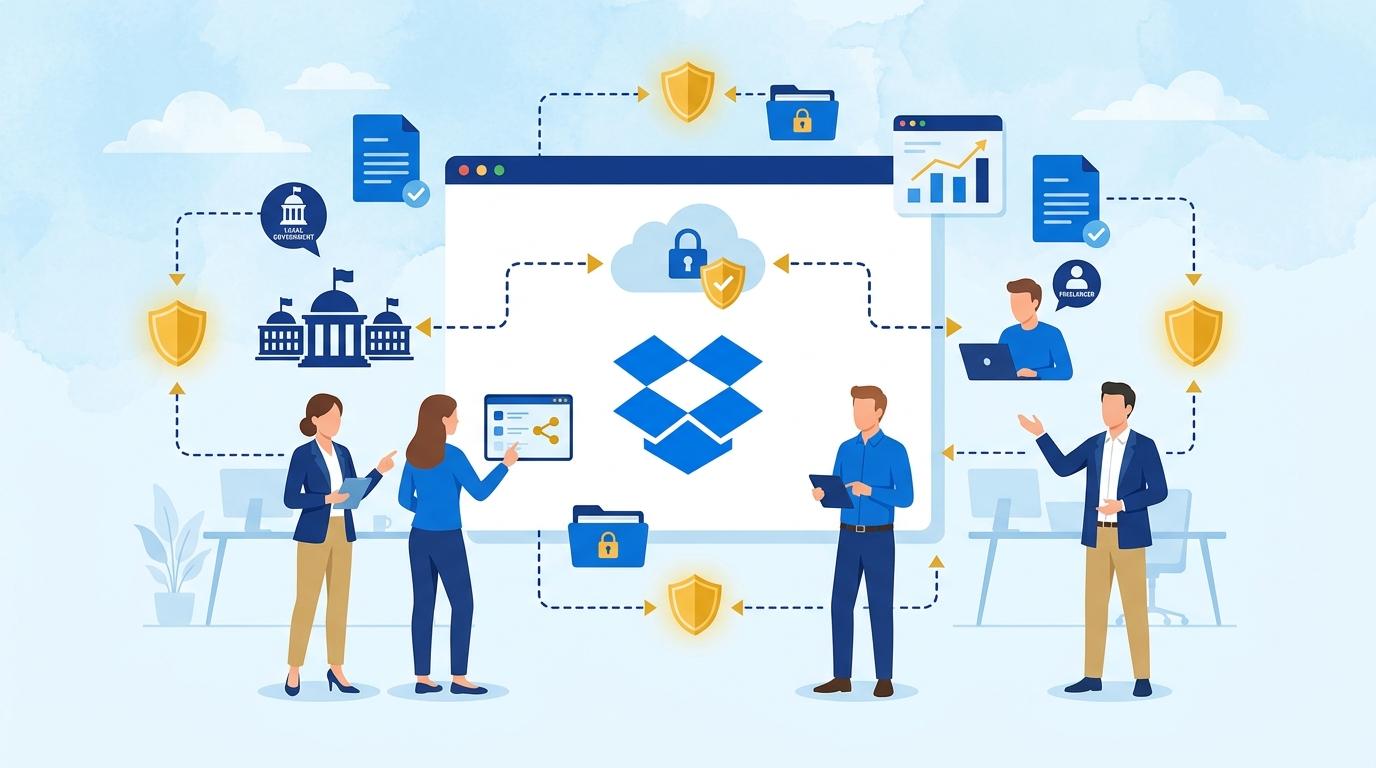
Cooperating as a freelancer with several local government clients is both an organizational and security challenge, especially when projects involve access to confidential documents. Dropbox Advanced offers a set of tools that allow efficient and secure management of file and folder access, minimizing the risk of unauthorized access. This post describes how the specific features of Dropbox Advanced help freelancers effectively share materials and meet the requirements of municipal clients.
This article presents practical examples of working with Dropbox Advanced, including permission management, activity tracking, and sharing control. We explain the configuration process and what to pay attention to in order to meet both the local government’s expectations and your own security standards.
Dropbox Advanced – permission control and folder sharing for municipal clients
One of the most important tasks for a freelancer servicing multiple city or municipality offices is ensuring that only authorized employees of a given office have access to confidential documents. Dropbox Advanced enables precise management of folder and file permissions, which is crucial when handling multiple clients simultaneously.
Scenario: the freelancer creates a separate folder for each client in Dropbox Advanced, assigning dedicated teams with selected officials. Access can be restricted to specific individuals, and each team can be assigned varying permission levels (e.g., view only or edit). This prevents sensitive data from being accidentally sent to the wrong recipient.
It’s important to note that such permission management is available only to Dropbox Advanced users and clients with business or free accounts—collaboration with outside parties requires inviting them by sharing a folder or file. The main limitation here is the need to monitor whether external users further distribute received materials (Dropbox does not physically prevent further downloading or sharing of files after they’ve been downloaded).
Activity tracking and sharing history in Dropbox Advanced
Working with the public sector means the need for transparent actions and the ability to reconstruct who had access to selected documents and when. Dropbox Advanced offers an advanced activity log that lets you track file operations and sharing history.
The freelancer can check at any time who has opened or edited a particular document and when and to whom a file or folder was shared. This function is invaluable when clarifying misunderstandings with a client or during audits commissioned by local government. Please note, the sharing history applies only to operations performed within Dropbox—it does not cover further use of a file outside the platform.
Activity tracking is available directly from the admin and folder owner panel, and—on a limited basis—for individual users. This allows the freelancer to maintain control over information flow without needing additional tools.
Managing sharing links and setting restrictions in Dropbox Advanced
One practical feature of Dropbox Advanced is the ability to generate sharing links for selected files or folders, which can be password-protected, time-limited, or restricted to specific recipients. For a freelancer working with several local governments, this provides flexibility in sharing materials, e.g., as part of committees or public consultations.
- Creating a password-protected link enables control over who actually gains access to the file.
- Setting a link expiration date protects against unauthorized access after a project ends.
- Restricting file downloads to preview-only reduces the risk of uncontrolled data dissemination.
The downside of this method is that once a file is downloaded, Dropbox can no longer control its further copying outside the platform. The freelancer should therefore clearly communicate these limitations to recipients and, for especially sensitive materials, use additional security measures.
Dropbox Advanced – managing teams and clients in a single environment
Dropbox Advanced allows you to create teams and subteams, which is useful for a freelancer servicing several offices or working on recurring projects. Each team can have its own set of folders, participants, and permissions.
- The freelancer creates the main folder structure by clients or project types.
- Permissions are granted only to those who truly need access to a given document group.
- This avoids accidental mixing of files between local governments and helps maintain order as the number of collaborations grows.
The main requirement is a Dropbox Advanced subscription and inviting clients to shared folders. This solution is ideal when cooperation is long-term and requires regular access to multiple document versions.
Restoring control and minimizing errors thanks to Dropbox Advanced
Dropbox Advanced also offers the option to restore previous file versions and undo changes in shared folders. This is a safeguard for situations where a client accidentally deletes or overwrites an important document.
The freelancer can independently restore a deleted file or a previous version without needing the client’s technical support. When servicing local governments—where every oversight can have formal repercussions—this feature genuinely improves collaboration security.
Please remember that version history and file recovery are subject to time limits (as per Dropbox Advanced terms), so it’s important to regularly monitor activity and act quickly if issues arise.
Summary
Dropbox Advanced is a practical and flexible tool for managing access and document control for freelancers servicing local governments. With precise permission assignment, activity tracking, advanced sharing options, and file recovery, it’s possible to meet strict security requirements and maintain order, even with multiple simultaneous collaborations.
If you’d like to implement Dropbox Advanced in your freelancing practice or see how it can secure your cooperation with local government clients, contact the Fixtra team—we’re happy to provide details and match the solution to your needs.