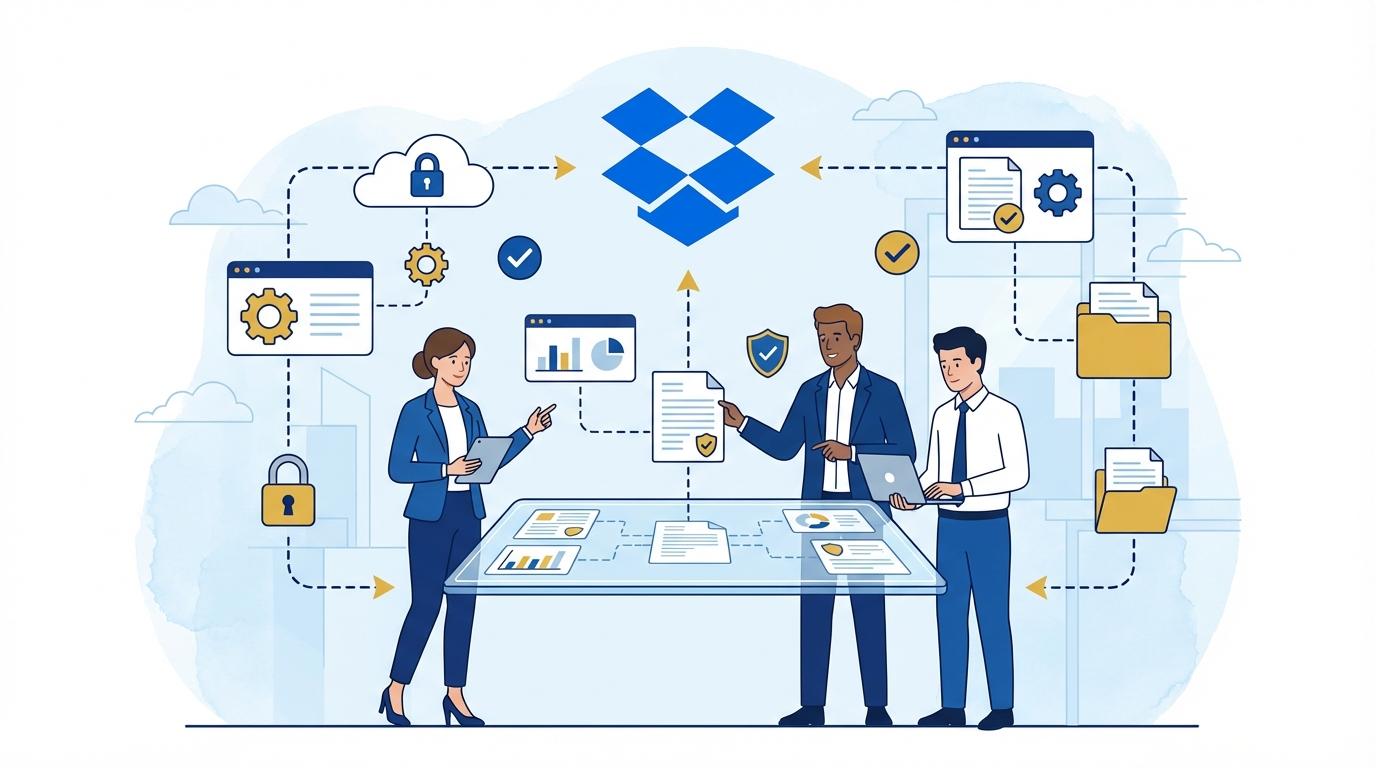
Imagine a typical day for a project team, where everyone struggles with tight deadlines, multiple versions of the same documents, and an ever-growing number of people involved in tasks. Files sent by email arrive in different versions, someone accidentally overwrites an important report, and folder access is assigned manually—eating up precious time and increasing the risk of errors. As the deadline approaches, every mistake becomes twice as costly, and information chaos means that breakthrough solutions can get lost forever. This is the everyday reality for many offices, agencies, and engineering firms. Today’s project teams face challenges that didn’t even exist a decade ago: remote work, distributed teams, strict security requirements, and rapid exchange of large files. That’s why more and more organizations are looking for tools that not only store files in the cloud but also truly manage knowledge, access, and security. Dropbox Advanced responds to these needs by offering features that go far beyond simple data synchronization. It’s a solution that transforms how teams collaborate, make decisions, and protect the results of their work. In the following sections, I’ll show how specific Dropbox Advanced functions help solve typical project team challenges and what to look out for when implementing this tool in your organization.
Version Control – End to File Chaos and Overwriting
Managing multiple versions of the same documents can be frustrating and time-consuming. In traditional systems where files are sent via email or saved locally, mistakes are easy to make—someone opens an outdated file, another user accidentally overwrites an important document, or critical information is lost. Dropbox Advanced effectively eliminates these problems.
First, every file change is recorded automatically. Users have access to version history, which in the Advanced plan reaches back up to one year. This means any file can be restored to a previous version, even if it was deleted or overwritten by mistake.
This allows teams to focus on substantive work rather than searching for the right file or recovering lost data. It’s especially crucial when working on presentations, reports, or creative graphic projects, where iterations and corrections are the daily routine.
Access Management and Data Security for Distributed Teams
Modern project teams increasingly work remotely or in a hybrid model. In practice, this means that access to files must be quick, flexible, and—above all—secure. Dropbox Advanced provides extensive possibilities for managing permissions both at the folder and individual file level.
Administrators can precisely determine who has access to specific resources and at what level. It’s possible to define roles, grant temporary permissions, and monitor user activity. When an employee leaves or a partnership with a contractor ends, a single click is all it takes to revoke access to all company data.
Additional protections include enterprise-class tools like two-factor authentication, data encryption at rest and in transit, and detailed access log audits. As a result, Dropbox Advanced meets the requirements of even the most demanding industries, such as consulting, law, or engineering.
Automated Workflows – How Dropbox Advanced Speeds Up Everyday Work
Process automation is no longer a luxury but a necessity for any dynamic organization. Dropbox Advanced offers advanced tools for automating document workflows, helping eliminate tedious, repetitive tasks.
For example, files can be automatically routed to the right folders based on predefined rules, notifications about new document versions can be generated, and integration with e-signature tools (like Dropbox Sign) is possible. This leads to time savings and reduces errors caused by manual file handling.
With advanced API integrations, Dropbox Advanced also enables the implementation of custom automation scenarios—from simple backups to complex workflows spanning multiple cloud tools.
Activity Analytics and Reporting – Full Transparency of Team Work
One of the biggest challenges for project leaders is the lack of transparency in team activities. Dropbox Advanced offers advanced monitoring tools that allow for more informed project management.
Admins and managers have access to detailed reports on file edits, shares, downloads, and changes in folder structure. This makes it easy to spot potential threats (such as unauthorized bulk file downloads) and identify areas in need of optimization.
- Dropbox Advanced reports can be exported and analyzed in other BI tools
- Real-time activity tracking enables immediate action in case of irregularities
- Access to activity history also supports accountability—making it easier to document individual contributions to a project
This approach minimizes the risk of errors and enables effective management of a distributed team, regardless of member location.
Collaborating with External Partners—Securely and Without Compromise
Collaborating with clients, suppliers, or freelancers is a daily reality for many companies. Unfortunately, sharing files outside the organization poses risks—from uncontrolled data flow to the accidental disclosure of sensitive information. Dropbox Advanced allows effective management of collaboration with external entities.
With features like sharing files with limited-time access, setting passwords for links, and monitoring who accessed a document and when, companies can minimize data leak risks. This is particularly important for documents containing personal data or trade secrets.
- Access to a link can be revoked at any time
- Permissions can automatically expire after a set period
- External user activity is easily tracked in Dropbox logs
Such solutions increase security and build trust in business relationships—with both clients and partners.
Scalability and Flexibility – Dropbox Advanced Grows With Your Team
Dynamic business growth often means the need to rapidly increase IT resources. Dropbox Advanced is designed to adapt flexibly to changing organizational needs—regardless of size or industry.
The Advanced plan offers unlimited data storage after reaching an initial threshold (according to fair use policy), eliminating the ‘out of space’ problem on company servers. The ability to quickly add new users, manage licenses centrally, and integrate with other SaaS tools means Dropbox Advanced is an investment for the long term.
Companies that use this solution can dynamically scale their work environment without costly migrations or expanding on-premises infrastructure. This is vital in industries where demand for storage and data access grows rapidly with each new client or project.
Summary
Dropbox Advanced is more than a secure place for files—it’s a tool for effective organization of project teams. It eliminates version chaos, allows precise access and security management, automates workflows, provides full transparency, and supports collaboration both internally and with external partners. Thanks to its scalability and flexibility, Dropbox Advanced is suitable for both small and large organizations that need to effectively meet the challenges of modern project work.