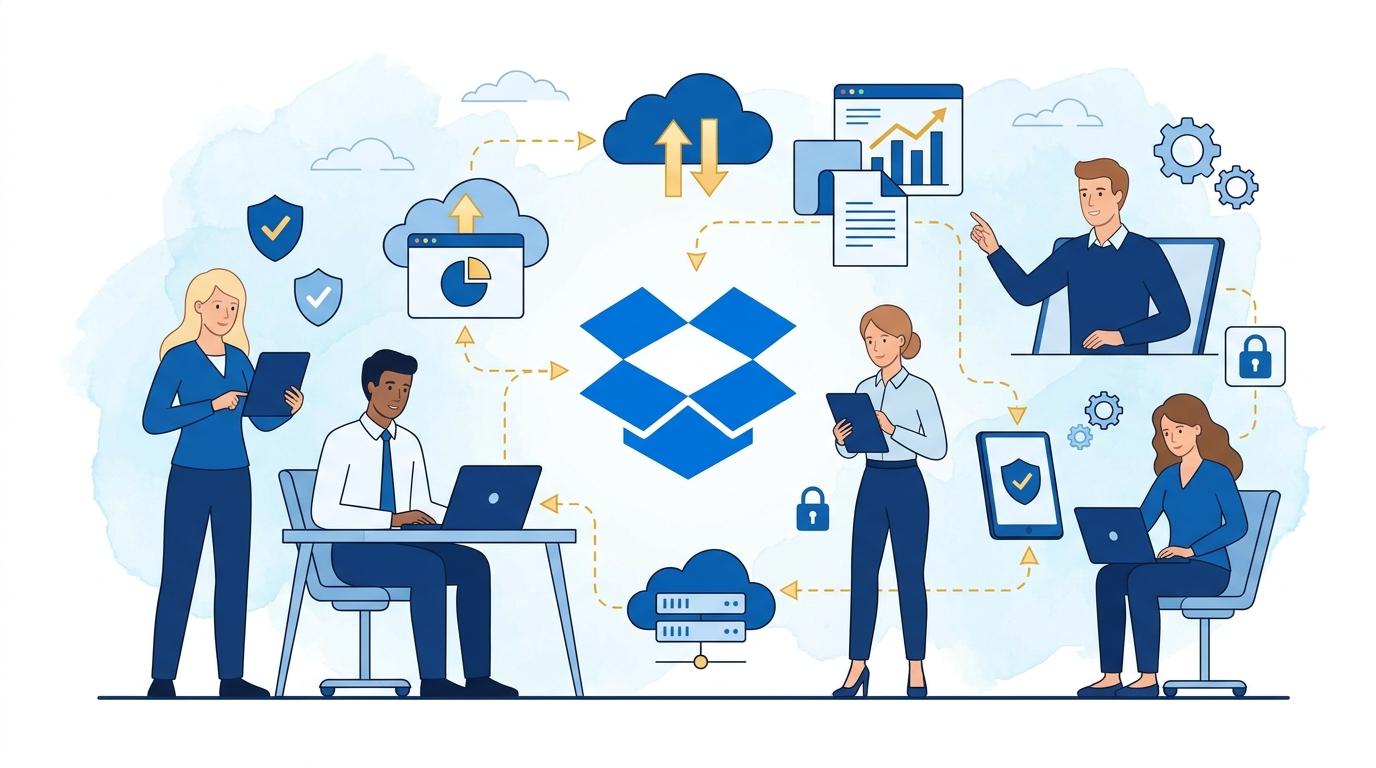
Not long ago, remote work was a privilege for a select few. Today, it’s a standard in many industries. Teams spread across Poland, Europe, and the world exchange files, reports, presentations, and contracts every day. But are they always doing this securely? IT managers increasingly worry about data leaks caused by unauthorized sharing, accidental access, or careless permission settings. On the other hand, employees expect tools that work quickly and intuitively, while IT departments don’t want to be seen as a ‘blocker’ to company growth. How can you combine convenient collaboration with robust security, without risking the loss of crucial information?
Dropbox Advanced has set the standard for secure cloud work for years, but in the era of remote and hybrid work, its features take on new significance. When company data is scattered across home offices, cafes, or coworking spaces, only a well-thought-out platform can give compliance and IT departments peace of mind. What’s more – a properly implemented Dropbox Advanced means not just security, but also faster business processes, smoother onboarding of new team members, or better control over who and when accessed key documents.
I have personally seen companies transition from ‘remote file chaos’ to an organized, streamlined work environment. Fewer calls to IT, fewer lost document tickets, fewer unauthorized shares. It’s not magic – it’s the consistent use of Dropbox Advanced’s capabilities. Let’s see what protection and convenience look like in practice with this approach.
Full Access Control in a Distributed Environment
In distributed teams, it’s critical that every employee has access only to the files they actually need. Dropbox Advanced allows for precise permission management at both folder and single-document levels. Admins can decide who can view, edit, or share resources.
With membership and role management, onboarding a new team member doesn’t mean risking accidental sharing of sensitive data. Every access is logged and can be revoked with a single click, even if someone is working from anywhere in the world.
It’s also worth mentioning the ability to set temporary access – ideal for external consultants, for example. As soon as the project ends, permissions expire automatically. Such solutions reduce the risk of leaving ‘open doors’ in company systems.
Data Encryption and Information Leakage Protection
Dropbox Advanced offers advanced data encryption mechanisms both in transit and at rest. Every file transferred online or stored on Dropbox servers is protected using the latest standards (AES 256-bit and TLS 1.2+).
This means that even if transmissions are intercepted or someone gains unauthorized access to server drives, data remains unreadable to outsiders. This is a key safeguard in times when more and more cyberattacks target files stored in the cloud.
Admins have access to detailed logs and alerts about suspicious activities. If someone shares a file outside the organization or accesses it from an unusual location, Dropbox Advanced immediately notifies the appropriate people. This allows for rapid response to potential threats.
Efficient Collaboration While Staying Compliant
Companies operating remotely must care not only about security but also compliance with GDPR or industry standards (like ISO 27001, SOC 2). Dropbox Advanced holds certificates confirming compliance with the world’s most important regulations.
The platform enables detailed policies for data retention, document version control, and access audits. Every user activity is recorded, and – if needed – you can quickly reproduce the change history or check who accessed a given file.
Dropbox supports integrations with DLP (Data Loss Prevention) solutions and SIEM-class tools, making it easier to centrally monitor compliance and security even in large, distributed organizations.
Automation and Streamlining of Everyday Processes
Dropbox Advanced is not just about security, but also wide-ranging workflow automation. For example, automatic folder sharing rules, document change notifications, and workflow templates accelerate daily team collaboration.
The system integrates with popular office tools like Microsoft 365, Google Workspace, or Slack, so employees can use Dropbox Cloud without leaving their favorite applications. This means less work disruption and faster task execution.
- Automatic backups of important files help avoid data loss in case of failure or user error.
- Sophisticated email and push notifications keep the team informed about every change in the status of critical documents.
- The ability to assign tasks and comment on files directly in Dropbox eliminates email chaos and shortens the decision-making path.
Convenient Implementation and Multi-Location Management
Moving a company to a remote model can be a challenge – especially if it involves branches in several countries, multiple time zones, and languages. Dropbox Advanced offers centralized management tools that greatly simplify this process.
The admin panel allows quick management of users, groups, licenses, and security policies. Onboarding new employees or entire departments (e.g., after a merger) can be accomplished in just a few clicks. This saves time and eliminates mistakes when assigning permissions manually.
The system also supports SSO (Single Sign-On), letting users log into Dropbox using company accounts – no need to remember another password. For international companies, there is multi-language interface support and technical assistance across different time zones.
Summary
Dropbox Advanced is a comprehensive answer to the challenges of remote and hybrid collaboration. It combines user convenience with advanced data protection, process automation, and easy access management. Thanks to this, teams can focus on work, not on solving document security or availability issues, no matter where they are located.