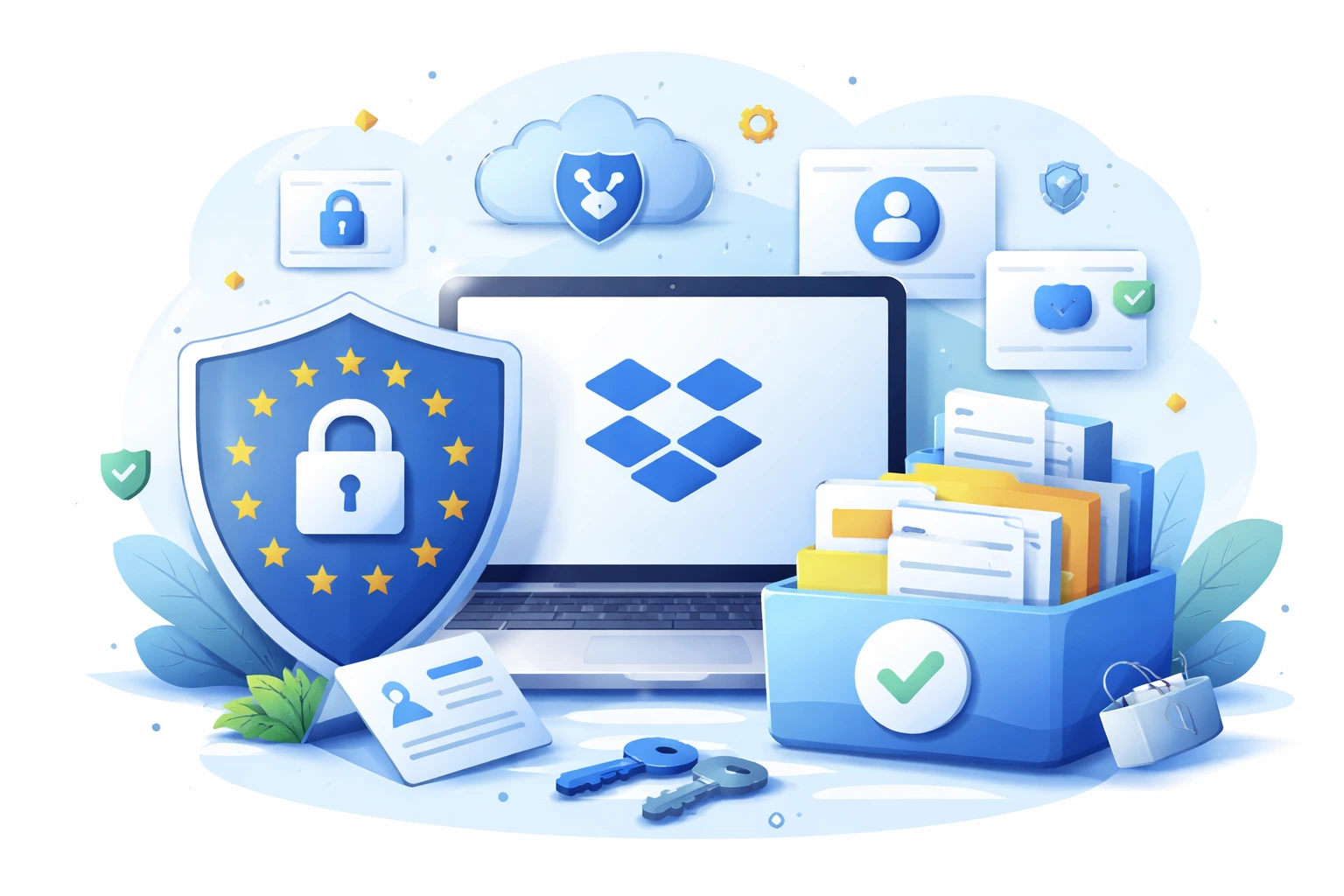
Storing data in the cloud has become a standard for companies of all sizes. One of the most popular solutions is Dropbox, which enables secure file storage, synchronization, and sharing. At the same time, organizations operating in the European Union – or working with EU-based entities – must comply with GDPR (General Data Protection Regulation). So how can Dropbox be used in a way that meets data protection requirements?
What is GDPR and who does it apply to?
GDPR is a European Union regulation that governs how personal data of individuals is processed. It applies not only to companies registered in the EU but also to organizations outside Europe that process the personal data of EU residents.
In practice, this means that any company storing personal data in Dropbox – such as customer, employee, or partner information – must ensure:
- data security,
- proper access control,
- compliance of internal processes with GDPR principles.
Is Dropbox GDPR compliant?
Dropbox provides solutions designed to support GDPR compliance. The platform operates as a data processor, while the customer (the company) remains the data controller. Dropbox meets international security standards and offers features that help organizations comply with regulations, including:
- a Data Processing Agreement (DPA),
- encryption of data in transit and at rest,
- security certifications and regular audits.
However, technical compliance alone is not enough. Proper configuration and responsible use of Dropbox by the organization are essential.
Where is data stored in Dropbox?
GDPR does not prohibit storing data outside the EU, provided that appropriate legal and technical safeguards are in place. Dropbox uses a global network of data centers and applies lawful data transfer mechanisms, such as Standard Contractual Clauses.
From an organizational perspective, it is important to:
- understand where data may be processed,
- have a signed DPA in place,
- inform users (for example, in a privacy policy) that data is stored in the cloud.
How to store personal data securely in Dropbox?
To use Dropbox in a GDPR-compliant way, organizations should implement several key best practices:
1. Access control
Only authorized users should have access to personal data. Dropbox allows administrators to assign roles, limit permissions, and monitor user activity.
2. Data minimization
Only personal data that is necessary for specific business purposes should be stored in Dropbox.
3. Encryption and security
Dropbox encrypts data by default, but organizations should also implement additional measures such as:
- strong password policies,
- two-factor authentication (2FA),
- regular security reviews.
4. File sharing management
Shared links should be time-limited and protected with passwords, especially when files contain sensitive or personal data.
5. Procedures and training
GDPR compliance is not only about technology—it also involves people. Employees should be trained on how to use Dropbox securely and how to respond to potential data incidents.
Dropbox and data subject rights
GDPR grants individuals specific rights, including the right to access, rectify, and erase their personal data. Dropbox supports these obligations by enabling:
- fast file search,
- document version control,
- permanent data deletion.
Data controllers should have clearly defined procedures to handle such requests efficiently.
Summary
Dropbox can be a secure and GDPR-compliant tool for data storage, provided it is configured and used correctly. Key elements include:
- a valid Data Processing Agreement,
- appropriate technical safeguards,
- well-defined internal policies and procedures.
For globally operating companies, Dropbox offers a solution that combines the flexibility of cloud-based work with high data protection standards—aligned with GDPR and other international regulations.