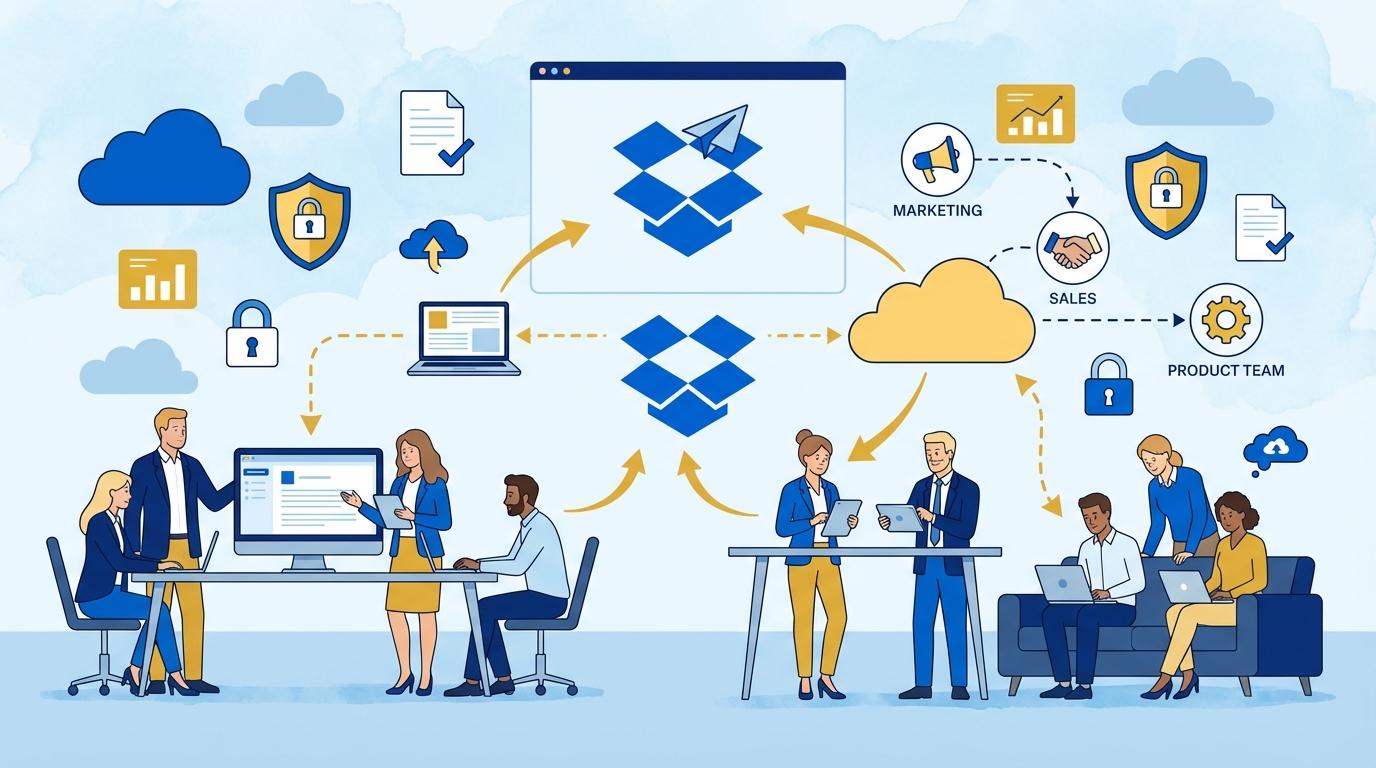
Imagine a typical day in a growing company, where sales, marketing, HR, and legal departments need to exchange key documents. Miscommunications are common: someone works on an outdated presentation, another department lacks access to essential data, and someone else accidentally sends confidential information to the wrong person. These situations not only prolong processes but can also expose the company to financial and reputational risks. Traditional email and attachments are no longer enough—companies need a tool that provides full control over who, when, and how documents are viewed and handled. The answer is Dropbox DocSend, which brings a new quality to cross-department collaboration, minimizing risk, automating information flow, and ensuring transparency at every stage of working with files.
In this post, we’ll explore how daily collaboration changes once DocSend is deployed, which features work best in corporate environments, and how companies actually benefit from DocSend’s security and analytics tools. You’ll discover specific usage scenarios, tips for managers, and answers to the most common concerns about integrating DocSend with your existing IT infrastructure.
Beyond Email – A New Standard for Document Exchange
Sending documents as email attachments was standard for years, but it has become a source of problems. Accidentally sending a file to the wrong person, lack of control over further sharing, or versioning issues are daily pain points for many companies.
Dropbox DocSend introduces a different philosophy: instead of sending a file, you share a secure link. This link can be deactivated at any time, permissions changed, or access limited to a specific group—for example, only employees in a certain department.
In practice, this protects sensitive presentations, contracts, HR reports, or marketing briefs. Departments no longer need to worry about losing control of a document after sending it outside the company or even to a different team. This is especially important in organizations with strict security requirements, where every unauthorized data exchange could have serious consequences.
Additionally, DocSend allows you to set passwords, access expiration dates, or even an NDA Gate—requiring acceptance of a confidentiality clause before opening a document—features that were virtually impossible with regular email.
Real-Time Analytics – Who Sees Your Document and What Do They Do With It?
One of DocSend’s biggest advantages over traditional file sharing is its advanced analytics. Every user can see who opened a document, how much time they spent on each page, and whether the document was forwarded.
In a corporate setting, this enables precise tracking of activity between departments. For example, HR sends a form to the legal department—with DocSend, you know if the document was opened or is still waiting to be reviewed, which shortens response time and eliminates unnecessary reminders.
DocSend’s analytics also makes it quick and easy to detect potential issues. If a document is opened from an unauthorized location or by an unauthorized user, the admin can instantly react—blocking access, reporting an incident, or resetting the link.
These features are also useful when coordinating proposals or strategic presentations between management and departments—managers see who actually reviewed the material, leading to more effective communication and internal process management.
Data Security and Compliance With Corporate Policies
Large companies often have strict data protection regulations and security audits. DocSend meets these needs with a range of features supporting corporate compliance requirements.
Materials shared via DocSend are encrypted both in transit and at rest. Additionally, admins can enforce user authentication, require two-factor login, or restrict access only to employees with a company account.
DocSend also provides detailed logging and auditing of all document activity. Security and compliance departments have full insight into where and when each document was accessed, by whom, and what actions were taken.
If needed (e.g., internal audit, security incident), DocSend’s reports can be crucial evidence of compliance, demonstrating that the company took all necessary steps to protect sensitive information.
Workflow Improvement – Automation and Integrations
Dropbox DocSend not only secures and tracks documents but also dramatically improves workflow between departments. It integrates easily with other tools used in the company, such as Dropbox, Google Workspace, or Slack.
For example, the marketing team prepares a new presentation, which is automatically saved in Dropbox, then—with DocSend—sent to management for approval. Every change, new version, or comment is visible to authorized users without the need to resend files repeatedly.
Automation also supports HR processes (e.g., sending employment contracts), legal (reviewing contracts and addenda), or project teams that can work on a single live document, confident everyone sees the latest data.
Key automation benefits with DocSend:
- No more unnecessary emails and attachments—no more searching for “the right version.”
- Ability to automatically assign tasks and notifications to the right people.
- Greater transparency and speed in document workflows between departments.
DocSend Implementation in Practice – Most Common Challenges and Solutions
Introducing a new tool into a large organization always raises questions about integration, training, and user adoption. DocSend addresses these challenges with a range of features that ease implementation.
First, DocSend’s interface is intuitive even for non-technical users—it just takes a few clicks to create a secure link and set permissions. Second, the tool offers extensive documentation and support, including templates for the most commonly used processes (e.g., NDA, offers, onboarding documents).
In practice, companies also benefit from wide customization options: automatic notifications, document branding, or importing recipient lists from Active Directory.
Challenges that most often arise during implementation:
- Resistance to change—employees used to email may require extra training.
- Integration with existing systems (CRM, ERP, user directories).
- Configuring security policies in line with IT and compliance department requirements.
Fixtra’s clients’ experience shows, however, that DocSend implementation significantly boosts internal communication efficiency and quickly gains user acceptance thanks to real time savings and enhanced security.
Summary
Dropbox DocSend is not just a tool for secure file sharing; it’s a key element of modern cross-department collaboration. With its control, analytics, and automation capabilities, companies can accelerate document workflows, minimize risk, and improve information security. Integration with popular platforms and an intuitive interface make DocSend suitable for both large and medium-sized organizations. If you’re looking for a solution to document chaos and want to exchange knowledge more effectively within your team—this is the tool you need.