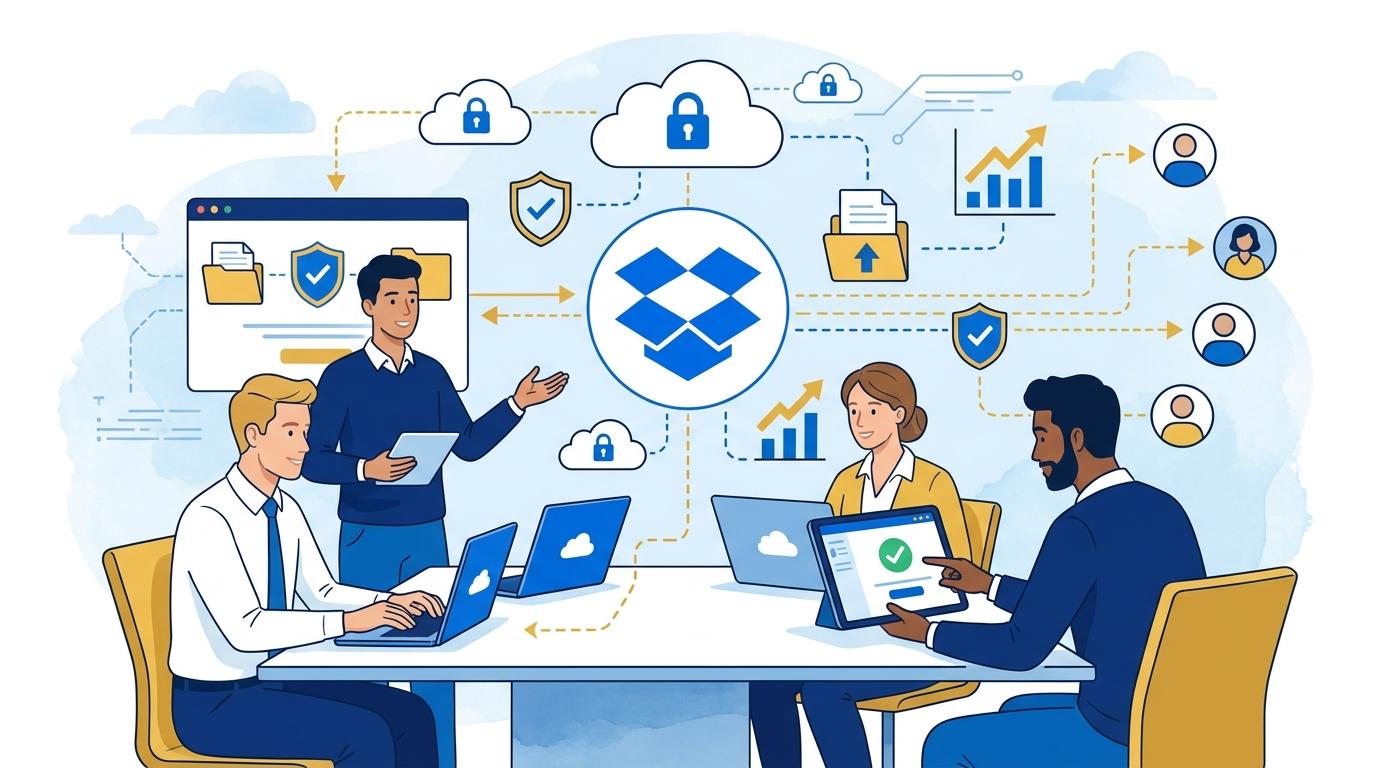
In the dynamic environment of a tech startup, quickly sharing files with external clients is a daily necessity. Whether it’s API documentation, onboarding materials, or specifications, resources often need to reach partners and clients outside the company. Dropbox Enterprise meets these challenges by offering tools that provide full control over files and the ability to monitor access—even if recipients don’t have an account within your organization.
This post shows how a startup can use Dropbox Enterprise to securely and conveniently share resources with external clients, illustrated by common scenarios such as handing over projects, distributing beta versions, or sending confidential reports. We’ll highlight proven features of the product, addressing limitations and requirements you should know before making it your main file sharing platform.
Dropbox Enterprise: managing sharing links for external clients
One of the key features of Dropbox Enterprise is advanced management of file and folder sharing links. As an admin, you can require all links to be password-protected or to have an expiration date. This significantly reduces the risk of unauthorized access to sensitive information, even if a link is accidentally forwarded.
For example, when a client needs access to technical documentation, a user creates a link to a folder, sets a password, and specifies a seven-day expiration. The client receives the link and password separately, and after the deadline, the documents become inaccessible. Limitation: recipients don’t need a Dropbox account, but some features (like viewer identification) require login.
Advanced access auditing in Dropbox Enterprise
For organizations sharing files with hundreds of clients, the ability to monitor access is crucial. Dropbox Enterprise provides detailed logs that let admins track who accessed which file or folder, when, and from what IP address. If a security incident occurs, you can quickly identify the potential source.
Typical workflow: the admin checks audit logs in the Dropbox Enterprise console and sees that an external client accessed a file at a specific time. If a link is misused, it’s possible to immediately revoke access to all active links shared by that user. Note: full audit functionality is available only in the Enterprise plan and covers activity within the company’s Dropbox account.
Dropbox Enterprise and permission restrictions for external recipients
Many startups want external recipients to have read-only access to shared files—without editing or downloading. Dropbox Enterprise allows you to create view-only links and, for supported file types and sizes, block downloads.
Scenario: a startup shares a project progress report with a client but wants to prevent downloads or forwarding. The link options are set to block downloading and allow browser-only viewing. Limitation: not all file types support this option, and some browsers may still allow screenshots. Full protection against content copying is not possible.
Automating the sharing process in Dropbox Enterprise for startup growth
With Dropbox Enterprise’s advanced API, startups can automate the creation of sharing links and manage external client access at scale—a necessity as the client base grows and manual file management becomes inefficient.
- The API can be used to generate links in bulk, assign security parameters, and even revoke access when client status changes (e.g., after cooperation ends).
- Integration with CRM or support platforms means resource sharing with clients can be automated and compliant with company policy.
Requirement: using the Dropbox API requires technical skills or implementation partner support. The organization must manage API token security and comply with Dropbox platform restrictions.
Dropbox Enterprise and legal compliance when sharing with clients
Sharing files with external clients is often subject to legal requirements, especially when sensitive data is involved. Dropbox Enterprise enables the implementation of organization-wide DLP (Data Loss Prevention) policies and integration with SIEM-class tools, making regulatory reporting easier.
- Admins can ensure certain file types can’t be shared outside the company or require supervisor approval for sharing.
- Integrations allow monitoring and reporting of files shared with external clients and taking actions aligned with the company’s security policies.
Limitation: implementing these mechanisms requires careful configuration and cooperation between legal and IT departments. Dropbox does not provide full automation of regulatory compliance—but the tool offers a solid technical foundation for security policy implementation.
Summary
Dropbox Enterprise is a platform that enables tech startups to share files with external clients securely, in line with company policies, and at a scale that matches business growth. Extensive access control, detailed logging, and security tool integrations make it a real alternative to building your own infrastructure. If your startup faces the challenge of organizing secure file sharing for clients, contact Fixtra—we’ll discuss how Dropbox Enterprise can support your growth.