Last night, just before the deadline of a major campaign, the same old problem arose. The creative team in Warsaw, the director working remotely from Barcelona, and the client logging in from New York—all had to approve the final cut of the promotional video. One team member sent corrections via email, someone else made changes on a separate Google Drive file, and the client decided to send feedback through WhatsApp. No one knew which version was final, and the stress of copying comments from different platforms peaked.
This situation is far from unique. In the era of hybrid and remote work, more and more production companies, advertising agencies, and freelancers struggle with communication chaos during video editing collaboration. Every step—from the first draft to final approval—requires gathering feedback, juggling large files, and managing versions. Is it possible to simplify and speed up the process without sacrificing quality? Modern solutions show that it is. Dropbox Replay, a platform designed for video review, brings the entire process into one clear environment. This allows reviewing, commenting, and approving materials to be more efficient than ever—even when the team works across different time zones. What does such collaboration look like in practice, and what do companies gain by incorporating Replay into their workflow?
Real-Time Collaboration – An End to Version Chaos
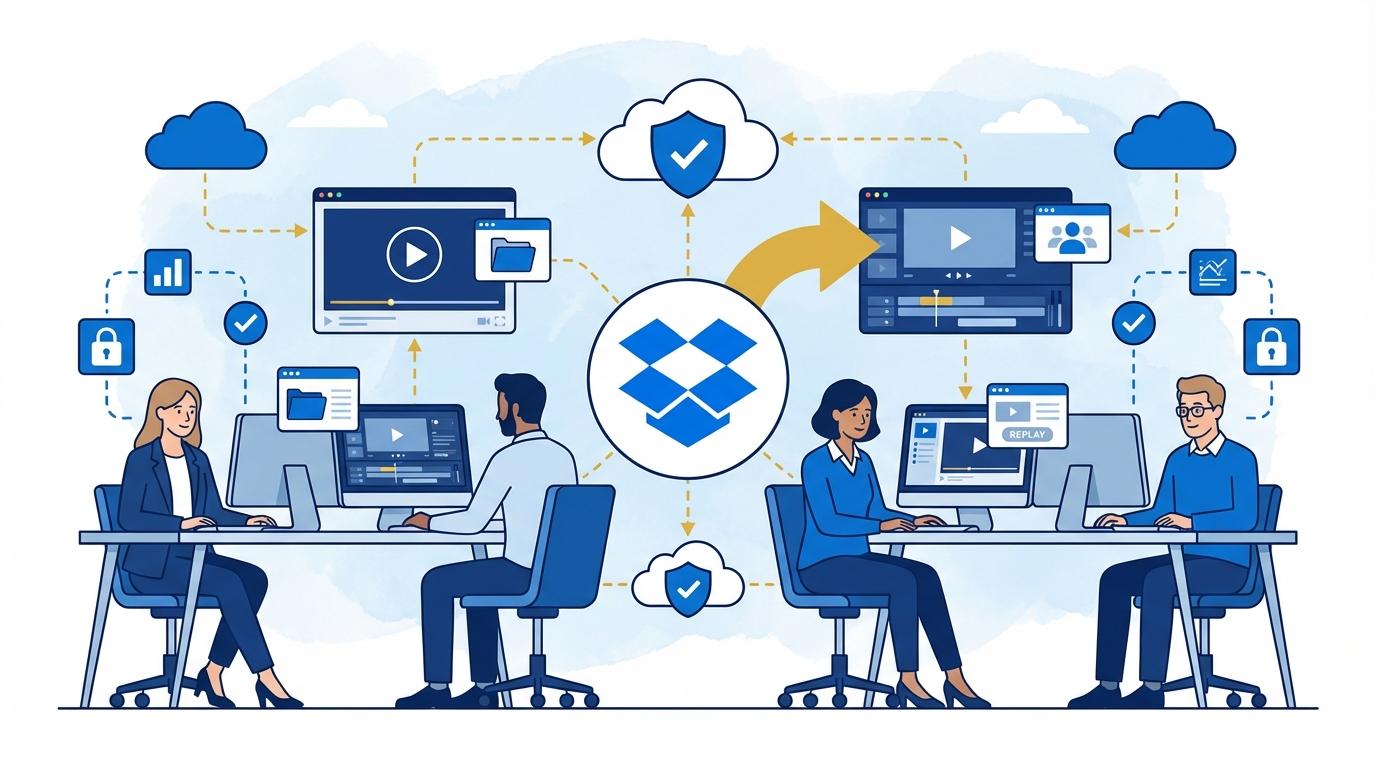
Anyone who has ever managed a video project with multiple people knows how easy it is to lose track of file versions. Dropbox Replay introduces a central workspace for materials—all team members see the same files, can comment in real time, and immediately react to changes.
No more sending dozens of emails with attachments or using unsynchronized cloud tools. Replay lets you stream the video online, add comments at precise timeline points, and mark frames that need corrections. Each note is linked to a specific second in the video, so editors don’t have to guess which moment is meant.
This functionality eliminates the infamous “final_final_v3.mp4” issue, as each new version is automatically sequenced in logical order. Users can easily compare changes and revert to earlier iterations, speeding up the decision-making process.
Remote Client Reviews – Engaging Stakeholders Without Endless Emails
For video projects, the client often has the final say over the content. Traditionally, this meant sending large files via WeTransfer, getting lost in email chains, and waiting endlessly for feedback. Dropbox Replay allows you to invite clients to review with a single click.
Once sent a link, clients can watch the video in their browser, even without a Dropbox account. Comments are instantly visible to the whole team, and the client can pinpoint exactly when a correction is needed. This shortens response times and minimizes the risk of misunderstandings.
Replay keeps a full comment history, which is invaluable for longer projects or demanding partners. Everything is in one place—from the first feedback to final sign-off.
Security and Access Control – Video Materials Under Full Protection
Production companies are increasingly concerned about their materials’ security, especially when dealing with confidential projects or pre-release ad campaigns. Dropbox Replay leverages the robust security features of Dropbox Business—data encryption, two-factor authentication, and granular access rights management.
Administrators can decide who can view, comment, or download files. You can set access expiration dates or limit reviews to select groups. Every activity is logged, so you can trace who made changes or downloaded a file when needed.
Replay is compliant with GDPR and other international data protection standards, making it a safe choice for corporate clients as well.
Simplifying Work for Editors and Agencies – Time Savings at Every Stage
Dropbox Replay is not just a review tool—it’s a real workflow enhancement for video editors, ad agencies, and post-production houses. The most significant benefits are appreciated by teams who must quickly produce short-form content, series, or spots for multiple clients at once.
- Automatic notifications about new comments keep everyone updated on required corrections in real time.
- Intuitive version management enables seamless transitions between iterations of a video.
- No need to install extra software—everything works directly in the browser, including on mobile devices.
Thanks to this, editors can focus on creative work instead of managing files and hunting for information across scattered channels.
Integrations and Workflow with Other Dropbox Tools
One of Replay’s most overlooked strengths is its tight integration with the broader Dropbox ecosystem. Video files can sync directly from selected folders, and finished projects can be automatically archived or shared further via Dropbox or DocSend.
For teams already using Dropbox Business or Dropbox Advanced, implementing Replay takes minimal effort—all access and file management is handled through the familiar interface. Additionally, integration with production scheduling tools allows full control over workflow at every stage.
Replay supports high-resolution formats, streaming without quality loss, and advanced export functions for specific client or platform needs.
Summary
Dropbox Replay is a tool that solves real problems in video production for distributed teams. With Replay, managing versions, collecting feedback, and protecting sensitive materials become easier and faster—regardless of project member locations. It’s an investment in smooth communication and creative process efficiency.