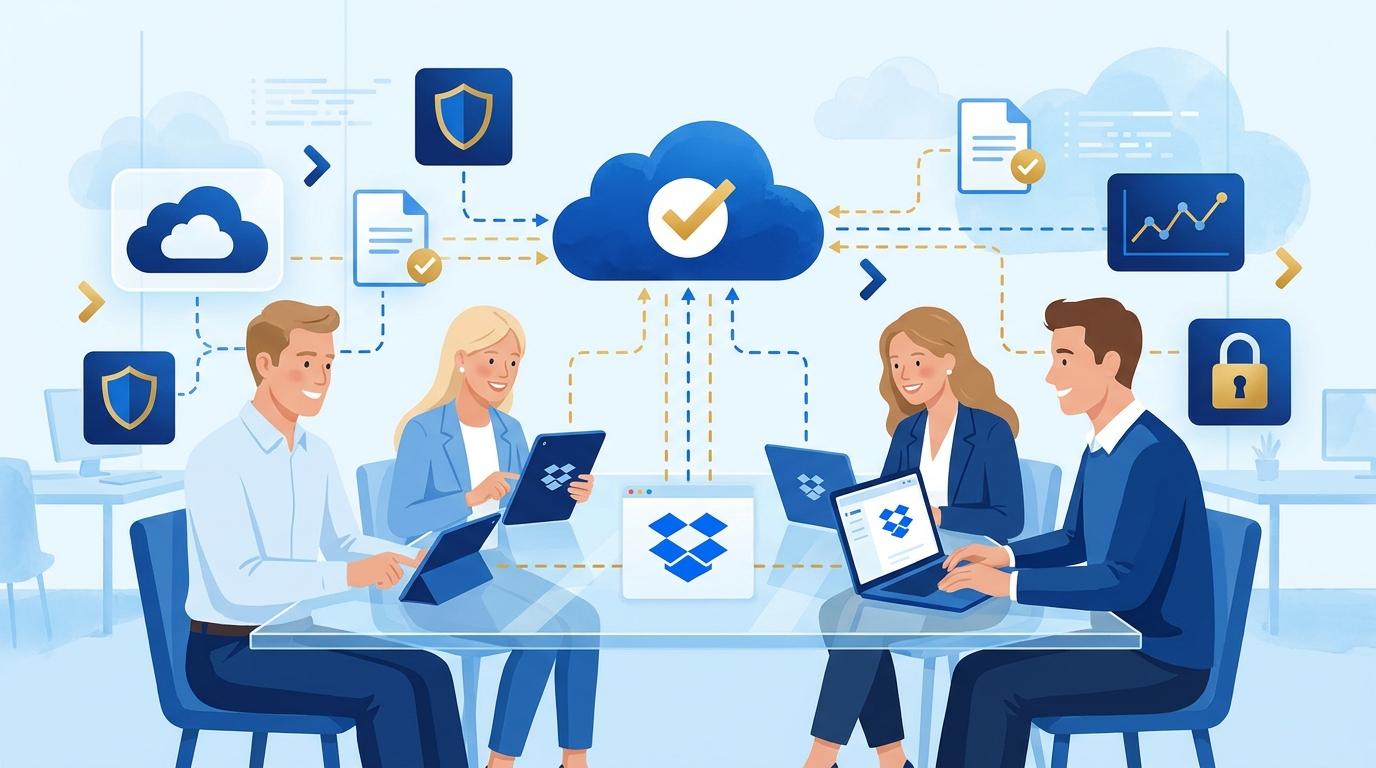
Owners of small consulting firms often lose valuable time printing, scanning, and exchanging signed contracts with clients. Dropbox Sign removes these hurdles by enabling efficient online document signing, even if you have no technical background. In this article, I explain how Dropbox Sign solves a real problem—slow and uncertain contract signing—and what practical steps are needed to introduce this tool in a small consulting business.
We will look at the process from preparing the document, sending it for signature, to receiving the signed file and archiving. I will also explain what limitations and requirements are worth knowing before choosing Dropbox Sign, and when you should consider a higher plan of this service.
Preparing and Sending a Contract for Signature in Dropbox Sign
In a small consulting firm, client contracts are often prepared in common formats like PDF or DOCX. Dropbox Sign allows the business owner to upload such a document directly from their computer or integrated Dropbox account.
After uploading, you can use your mouse to place signature, date, or initial fields in the right spots on the document. Then, you enter the email addresses of those who need to sign—both clients and collaborators.
- Preparing the file – upload your ready-to-sign PDF or DOCX document.
- Adding signature fields – place required spots for signatures and dates.
- Selecting recipients – enter the email addresses of signatories.
- Sending for e-signature – recipients get a simple link with no account registration needed.
The recipient clicks the link, reviews the document, and signs directly in their browser. Once done, the business owner immediately receives a notification and access to the signed file.
Dropbox Sign in Practice: Tracking Signing Progress and Document Security
You can track the document status at any stage in the Dropbox Sign dashboard. You see who has signed, who hasn’t opened the link, and automatic reminders are sent to those lagging behind.
Dropbox Sign ensures industry-standard security—each signature is logged with IP address and date, and an electronically signed document is harder to dispute than a scanned handwritten one. You also receive an audit report with the complete action history for each file.
- Status monitoring – the dashboard shows real-time signing progress.
- Security – documents and signatures are protected by encryption and audit reports.
- Notifications – automatic alerts for signers and the business owner.
A limitation is that electronic signatures have varying legal force depending on the jurisdiction and document type. For most B2B contracts in Poland, Dropbox Sign provides sufficient security, but for certain high-stakes agreements (e.g., real estate), consult a lawyer.
Archiving and Access to Signed Contracts with Dropbox Sign
After signing, Dropbox Sign automatically stores all versions of a document on your account—both the original and signed copies. You can download the PDF with all signatures and the audit report or keep it in your Dropbox.
Archiving is fully automated—no document will disappear or be overwritten by mistake. The business owner always has access to signed contracts from the dashboard or the mobile app.
If you use Dropbox Business, you can set automatic copying of signed files to a chosen folder in the cloud. This prevents the loss of documents and makes audits and client settlements easier.
Comparing Dropbox Sign Plans: Standard, Advanced, and Enterprise
For a small consulting firm, the Dropbox Sign Standard plan is usually sufficient, allowing for easy preparation and sending of documents for signature without unnecessary complications. Standard includes unlimited electronic signatures and cloud document storage.
If your firm works with more clients or requires advanced features (e.g., CRM integration, bulk document sending, or custom template fields), consider the Dropbox Sign Advanced or Enterprise plan. These higher tiers offer features such as:
- Advanced reporting and user action audits,
- Integration with business tools,
- Additional template customization options,
- Support for larger teams and workflow rules.
Before selecting a plan, analyze how many contracts you handle each month and whether you need features beyond basic e-signatures.
Dropbox Sign Limitations and Cases Requiring Extra Attention
Dropbox Sign does not require your clients to create an account, but they do need access to email and a web browser. The entire process is online, eliminating the need for meetings or using a printer and scanner.
A limitation may arise if the other party requires a qualified signature or an advanced e-signature under eIDAS—Dropbox Sign provides electronic signatures compliant with ESIGN and eIDAS (basic), but does not support qualified signatures. This should be considered when handling certain industries or official documents.
The whole process can be handled without technical know-how—the interface is intuitive, and the dashboard guides you step by step. If in doubt, Polish-language guides and partner support, such as Fixtra, are available.
Summary
Dropbox Sign is a practical tool that lets a small consulting firm owner shorten contract signing time to just a few minutes. It’s easy to use, requires no advanced IT knowledge, and eliminates problems with lost or delayed documents. If you want to see how Dropbox Sign would work in your consulting business or choose the right plan, contact Fixtra—we’ll gladly help analyze your needs and assist with implementation.