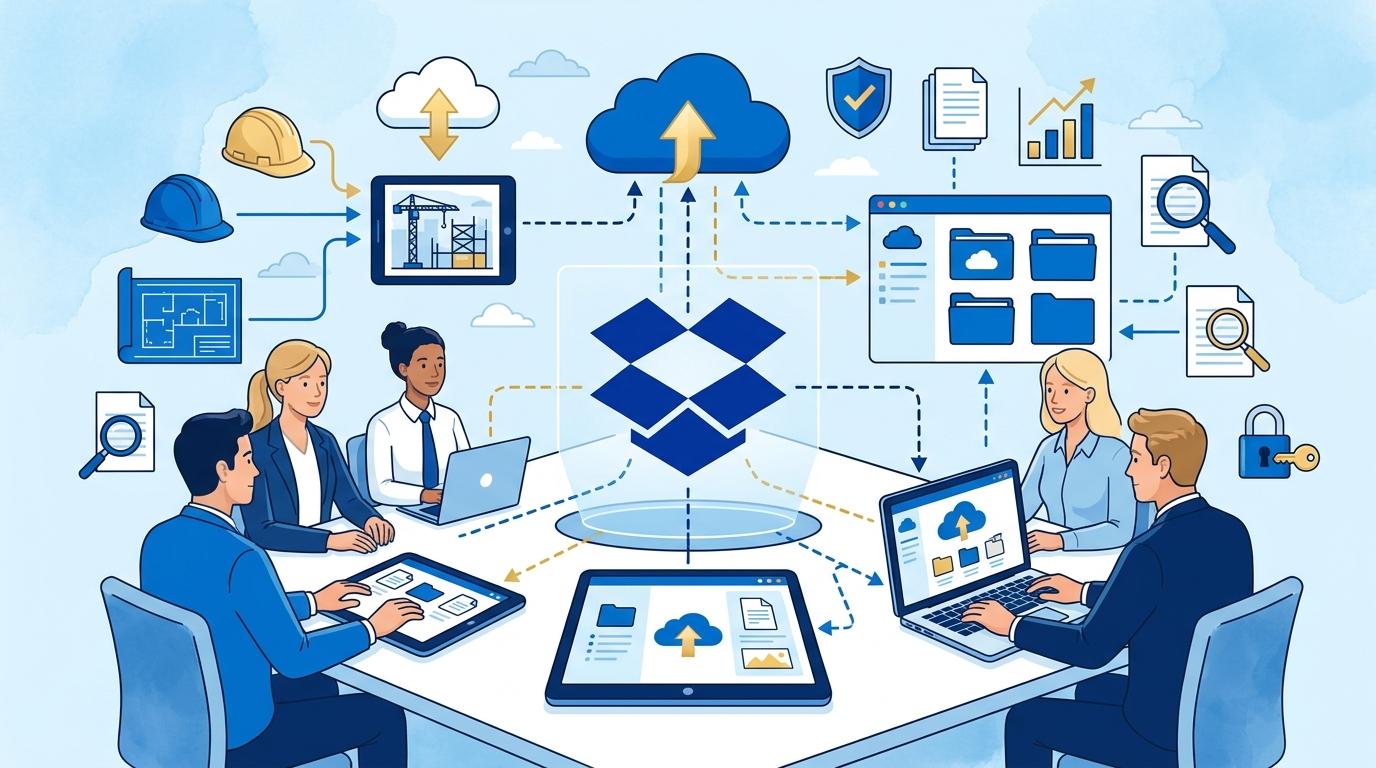
In every construction company, efficient management of project documentation is not just a matter of productivity, but a fundamental requirement for compliance and security. Field staff, engineers, and office teams all need constant access to up-to-date drawings, estimates, and contracts. Dropbox Standard provides tools to centralize and systematize team files while maintaining security and control over access. In this article, I explain how Dropbox Standard solves common problems with organizing and protecting project documents in the construction industry.
This article focuses on the features of the Dropbox Standard plan, presenting specific work scenarios and limitations that anyone responsible for compliance and data security should know. You’ll learn how to implement a clear folder system, secure access to sensitive files, and control document versioning for projects—without unnecessary complications.
Dropbox Standard as a foundation for ordered team file structures
Initial chaos in document storage plagues many construction companies, especially when files end up on various drives or private mailboxes. Dropbox Standard enables the creation of a central, logically structured set of folders that mirrors the layout of projects, construction sites, and work stages.
A practical workflow looks like this:
- You create main folders for each construction project, such as “Green Housing Estate,” “School Renovation,” and so on.
- Within these, you create subfolders for contract documents, technical drawings, construction photos, and correspondence.
- Users are granted access to selected folders based on their project assignments.
The result is a transparent structure in which every team member knows where to find and add the right files. A limitation of Dropbox Standard is the lack of advanced permission management at the subfolder level—access is mainly regulated at the main folder and shared invitation level.
Secure sharing of project documentation with Dropbox Standard
Sharing files in Dropbox Standard helps reduce the risk of accidentally sending documents to unauthorized individuals. The person responsible for security can decide who in the company (or outside of it) has access to specific folders or files.
A typical process looks like this:
- The administrator invites only those users actively involved in a given project to the relevant folder.
- It is possible to assign “view only” or “edit” rights, depending on the employee’s role.
- Externally shared links can be protected with passwords and expiration dates (in the Advanced plan); this is not available in Standard—but you retain full control over invited team members.
This solution minimizes the risk of sensitive data leakage or loss of important documents. Keep in mind that Dropbox Standard does not provide detailed sharing activity reports, a feature available in higher-tier plans.
Version control and document recovery in Dropbox Standard
Work on drawings, estimates, and construction documents requires strict version control. Dropbox Standard automatically saves each file change, and older versions are available for recovery for 180 days.
Example usage:
- The designer uploads a new version of an architectural plan to the shared folder.
- If an error is detected or you wish to revert to an earlier version, you can restore the file to its previous state without needing IT support.
- A deleted file can also be recovered within the same time window.
The limitation of Dropbox Standard is the lack of unlimited versioning and the absence of dedicated backup tools for entire folders—these are available in higher plans or separate Dropbox products.
Automatic synchronization and mobile access to documents with Dropbox Standard
In the construction industry, access to up-to-date documents on the jobsite is crucial. Dropbox Standard automatically syncs files across team computers, smartphones, and tablets.
Example workflow:
- The site manager uploads progress photos from their phone directly to the project folder.
- An office engineer immediately sees the new materials and can forward them to the investor.
- All changes appear in real time—there is no risk of working with outdated files.
Dropbox Standard does not provide advanced mobile device management (MDM) tools, so controlling employee-owned devices is limited—you should apply additional company policies.
Dropbox Standard and compliance and data security requirements
The Dropbox Standard plan meets basic security standards: file encryption in transfer and at rest, two-factor authentication, and access management. The compliance officer can monitor user lists and audit basic activities such as logins and folder sharing.
Dropbox Standard does not offer detailed activity logs or advanced audit tools—these options are available in Advanced and Enterprise plans. Requirements for storing documents in Poland or the EU should be carefully reviewed before implementation.
Summary
Dropbox Standard is a solid foundation for organizing project files and controlling access in a construction company. The folder system, versioning, and file synchronization make team collaboration easier and minimize the risk of losing important data. The limitations of the Standard plan are important for those responsible for compliance and security—be sure to define your company’s needs clearly before choosing. If you want to learn how to configure Dropbox Standard for your organization’s specific needs or consider expanding its functionality, we invite you to contact the Fixtra team.