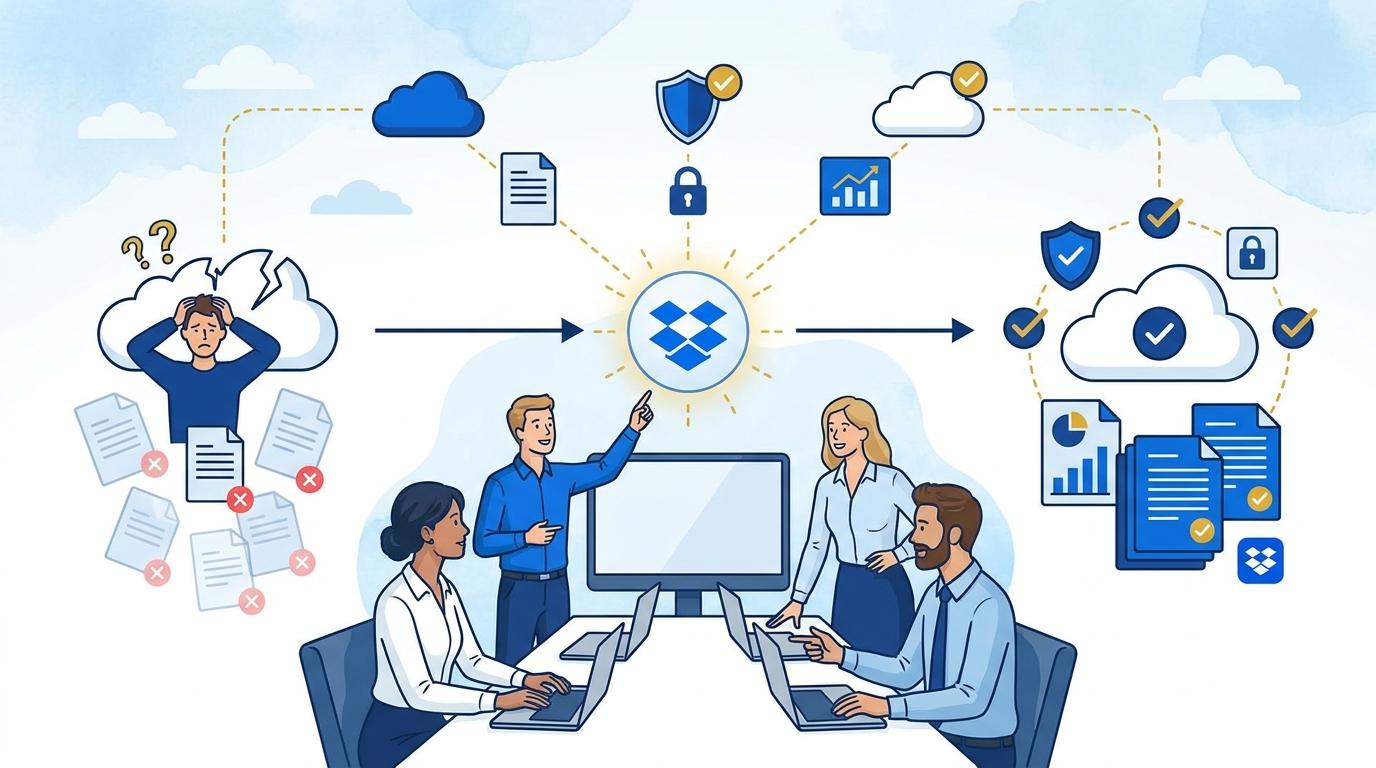
Imagine this scenario: a marketing team is working on an important campaign, with each member operating from a different city or country, and the deadline is fast approaching. Anna uploads the final graphic design file via email, Marek sends a revised version on Slack, and yet another version ends up in Google Drive. Suddenly, someone on the team asks which version is current – a frantic search for the right file begins, wasting precious minutes. Sound familiar? In the era of remote and hybrid work, lost files, scattered versions, and confusion over which document is up to date are real problems affecting both small businesses and large organizations.
At such moments, it becomes clear that emails and chat apps are no longer enough for effective collaboration – what’s needed is a central, easily accessible place that ensures order, versioning, and security. This is where Dropbox Standard comes in, offering intuitive features and ease of use to remedy file chaos in distributed teams. In this article, we’ll explore how Dropbox Standard solves common issues related to lost files during remote work.
Centralizing Files as the Foundation of Version Control
One of the biggest challenges of working in a distributed team is file dispersion – documents end up in various clouds, on home computers, and even on personal smartphones. This leads to chaos, making it difficult for anyone to find the current document version.
Dropbox Standard allows all team files to be centralized in one organized location. Instead of attaching files to emails or dropping them randomly, every document is stored in a clearly structured team folder system. With synchronization, files are immediately available to all authorized users, no matter their location.
Another crucial feature is version history. Anyone can quickly check who changed a document and when, and restore previous versions if something goes wrong. This eliminates the risk of overwriting a colleague’s work or accidentally losing important data. Dropbox Standard also lets you search files by keywords, greatly reducing the time it takes to find the right document.
Secure and Fast File Sharing
Collaboration with clients, coworkers, or business partners requires efficient and secure document sharing. Email attachments not only create duplicates but also mean you lose control over file distribution.
With Dropbox Standard, sharing files and folders is fast and intuitive. Instead of sending copies, you send a link to the current version stored in the cloud. The file owner has full control over permissions: decide who can view, edit, or only preview the file. You can also set an expiration date for the link or protect the file with a password.
Dropbox safeguards your transfers – all files are encrypted during transmission and while stored on servers. Even sensitive business data remains protected from unauthorized access. Administrators can track sharing history and instantly revoke access to a file when necessary.
Effective File Recovery and Data Loss Prevention
Remote work carries the risk of accidentally deleting or overwriting files. A simple user error can lose the team hours of work. Many still store key documents only on local computers, which can mean permanent loss if the hardware fails.
Dropbox Standard provides automatic backup mechanisms and detailed change history. Every modification, deletion, or file move is logged, so you can restore previous versions or recover deleted files even up to 180 days back (according to Dropbox’s latest 2024 offering). This is a much longer retention period than many competitors offer.
An extra layer of security comes with Dropbox Backup integration, which quietly backs up chosen folders or even entire computers, minimizing the risk of data loss due to hardware failure, ransomware attack, or user error. Team members can focus on their work, knowing their resources are safe.
Integrations with Communication and Project Management Tools
Effective remote collaboration needs not only a shared file space, but also seamless integration with the other tools your business relies on – from messengers to task management platforms. Switching between systems and copying files by hand wastes time and increases the risk of mistakes.
Dropbox Standard offers a wide range of integrations with popular business tools like Slack, Microsoft Teams, Google Workspace, Trello, and Asana. That means Dropbox files can be inserted directly into conversations, pinned to tasks, or shared during online meetings without having to download and re-upload them.
Automatic notifications about file changes, comments, and real-time collaboration speed up teamwork and eliminate delays caused by waiting for updated documents. All communication and information flow remains clear and organized, even with team members in different time zones.
Saving Time and Boosting Team Productivity
All these features translate directly into time savings and improved productivity. Instead of spending hours searching for the right file, validating versions, or restoring lost data, your team can focus on business goals.
Dropbox Standard automates many routine tasks, like file synchronization, backup, and access management. IT admins don’t have to solve access or recovery issues manually, and employees can swiftly get the materials they need. The intuitive interface and ease of use mean Dropbox requires little training to implement.
Here are the key benefits your team gains thanks to Dropbox Standard:
- One central file repository accessible from any device
- Automatic synchronization and version history guarantee safe work
- Fast and secure document sharing inside and outside the company
- Integrations with essential business tools
- Automatic backup and reliable protection against data loss
Summary
Dropbox Standard effectively solves the problem of lost files and document chaos in remote work. Thanks to centralization, version history, security, and broad integrations, teams work faster and more smoothly, without the stress of data loss. It’s a tool that truly boosts efficiency and comfort for distributed organizations.