Your first day at a new engineering office is an immediate plunge into a world of projects, documentation, and audiovisual files. From the very first hours, you’ll notice just how much the team’s work revolves around file exchanges – from 3D visualizations and animations to construction site footage and client presentations. Every project requires approvals, revisions, and regular consultations with clients. In practice, this means endless email threads, multiple versions of the same file scattered across folders, and sometimes even confusion: someone comments on the wrong version, a client doesn’t see recent changes, or can’t open the file in their environment. In such chaos, it’s easy for feedback to lose meaning and for work to slow down. As a new team member, all this can feel overwhelming – especially when there’s an urgent need to send a large file or gather feedback from several people at once. How can you avoid a scenario where a project gets stuck simply because the team and client are commenting on different files or nobody knows which version is final? Modern engineering offices are searching for ways to simplify the review process for video and graphic materials, ensure transparent communication, and shorten the time from proposal to approval. Transitioning from scattered, email-based consultations to centralized, interactive review tools is not just a convenience – it’s a necessity for effective engineering teamwork.
Why Does Traditional File Sharing in Video Reviews Lead to Chaos?
In a typical engineering office, the same scenario plays out repeatedly: a presentation recording or visualization is sent to several people as an email attachment or cloud download link. Each reviewer downloads the file, watches it in their media player, and writes feedback in a separate email or text document. Problems arise immediately: one team member works on the wrong version, someone else accidentally edits a file that’s already outdated, and some users can’t access large attachments due to email limitations.
It gets even more complicated as the project grows through additional iterations and versions. After a few days, the folder contains several similarly named files: render_v3_final.mp4, render_v3_final_edits.mp4, render_v3_final_really.mp4. The client comments on an older version, often unknowingly, since they aren’t kept in the loop with the team’s internal decisions. As a result, feedback is scattered, some comments are repeated, and others slip through the cracks because no one knows where to look for them.
The list of issues that traditional file sharing generates in audiovisual review includes:
- Lack of clarity over which file version is current and should be reviewed.
- Feedback sent via email that’s easy to lose or overlook in a busy inbox.
- Differences in playback – not every reviewer has the tools to open complex animations or large video files.
- No central place for collecting all stakeholder comments, leading to repeated questions and longer workflows.
Ultimately, the whole review process drags out, and the risk of mistakes increases with every person involved in the project.
What Do Modern Video and Graphic Review Tools Change?
Engineering offices that have adopted digital review tools quickly notice a difference in workflow speed and clarity. Instead of scattered emails and loose files, there’s now a single, central environment for reviewing, commenting on, and approving audiovisual content.
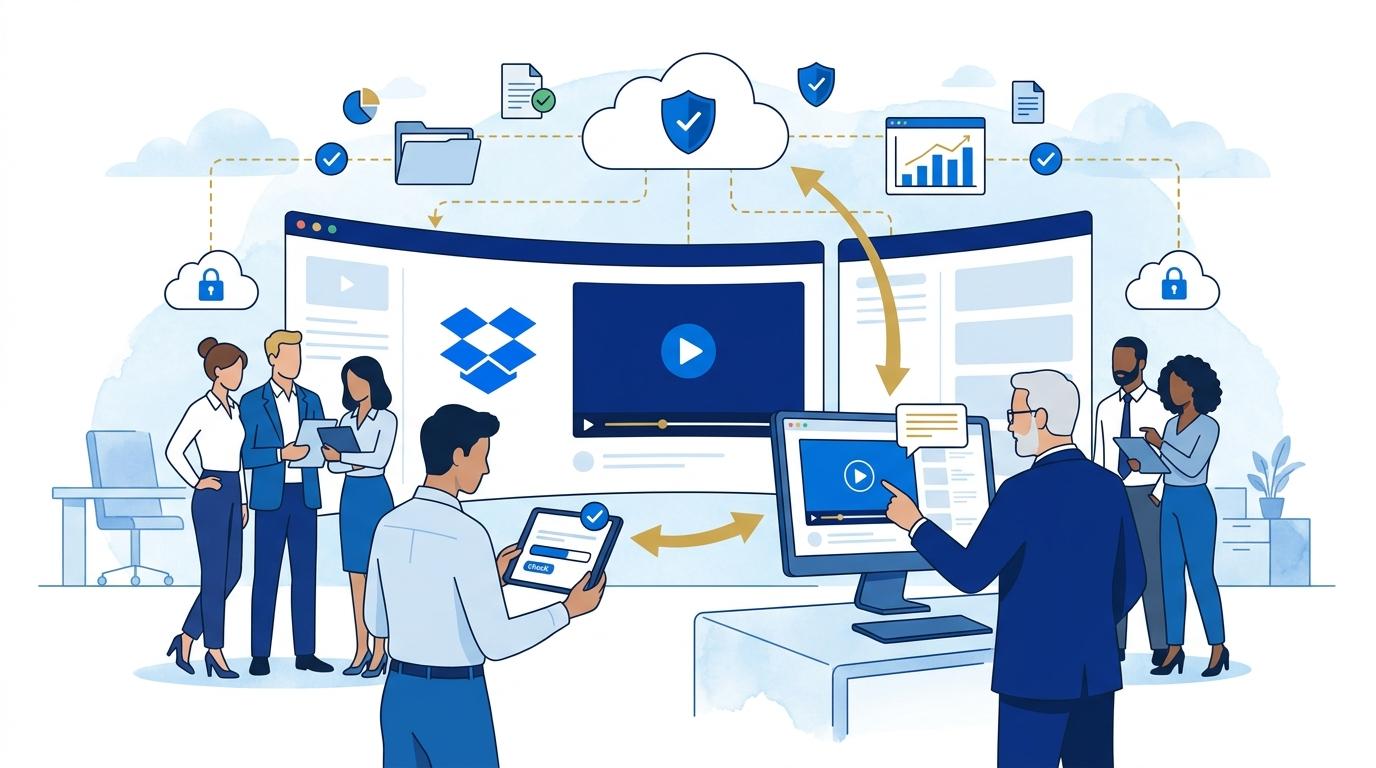
Modern multimedia review platforms let you upload a file (for example, a 3D animation or project presentation video) to an online portal where everyone involved in the project – team members and clients alike – can view the content without downloading it. The key change is interactivity: reviewers can leave comments directly on the video timeline, highlight the exact point needing adjustment, ask follow-up questions, or make suggestions. This all happens in real time or asynchronously, with a complete history of the discussion preserved.
The biggest advantages include:
- Centralized feedback – all comments are collected in one place, easily accessible to the entire team.
- Clear version control – a specific file is being reviewed, and any update sends notifications to all stakeholders.
- Faster response times – clients see changes “live” and can quickly approve or reject suggestions.
- Smoother collaboration – reviewing requires no special tools on the client’s end or any software installation.
With this workflow, there’s no longer room for “wrong version” confusion – everyone sees the same material and can work on it together.
What Does the Review Workflow Look Like in a Modern Engineering Office?
In practice, a modern video or graphic review process starts as soon as a file is prepared for feedback. The project team exports the final visualization, animation, or presentation video and places it in the dedicated cloud folder for the project, for example: Investment_Projects/ProjectX/Visualizations/2026/Stage1.
Instead of emailing the file, they use an online review tool. A team member shares the content with the client and other reviewers via a link that leads straight to the platform for interactive commenting.
In reality, the process involves several steps:
- Prepare the file and place it in the project folder.
- Generate a review link and send it to everyone involved.
- Watch the content online in a browser, with no need to download or install anything.
- Add comments directly on the video timeline or on specific frames for graphics.
- Monitor review progress – participants get notifications about new feedback, and the comment history remains accessible in one place.
- After incorporating feedback, update the file and repeat the process as needed for further iterations.
This approach eliminates most typical problems a new employee faces: you know where to find the latest materials, don’t have to worry about file versions, and feedback is clearly organized and easy to find.
What Challenges Does a New Team Member Face During Their First Review Workflow?
Getting used to the existing audiovisual review process as a new employee is more than just mastering the tools – it’s about understanding the team’s communication culture. Even the first task – adding your own comment to a presentation or updating a file version – brings up questions: where’s the current material, how do I submit feedback, has the client already seen the changes?
The reality in many engineering offices is that misunderstanding the workflow leads to wasted time searching for the right file or duplicating feedback that’s already been given. A new team member may quickly feel lost if one thread contains comments on different versions or if working with the client means juggling attachments and download links for large files.
Centralizing feedback and moving away from email discussions makes it much faster for new employees to join the process. With a full comment history and transparency about who made which suggestion, it’s easier to follow the project’s progression and avoid redundant work. Review platforms also let new team members immediately see which elements need changes and which have already been approved by the client.
How Do Review Tools Integrate Into Everyday Engineering Office Work?
Integrating review tools with the team’s daily work environment is essential for smooth processes. Modern platforms let you connect project folders directly to the review tool, so new materials are sent for review without manually transferring files or creating separate repositories.
Integrated workflows also mean automatic notifications about new comments or changes – for both team members and clients. Everyone involved in the project can track review progress in real time, and a list of open feedback items is always visible right next to the material being viewed.
In practice, integration means that a new employee immediately sees how the whole feedback cycle unfolds – from file upload, through revisions, to final approval. This helps them quickly get up to speed and avoid classic pitfalls like uncertainty over project status.
Security and Auditability – Why Are They So Important When Working with Video?
Engineering office audiovisual content often contains confidential information, investment visuals, or sensitive client data. Sending files via email or open links exposes the company to the risk of leaks or unauthorized access.
Modern review tools provide a range of security features: file access controls, the ability to define who can comment or view content, and detailed activity logs (who changed what, and when). The engineering team thus maintains full control over who sees the project at each review stage.
Auditability also makes it easier to account for completed changes and present a full history of decisions in case of disputes. With access to all past comments and versions, new employees can quickly retrace the project’s development and see what decisions were made along the way.
Summary
A modern video and graphic review workflow in an engineering office isn’t just about convenient tools – it’s about clarity, security, and efficiency. For a new team member, this is a chance to quickly fit into the team and avoid typical issues with file versions, communication chaos, and unclear feedback. Review centralization, workflow integration, and a focus on security allow for better results in less time.