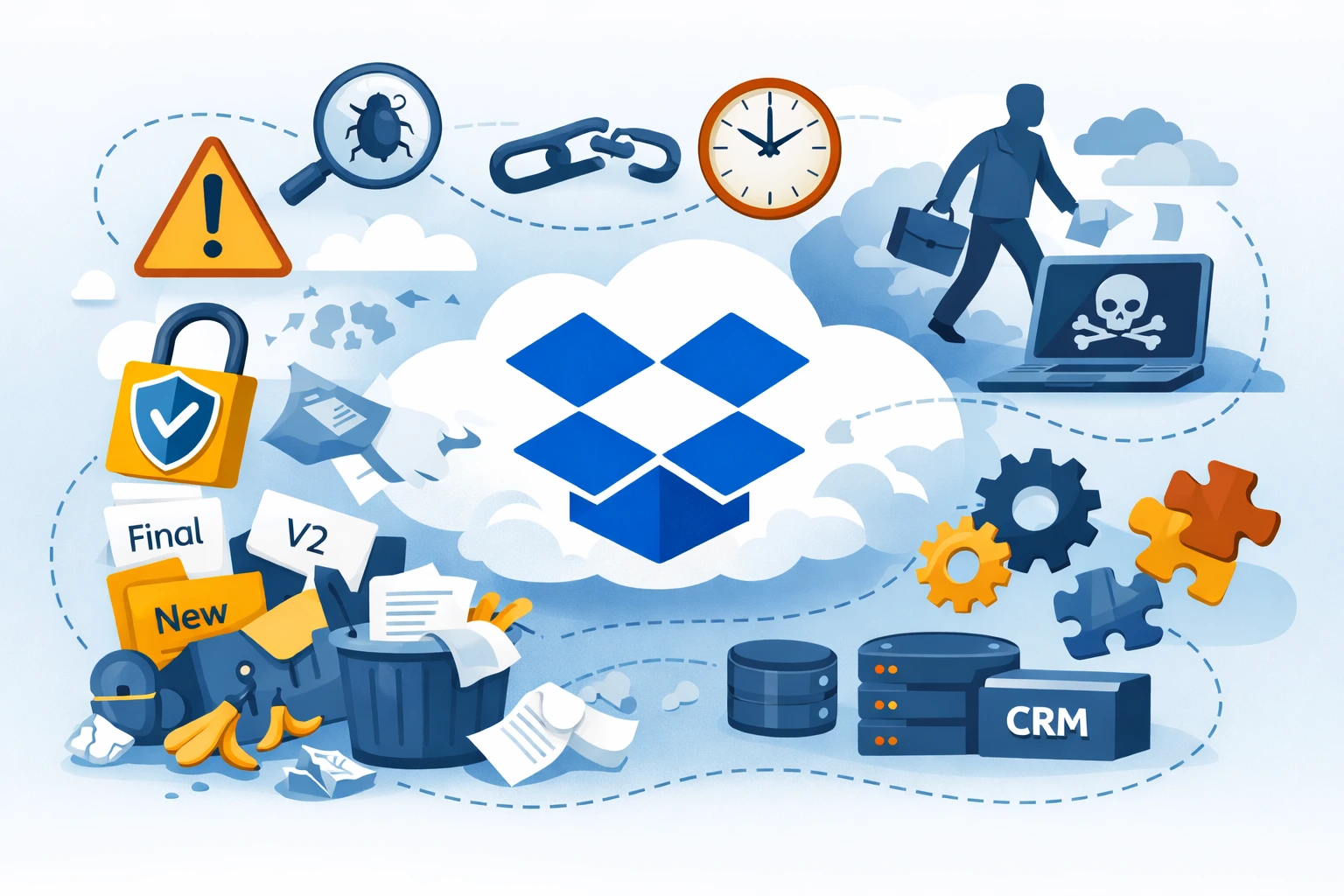
Dropbox is one of the most popular tools for storing and sharing files in companies. It is easy to use, available on almost every platform, and quickly gives a sense of order in documents. The problem is that poorly implemented Dropbox setups quickly become a source of chaos, security risks, and wasted time.
In this article, we discuss the most common mistakes companies make when using Dropbox and show how to avoid them, so the tool truly supports teamwork instead of getting in the way.
Why do companies make mistakes when using Dropbox?
In most cases, Dropbox is introduced “from the bottom up” — someone creates an account, invites colleagues, and the team starts working on shared files. What’s missing is:
- a plan,
- clear rules,
- a defined structure,
- access control,
- integration with other systems.
As a result, Dropbox works… but only until the scale starts to grow.
Mistake 1: No consistent folder structure
Each user creates folders in their own way:
- “New”
- “Final”
- “Final_final”
- “To review”
- “John’s documents”
After a few months, no one knows:
- where the current version of a file is,
- which folder is the official one,
- what can be safely deleted.
How to avoid it
- Design one company-wide folder structure
- Use process-based naming, not people-based naming
- Separate:
- operational documents,
- archives,
- working files
- Describe the rules in a short guide (1–2 pages)
Dropbox works best when the structure is boring but predictable.
Mistake 2: Granting overly broad permissions
Many administrators:
- give everyone access to everything,
- use only “Editor” permissions,
- do not control externally shared links.
This often leads to:
- accidental file deletions,
- data leaks,
- GDPR compliance issues.
How to avoid it
- Apply the principle of least privilege
- Separate:
- read-only access,
- edit access,
- administrative access
- Regularly review:
- active invitations,
- public links
- Use reports available in Dropbox Business
Mistake 3: No rules for file versioning
Teams work on files like:
- “contract_v1”
- “contract_v2_changes”
- “contract_FINAL”
- “contract_FINAL_fixed”
No one is certain which version is the valid one.
How to avoid it
- Define clear versioning rules
- Use:
- Dropbox version history,
- file comments
- Avoid manually adding “final” to file names
- For critical documents:
- limit the number of editors,
- introduce an approval process
Mistake 4: Treating Dropbox as a backup system
Dropbox is not a traditional backup solution, yet many companies:
- delete local file copies,
- do not maintain additional backups,
- rely solely on synchronization.
In cases of:
- user error,
- ransomware attacks,
- mass deletion of files,
the company may lose access to important data.
How to avoid it
- Treat Dropbox as a work tool, not a backup
- Create:
- independent backups,
- snapshots of critical data
- Review version retention policies in your Dropbox plan
Mistake 5: No employee offboarding process
An employee leaves the company, but:
- still has access to Dropbox,
- has files synchronized on a private device,
- keeps shared folder links.
How to avoid it
- Introduce a formal offboarding procedure
- Immediately:
- deactivate the account,
- transfer file ownership
- Use features such as:
- remote device wipe,
- session management
Mistake 6: No integration with other systems
Dropbox operates as a separate island:
- CRM is somewhere else,
- ticketing system elsewhere,
- ERP in yet another place.
The result is manual file copying and errors.
How to avoid it
- Use:
- native integrations,
- the Dropbox API,
- automation tools
- Connect Dropbox with:
- CRM systems,
- customer support platforms,
- document workflows
Automation is one of Dropbox’s biggest and most underused strengths.
Mistake 7: No monitoring or auditing
The company does not know:
- who deletes files,
- who shares data externally,
- which folders are actually being used.
How to avoid it
- Regularly analyze:
- activity logs,
- sharing reports
- Remove:
- unused folders,
- inactive users
- In larger organizations:
- assign data owners for specific areas
Mistake 8: No clear rules for the team
Dropbox exists, but:
- no one knows how to use it properly,
- everyone interprets the rules differently,
- new employees learn by trial and error.
How to avoid it
- Prepare clear company rules for working with Dropbox
- Describe:
- folder structure,
- sharing rules,
- versioning principles
- Include this material in the onboarding process
Summary
Dropbox alone does not solve file organization problems. Without rules, structure, and user awareness, it quickly becomes a source of issues.
A well-implemented Dropbox:
- improves collaboration,
- increases data security,
- saves team time,
- scales with the company.
A poorly implemented one does the exact opposite.
If Dropbox is an important part of your IT infrastructure, it’s worth treating it not as a storage space, but as part of your business processes.